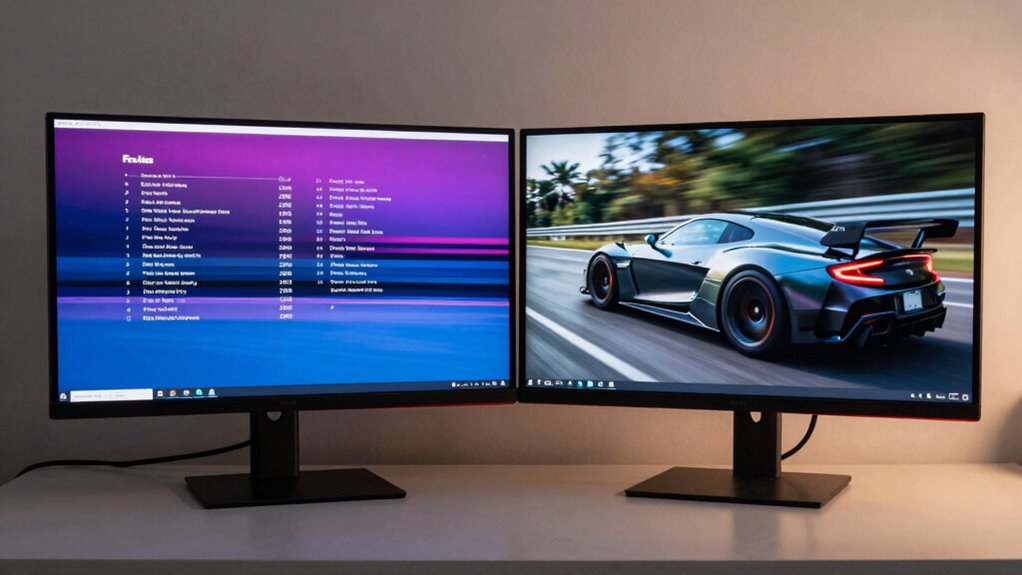

When choosing a monitor, understand that refresh rate affects how smoothly motion appears, making fast-paced activities like gaming look more fluid. Resolution determines how sharp and detailed images are, which is vital for tasks like editing or browsing. If you’re gaming, prioritize a higher refresh rate; for creative work, focus on resolution. Balancing both can give you the best overall experience—keep exploring to find out how to choose what’s right for you.
Key Takeaways
- Refresh rate measures how many times per second the screen updates; higher rates improve motion smoothness.
- Resolution determines pixel count and visual sharpness; higher resolution offers clearer, more detailed images.
- For fast-paced activities like gaming, prioritize high refresh rates; for editing and clarity, focus on resolution.
- Balancing both is essential; a high refresh rate with low resolution may lack detail, while high resolution with low refresh rate can cause motion blur.
- Consider your primary use, hardware support, and budget to select the optimal combination of refresh rate and resolution.
What Are Refresh Rate and Resolution? The Basics Explained
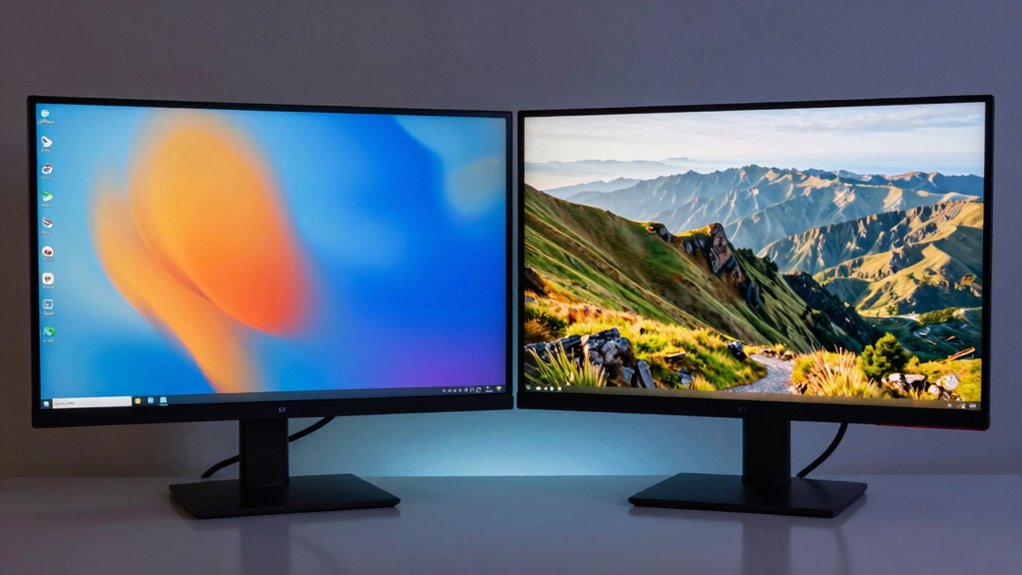
Understanding refresh rate and resolution is essential to selecting a good monitor, as these two features directly impact your viewing experience. Refresh rate refers to how many times per second your screen updates, affecting motion smoothness, especially in fast-paced activities. Resolution determines the number of pixels on the screen, influencing sharpness and detail. When choosing a monitor, consider color accuracy, which ensures images appear true to life, and ergonomic design, which helps prevent strain during long use. Higher resolution displays provide crisp visuals, while a higher refresh rate delivers smoother motion. Both features contribute to a better overall experience, whether you’re gaming, working, or watching content. Prioritize these factors to find a monitor that suits your needs and enhances your viewing comfort. Additionally, understanding digital concepts can help you make more informed decisions about your display technology.
How Does Refresh Rate Impact Gaming, Watching, and Working?
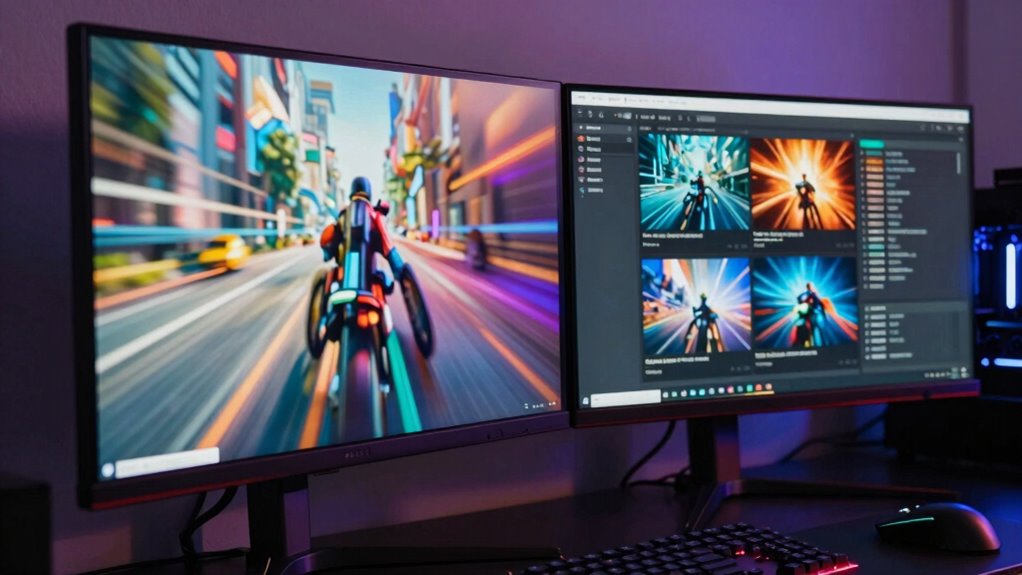
The refresh rate of your monitor directly affects how smoothly motion appears during gaming, watching videos, or even working with fast-moving content. A higher refresh rate reduces motion blur and screen tearing, giving you a more fluid experience. Many people believe that a higher refresh rate automatically improves all types of viewing, but this is a refresh rate myth; your hardware and content quality matter too. Similarly, resolution myths suggest that higher resolution always equals better clarity, but a fast refresh rate can be just as vital for smooth gameplay and seamless video playback. If you’re into gaming or fast-paced work, prioritize a higher refresh rate to enhance performance. Understanding these myths helps you choose a monitor that truly fits your needs. Additionally, refresh rate technology continues to evolve, offering even more options to optimize your visual experience.
Why Resolution Matters for Clarity and Detail
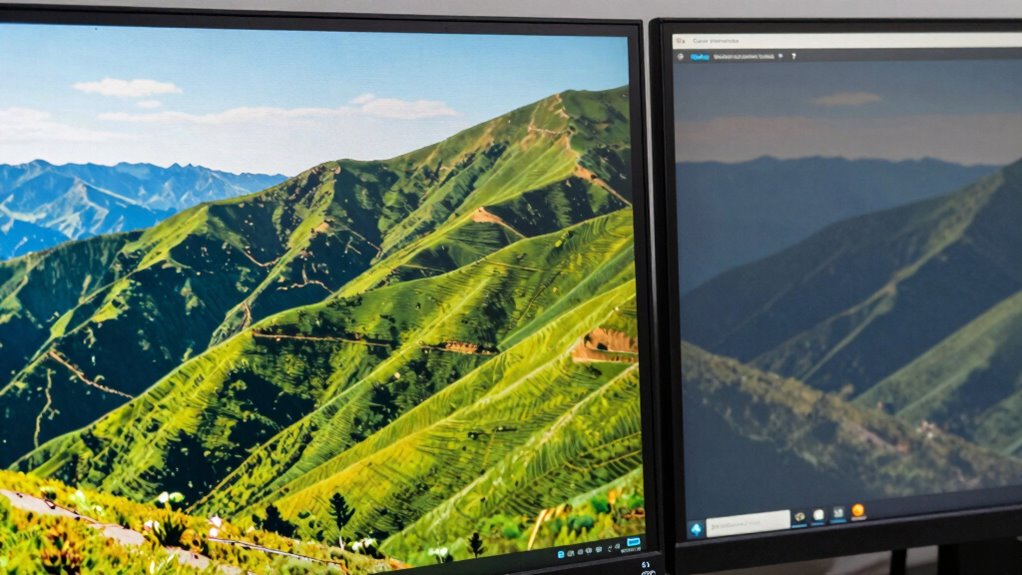
Higher resolution enhances the sharpness and clarity of images on your screen. With increased pixel density, details become more defined, making everything look crisper. This means you’ll see finer details and smoother visuals, whether you’re working or gaming.
Pixel Density Importance
Pixel density plays a crucial role in how sharp and detailed your monitor appears. Higher pixel density means more pixels are packed into each inch of the display, directly improving display clarity. When pixels are densely packed, images and text look smoother and more precise, reducing pixelation and jagged edges. This is especially important when viewing fine details or working on tasks that require accuracy, like photo editing or design. A higher pixel density creates a more immersive experience, making everything on the screen appear crisper. Keep in mind that pixel density depends on both resolution and screen size; a smaller screen with the same resolution will have a higher pixel density. Additionally, sustainable fabric treatment options like eco-friendly cleaning methods can reduce textile pollution and promote more sustainable textile care practices. Understanding display specifications, including pixel density, helps you choose monitors that best suit your needs. Moreover, display technology advancements continue to enhance pixel density and overall visual quality, providing a better viewing experience. Ultimately, pixel density influences how clear and sharp your monitor feels during everyday use, especially as monitor manufacturing techniques improve.
Higher Resolution Benefits
When considering display quality, resolution directly impacts how sharp and detailed images and text appear. Higher resolution enhances clarity, making visuals more lifelike and easier to interpret. It also improves color accuracy, allowing you to see subtle hues and gradients with precision. A better resolution contributes to an ergonomic design by reducing eye strain during prolonged use. Additionally, higher resolutions support:
- More workspace for multitasking
- Improved detail in photo and video editing
- Enhanced text readability without scaling
- Smoother rendering of complex graphics
- Overall professional-grade visual experience
Choosing a monitor with a higher resolution ensures you get crisper images and more accurate colors, which are vital for precision tasks. This not only elevates your visual experience but also supports healthier viewing habits through better ergonomic design. Moreover, higher resolutions can help reduce eye fatigue by providing clearer images, especially during extended viewing sessions which is crucial for maintaining eye health and can lead to better visual comfort during long periods of use.
Visual Sharpness Clarity
Because resolution determines how finely details are rendered, it directly influences the sharpness and clarity of your display. Higher resolution means more pixels, making images appear crisper and more detailed. This enhances color accuracy, allowing shades to blend smoothly and look more vibrant. Additionally, a better contrast ratio amplifies the difference between dark and light areas, sharpening edges and making visuals pop. When resolution is low, images can look blurry or pixelated, reducing overall clarity. To enjoy sharp, vivid visuals with accurate colors, choose a monitor with a high resolution and a strong contrast ratio. This combo ensures you see fine details clearly, whether you’re gaming, editing photos, or watching videos. Ultimately, resolution plays a key role in delivering a crisp, detailed viewing experience. Visual clarity is also influenced by factors like panel type and backlighting, which work together to enhance overall image quality.
Which Monitor Features Are Best for Gaming, Productivity, or Entertainment?
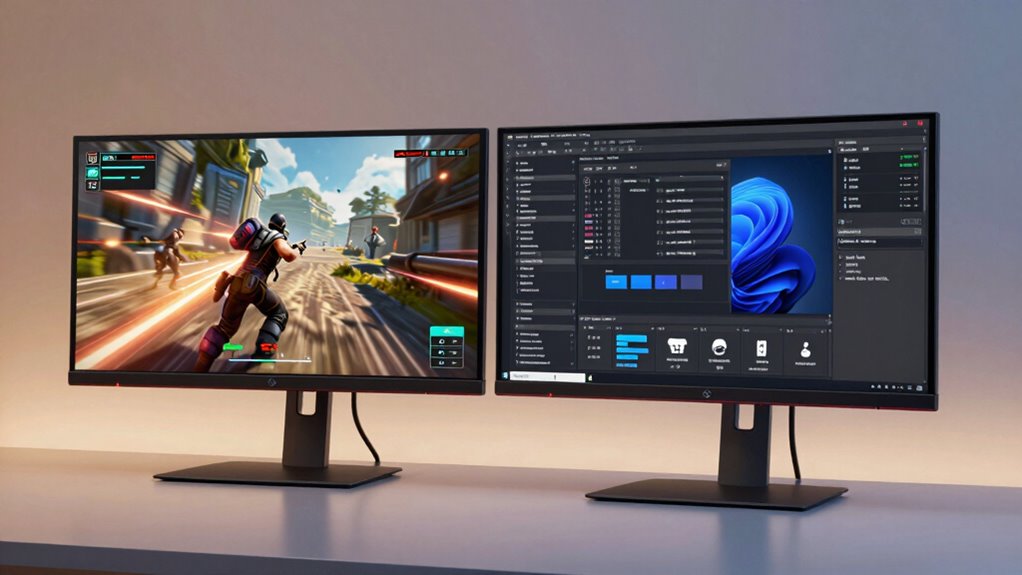
If you’re into gaming, look for monitors with fast refresh rates to keep motion smooth and responsive. For productivity, high-resolution displays help you see more detail and work efficiently. Entertainment setups benefit from a balance of these features, depending on whether you prioritize visuals or responsiveness.
Gaming: Fast Refresh Rates
Are you looking for a monitor that keeps up with fast-paced gameplay? If so, prioritize a high refresh rate gaming monitor. A fast refresh rate makes movements smoother, reducing motion blur and input lag. This enhances the overall gaming experience, making fast actions more fluid and responsive. When choosing, consider these factors:
- Minimum refresh rate of 144Hz or higher for competitive gaming
- Adaptive sync technology like G-SYNC or FreeSync
- Monitor resolution that balances clarity with performance
- Response time under 5ms for quick reactions
- Screen size optimized for your gaming setup
- Ensuring compatibility with your body’s needs for extended gaming sessions can improve comfort and focus.
A high refresh rate monitor enhances your gaming experience by providing fluid visuals, giving you a competitive edge. Remember, refresh rate gaming is essential for fast action, while monitor resolution complements the overall clarity.
Productivity: High Resolution Displays
Looking to boost your productivity or enjoy sharper visuals? High-resolution displays are perfect for detailed work and clear images. They enhance color accuracy, making it easier to distinguish fine details in design, editing, or data analysis. A monitor with an ergonomic design reduces strain during long hours of use, helping you stay comfortable and focused. When choosing a high-resolution display, consider the size and pixel density to ensure crisp visuals without sacrificing workspace. These monitors provide ample room for multitasking, with sharper text and images that reduce eye fatigue. Whether you’re working on creative projects, spreadsheets, or coding, a high-resolution monitor improves efficiency and reduces errors. Overall, investing in this type of display supports both your productivity goals and visual comfort. Incorporating Stoic principles into your routine can also help maintain focus and mental clarity amid technological distractions.
How to Choose the Right Refresh Rate for Your Needs
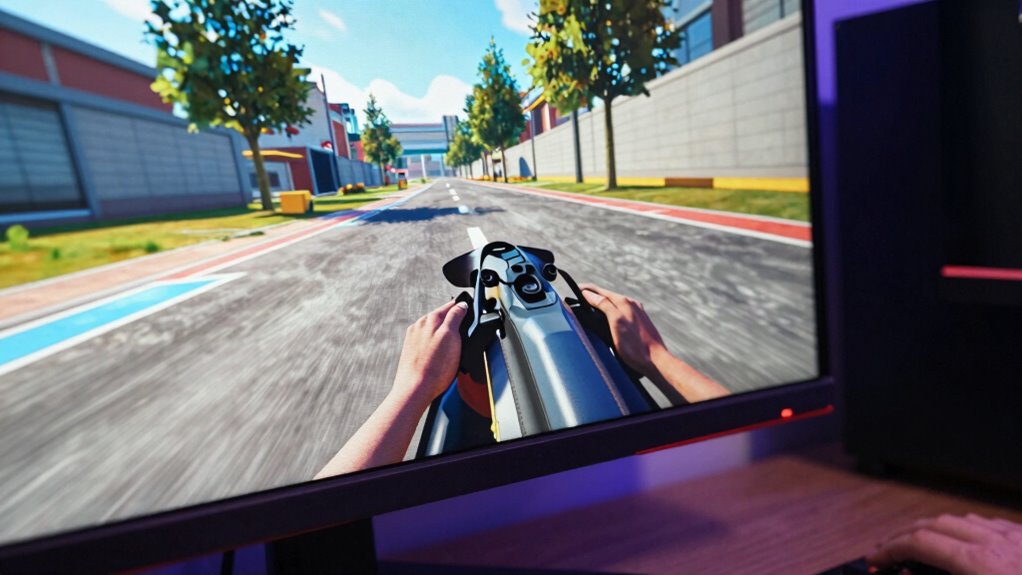
Choosing the right refresh rate depends on how you use your monitor. If you’re into fast-paced gaming, higher refresh rates like 120Hz or 144Hz deliver smoother visuals and reduce motion blur, giving you a competitive edge. For casual use or productivity tasks, 60Hz or 75Hz are usually sufficient. Be aware of refresh rate myths—many believe higher rates always mean better quality, but that’s not true for everyday work. Similarly, resolution myths suggest higher resolution alone guarantees clarity, but refresh rate impacts fluidity more in dynamic scenarios. To make an informed choice:
Choosing the right refresh rate balances performance needs with your monitor usage.
- Consider your primary activity (gaming, work, or multimedia)
- Match the refresh rate to your graphics card capabilities
- Avoid over-investing in high rates if your tasks don’t require it
- Balance refresh rate with monitor size and resolution
- Be cautious of refresh rate myths that oversell benefits
- Additionally, understanding the role of monitor refresh rate in overall display performance can help you select the optimal setup for your needs. For example, vetted options like a 120Hz or 144Hz refresh rate can significantly enhance your gaming experience, especially with fast-moving visuals.
Picking the Best Resolution Based on Your Tasks and Budget
While refresh rate impacts how smoothly visuals appear during fast actions, resolution determines the sharpness and detail of your display. When selecting the right resolution, consider your tasks and budget. For photo editing or graphic design, prioritize high resolutions like 4K for better color accuracy and finer detail. If you mainly browse the web or use office apps, a 1080p monitor may suffice and be more budget-friendly. Also, look for an ergonomic design that reduces eye strain during long sessions. Higher resolutions require more powerful hardware, so ensure your system can handle the display without lag. Additionally, understanding the display technology can help ensure you select a monitor that provides the best overall viewing experience for your specific needs. Selecting the appropriate monitor specifications can greatly enhance your productivity and viewing comfort. Incorporating indonesian decor masks into your space can also inspire a sense of artistry and cultural appreciation, enhancing your environment. Being aware of refresh rate and how it affects motion clarity can help you choose a monitor optimized for gaming or fast-paced media. Furthermore, choosing a color accuracy that aligns with your professional requirements ensures your work appears as intended. Balancing your needs with your budget helps you choose a resolution that offers good visual clarity and comfort, without overspending on features you won’t fully utilize.
Should You Prioritize Refresh Rate or Resolution? Finding the Balance
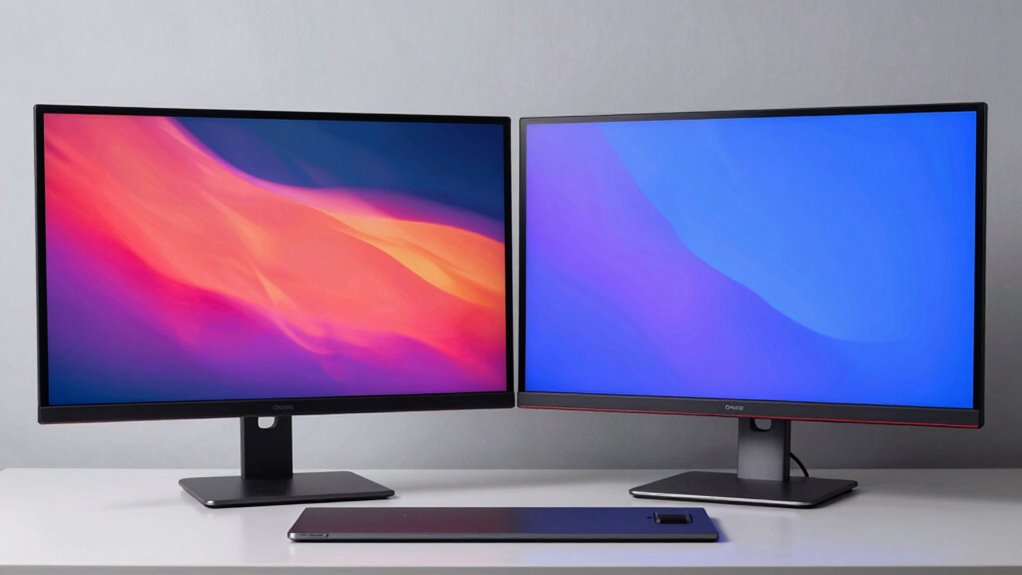
Deciding whether to prioritize refresh rate or resolution depends on how you use your monitor and what matters most to you. If gaming is your focus, a high refresh rate can deliver smoother gameplay, but resolution misconceptions may lead you to undervalue refresh rate’s importance. Conversely, for tasks like photo editing or watching videos, resolution clarity might take precedence. Be aware of refresh rate myths that suggest higher rates always mean better performance; this isn’t true for every user. Consider your priorities with these points:
Choosing between refresh rate and resolution depends on your main monitor use and priorities.
- Gaming responsiveness versus visual detail
- Content creation needs
- Eye comfort during extended use
- Budget constraints
- Future-proofing your setup
- Nail styles can serve as a metaphor for balancing visual appeal and practicality in your monitor choices, emphasizing the importance of selecting features that align with your personal needs.
Striking the right balance ensures you enjoy both smoothness and clarity without falling for misconceptions or myths.
Common Mistakes to Avoid When Buying a Monitor Based on Specs
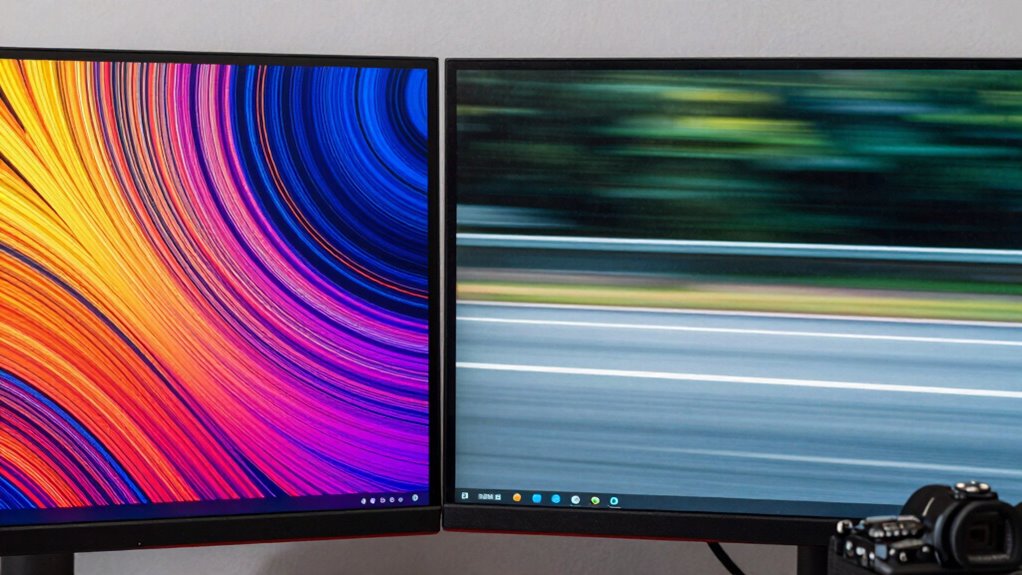
When buying a monitor, you might overlook compatibility requirements like ports and mounting options, which can cause problems later. It’s also easy to focus solely on specs like resolution or refresh rate without considering what you actually need for your tasks. Avoid these mistakes to guarantee your new monitor fits perfectly and meets your real usage needs. Additionally, understanding monitor performance factors such as refresh rate and resolution can help you select the best display for your specific automotive and performance-related tasks.
Ignoring Compatibility Requirements
Ignoring compatibility requirements can lead to purchasing a monitor that doesn’t work with your existing setup, causing frustration and additional costs. Compatibility pitfalls often stem from overlooking your hardware’s limitations, especially if you have outdated hardware. Before buying, ensure your graphics card supports the monitor’s resolution and refresh rate. Check if your ports match the monitor’s input options—HDMI, DisplayPort, or USB-C. Be aware of power requirements and space constraints. Failing to verify these factors can result in an incompatible purchase, forcing you to return or upgrade hardware prematurely. To avoid these issues, consider:
- Matching resolution and refresh rate with your GPU capabilities
- Confirming port compatibility
- Ensuring adequate power supply
- Checking physical dimensions
- Verifying support for your operating system and drivers
Overlooking Actual Usage Needs
Many buyers focus solely on the monitor’s specs, such as resolution or refresh rate, without considering how they actually plan to use it. Ignoring your needs can lead to dissatisfaction and overlooked ergonomic benefits or aesthetic appeal. For example, gamers need high refresh rates, while designers prioritize color accuracy. Office workers benefit from adjustable stands for better ergonomics, and casual users may prefer sleek designs. To avoid this mistake, evaluate your primary activities before choosing a monitor. Here’s a quick guide:
| Usage Type | Key Features | Considerations |
|---|---|---|
| Gaming | High refresh rate, low latency | Ergonomic comfort for long sessions |
| Creative Work | Color accuracy, resolution | Aesthetic appeal and ergonomics |
| Office Use | Adjustable stand, eye care | Space-saving design |
Tips for Matching Your Monitor to Your Computer and Usage
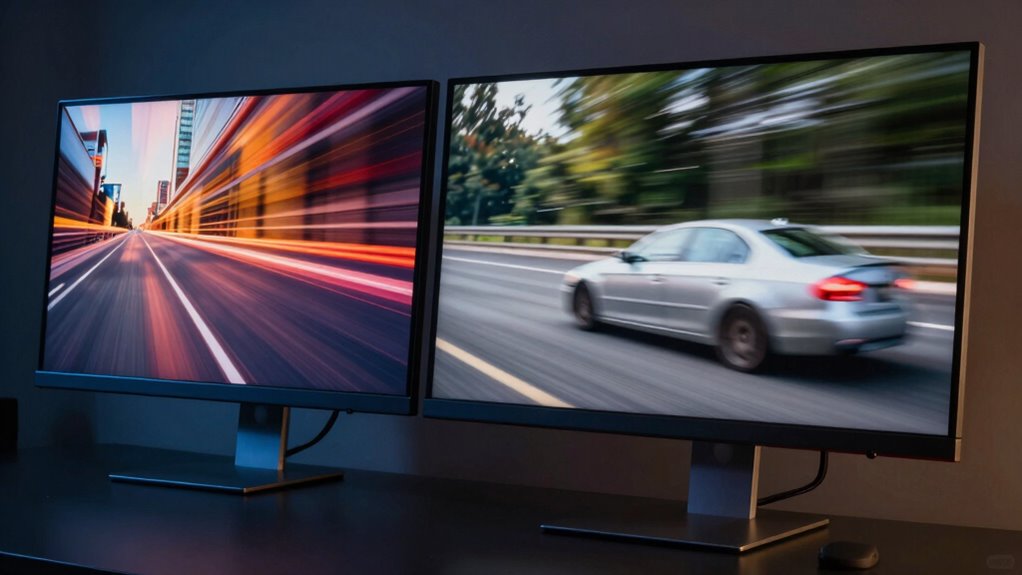
Choosing the right monitor begins with understanding how you plan to use it. Your tasks dictate key features, like color calibration for photo editing or ergonomic design for long work sessions. To match your setup effectively, consider these tips:
- Confirm compatibility with your computer’s graphics card
- Prioritize color calibration capabilities for creative work
- Select an ergonomic design to reduce strain during extended use
- Match resolution and size to your workspace and needs
- Check for connectivity options that suit your peripherals
Beyond Refresh Rate and Resolution: Other Features to Consider
While refresh rate and resolution are essential, several other features can markedly enhance your monitor experience. Color accuracy ensures your visuals are vibrant and true to life, which is especially important for photo editing, design, or watching movies. Look for monitors with wide color gamuts and factory calibration for better precision. Ergonomic design also plays a critical role; adjustable stands, tilt, height, and swivel options help you maintain comfort during long sessions, reducing strain. Additionally, features like flicker-free technology and blue light filters protect your eyes over extended use. Connectivity options such as multiple ports and USB hubs can streamline your workspace. By considering these features, you can find a monitor that not only looks great but also supports your health and productivity needs.
Frequently Asked Questions
How Does Monitor Size Affect Refresh Rate and Resolution Choices?
When choosing a monitor size, larger screens often demand higher resolution for sharp images and better color accuracy, especially for detailed work. Smaller monitors may prioritize higher refresh rates for smoother gameplay or video editing. Keep in mind, size impacts ergonomics—larger screens can cause neck strain if not positioned correctly. Balance size with resolution and refresh rate to optimize monitor ergonomics and guarantee vibrant visuals suited to your tasks.
Can a Higher Resolution Compensate for a Lower Refresh Rate?
A higher resolution can’t fully compensate for a lower refresh rate because resolution trade-offs impact gaming performance. While cranking up resolution makes images sharper, it demands more from your GPU, which can cause lag or stuttering if your refresh rate isn’t high enough. For smooth gameplay, prioritize a higher refresh rate for responsiveness, especially in fast-paced games. Resolution boosts visual clarity but won’t improve the fluidity of your gaming experience.
What Is Response Time, and Why Does It Matter?
Response time is how quickly a monitor can update its pixels, usually measured in milliseconds, and it directly affects input lag, which is how delayed your actions appear on screen. A lower response time means less motion blur and smoother gameplay, especially in fast-paced games. You should prioritize monitors with quick response times to improve your overall experience, reducing input lag and making your visuals clearer during rapid movements.
How Do Different Panel Types Influence Image Quality?
Imagine stepping into a world where every color feels alive—that’s how panel type influences your image quality. IPS panels offer superior color accuracy and wider viewing angles, making images vibrant and true to life. VA panels provide deeper contrast, enhancing dark scenes for more immersive visuals. TN panels, while faster, often sacrifice color and contrast. Your choice impacts how vivid, sharp, and emotionally resonant your screen experience will be.
Is HDR Important When Selecting a Monitor for Gaming or Work?
HDR importance varies based on your use. For gaming, HDR enhances visuals with richer colors and better contrast, making gameplay more immersive. For work, HDR is less critical unless you’re editing photos or videos that require accurate color representation. You should prioritize HDR if you want vibrant visuals in games or creative projects. Otherwise, focus on other specs like refresh rate and resolution for a better overall experience.
Conclusion
Choosing the right monitor is like tuning a fine instrument—balance your refresh rate and resolution to create a symphony that suits your needs. Don’t get lost in the specs maze; focus on what makes your screen come alive. With the right combination, your monitor becomes a window to endless worlds, sharp details, and smooth experiences. Trust your instincts, and you’ll find the perfect harmony between clarity and fluidity.