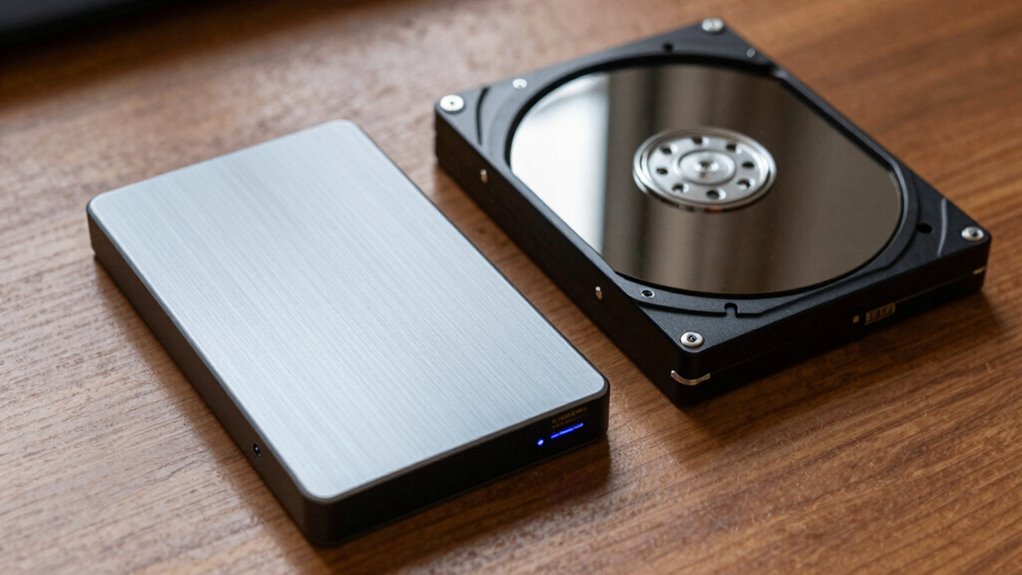

Paying more for an external SSD really matters when you need fast data transfer, quick access to large files, or durability against shocks and environmental factors. SSDs are ideal for editing, frequent backups, or working with high-performance applications, while HDDs are better for large storage at a lower cost. If your priority is speed, portability, and long-term reliability, investing in a quality SSD pays off—discover more to find what suits your needs best.

Get business pricing on monitors, keyboards and dev gear
- Business-only prices and quantity discounts
- Tax-exempt purchasing
- Multiple users, one account, clear invoices
Key Takeaways
- External SSDs offer faster data transfer speeds, making them ideal for editing large files and time-sensitive tasks.
- Higher durability and shock resistance in SSDs justify the premium cost for portable, rugged use.
- SSDs provide quicker access for frequent backups and data transfers, improving productivity and efficiency.
- HDDs are cost-effective for large storage needs, suitable when speed is less critical.
- Investing in SSDs makes sense when long-term performance, durability, and quick access outweigh initial higher costs.
External SSD vs HDD: Which Storage Is Right for You?
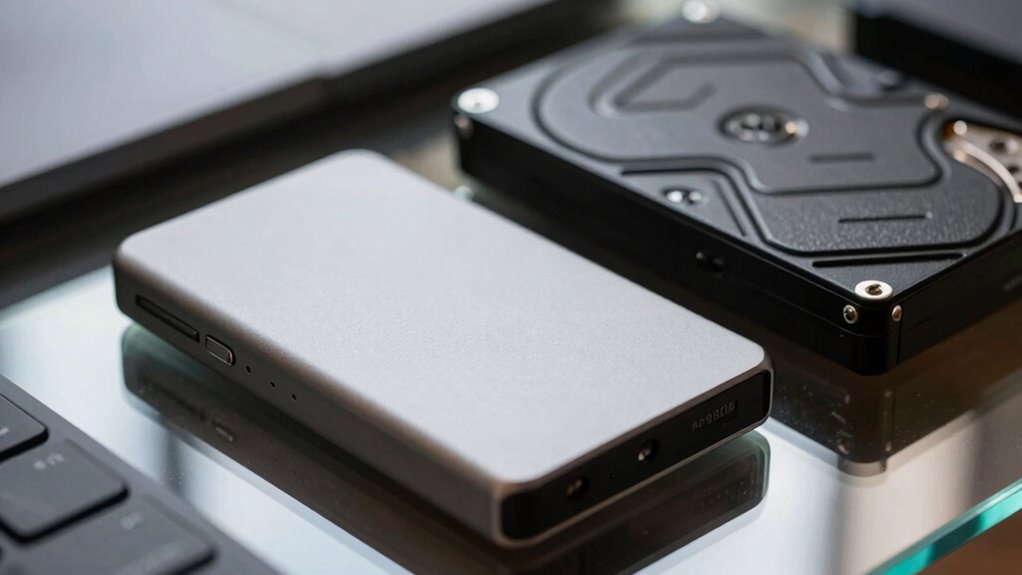
Choosing between an external SSD and HDD depends on your specific needs and priorities. If you prioritize faster access and transfer speeds, an external SSD is the better choice. SSDs also support more secure cloud backups because they handle data encryption more efficiently, ensuring your files stay protected during transfer. On the other hand, HDDs tend to be more affordable for larger storage capacities, making them suitable if you need extensive space without breaking the bank. Consider how often you’ll need to access your data and whether speed or cost matters most. If security and quick backups are essential, an external SSD will serve you better, especially when combined with features like data encryption to safeguard sensitive information. Additionally, storage reliability plays a crucial role in choosing the right device, as SSDs generally have fewer moving parts and are less prone to physical damage. Furthermore, understanding data durability can help you make a more informed decision based on how well each device withstands everyday use and potential accidents. In addition, evaluating wear and tear is important, as SSDs and HDDs have different susceptibilities to long-term use and degradation over time. Moreover, considering the power consumption of each device can influence your choice, especially for portable setups or energy-conscious users. It’s also helpful to review maintenance needs, since HDDs may require occasional defragmentation, whereas SSDs typically need minimal upkeep.
What Are the Main Differences Between External SSDs and HDDs?
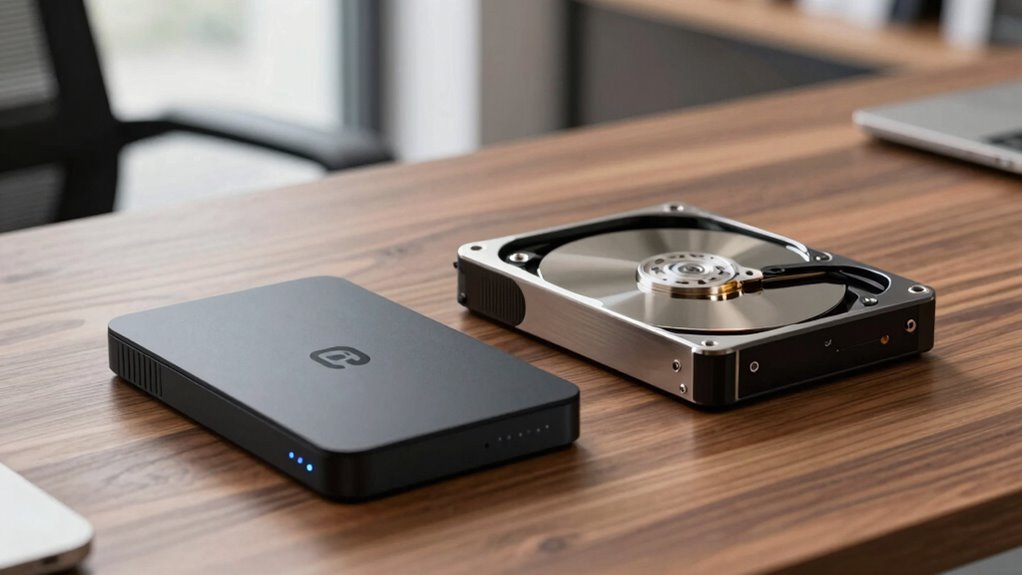
External SSDs and HDDs primarily differ in speed, durability, and technology. SSDs use flash memory, offering faster data transfer and quicker access times, while HDDs rely on spinning disks, which are slower. SSDs are more durable, as they have no moving parts, making them resistant to shocks. HDDs consume more power due to their mechanical components. The table below highlights these differences:
| Feature | External SSD | External HDD |
|---|---|---|
| Data Transfer Speed | Faster, ideal for quick access | Slower, suitable for large files |
| Durability | More resistant to shocks | Less resistant, prone to damage |
| Power Consumption | Lower, energy-efficient | Higher due to mechanical parts |
Understanding these differences helps you choose based on speed, durability, and power needs. Additionally, considering connectivity options like USB 3.2 or Thunderbolt can further influence your choice of storage device. For example, modern interfaces can significantly enhance transfer speeds and overall performance. Moreover, advancements in storage technology continue to improve the efficiency and reliability of external drives.
How Do Speed and Performance Impact Your Storage Choice?
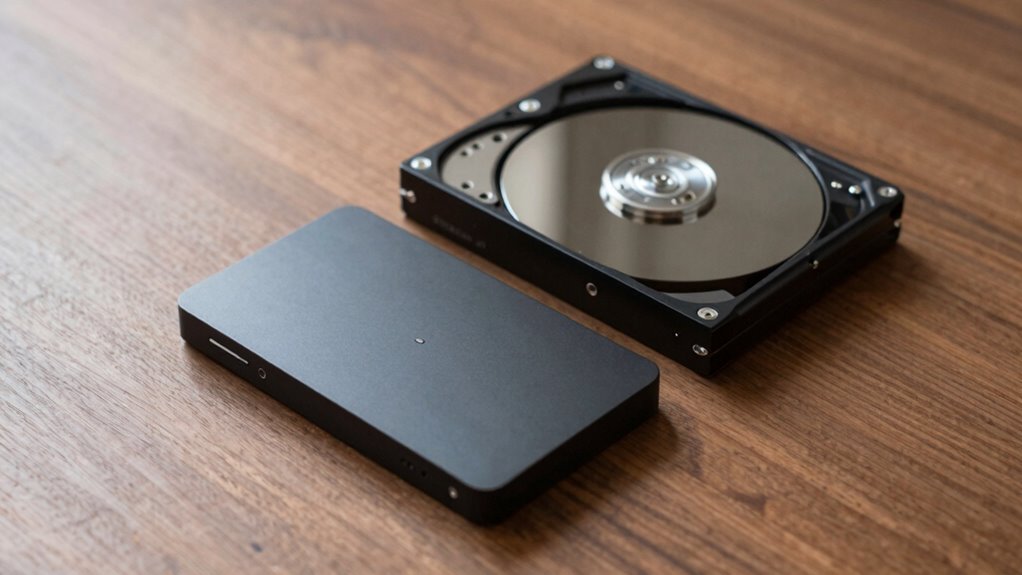
Speed and performance play a crucial role in determining which storage device best suits your needs. Faster data transfer rates mean quicker file access, reducing wait times for tasks like editing videos or running applications. An SSD’s superior speed enhances productivity, especially when transferring large files or backing up data. Performance also influences reliability; consistent speeds minimize data corruption risks. Additionally, consider data encryption features, which protect sensitive information during transfers, especially with high-performance drives. Implementing advanced security features can safeguard your information from unauthorized access during data transfers. To ensure long-term satisfaction, check manufacturer reliability and customer reviews for insights into device durability. Regularly testing your drives helps ensure they maintain optimal performance over time. Moreover, choosing a device with robust warranty coverage** can provide added peace of mind in case of hardware issues. Ultimately, if speed and security are priorities, investing in a high-performance external SSD** might be worthwhile, even if it costs more upfront. Your choice should align with your needs for efficiency, security, and long-term reliability.
When Should You Pay More for Durability and Portability?
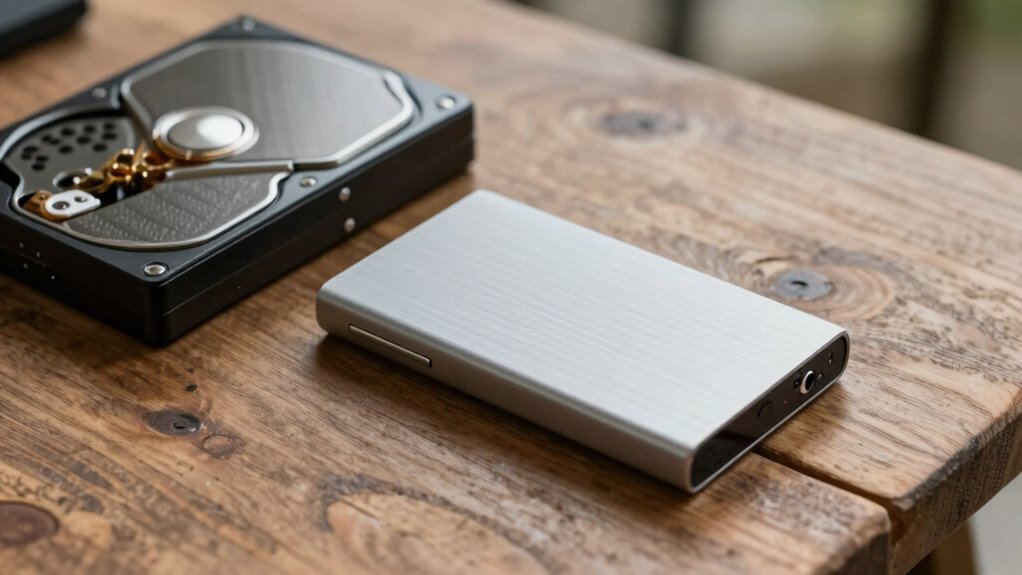
You should consider paying more for durability and portability when your storage device will face frequent handling, rough conditions, or travel. Investing in a rugged, portable drive ensures it withstands drops, bumps, and environmental factors, saving you replacement costs in the long run. While SSDs often offer better durability than HDDs, a high-quality external SSD can be more cost-efficient over time by reducing damage-related expenses. Additionally, durability enhances aesthetic appeal, providing a sleek, sturdy design that looks professional and feels reliable. If you rely on your device daily or move it often, paying a premium for durability and portability makes sense. It also helps protect your data against environmental hazards, maintaining data integrity in various conditions. Incorporating support networks for new dads can also help maintain your device’s physical integrity in various environments.
Best Use Cases for External SSDs vs HDDs?
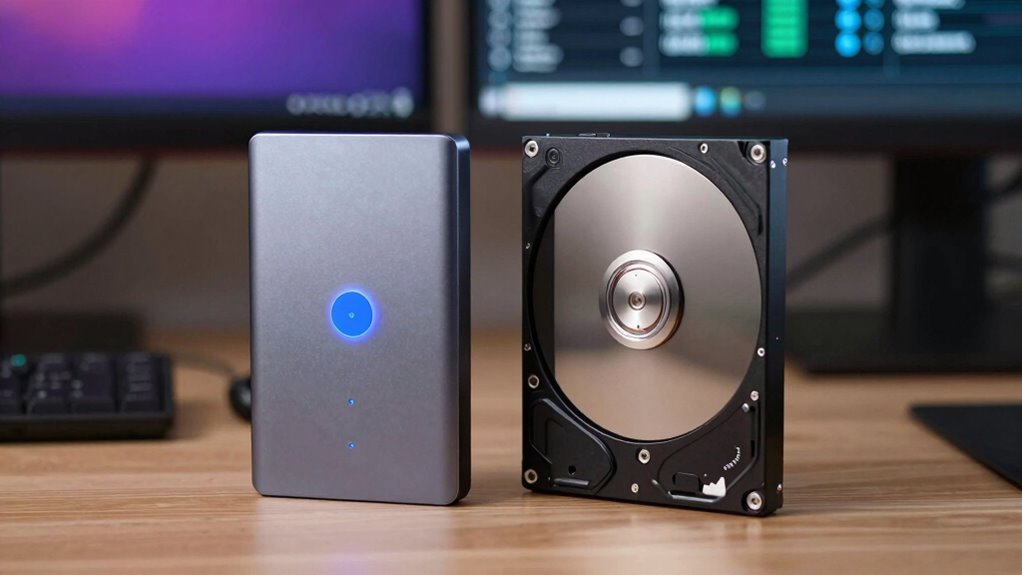
If you need fast transfer speeds and smooth performance, external SSDs are your best choice. For larger storage capacity needs, HDDs often offer more space at a lower cost. Consider what matters most—speed or capacity—when choosing between these options. Additionally, if you value regional flavors and unique taste profiles, an external SSD can help you quickly access your favorite digital content without delays. When selecting storage devices, understanding storage capacity and performance metrics can help you make more informed decisions. Recognizing the performance differences between SSDs and HDDs is essential for optimizing your digital workflow, especially when managing large files or running resource-intensive applications. Being aware of data transfer rates can further assist in choosing the right device for your specific needs.
Speed and Performance
While external SSDs generally offer faster data transfer rates than HDDs, their performance varies markedly depending on the use case. For tasks like editing large video files or running apps directly from your drive, an SSD’s speed guarantees smooth, efficient operation. Imagine:
- Rapidly transferring massive files with minimal lag
- Seamless playback during high-resolution editing
- Quick backups that save time and effort
In contrast, HDDs excel in providing ample storage at a lower cost, but their slower speeds can hinder productivity. SSDs also provide better data security, protecting your files from physical shock, and are more energy-efficient, reducing power consumption during intensive tasks. Additionally, choosing the right storage device can help support storage options by ensuring reliable and swift access to important data. Choose based on whether speed and performance or capacity and budget matter most for your specific needs.
Storage Capacity Needs
When considering storage capacity needs, it’s important to match your drive choice to the types of files and projects you handle most frequently. External HDDs offer large capacities at a lower price, making them ideal for storing extensive media libraries or backups. External SSDs, while more expensive, are better suited for projects requiring quick access and frequent transfers. If you prioritize cloud backup or data encryption, consider your capacity needs carefully; HDDs can hold massive amounts of data, but SSDs provide faster performance for encryption processes.
| Use Case | Recommended Drive |
|---|---|
| Large media libraries | HDD |
| Frequent file access | SSD |
| Cloud backup storage | HDD |
| High-speed data encryption | SSD |
Does Price Decide Which External Drive You Should Get?
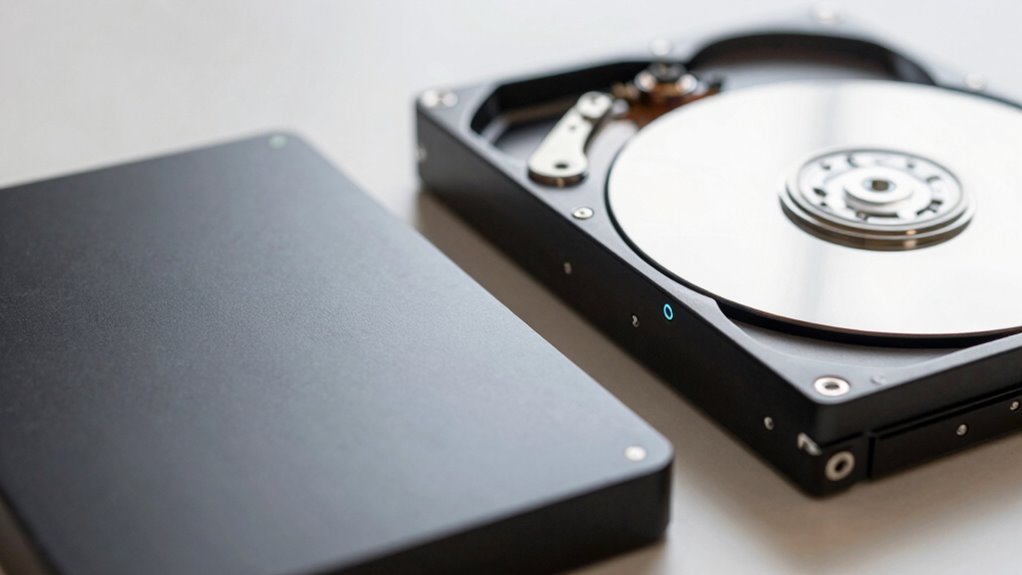
Does price truly determine which external drive is right for you? Not necessarily. While budget influences your choice, factors like price sensitivity and brand loyalty play significant roles. Opting for the cheapest option might save money upfront, but it could lead to issues later. Consider the following:
Price isn’t the only factor; trust and long-term value matter more.
- You might compromise on speed and durability with lower-priced models.
- Trusted brands often offer better warranties and reliability, justifying higher costs.
- Your loyalty to a brand could mean better customer support and consistent quality.
Ultimately, the decision hinges on your needs and values. If you prioritize performance and longevity, paying more for an SSD from a reputable brand makes sense. However, if your use is casual, a budget HDD might suffice. Price isn’t the only factor—value and trust matter too.
Choosing the Right Storage Capacity and Planning for Growth?
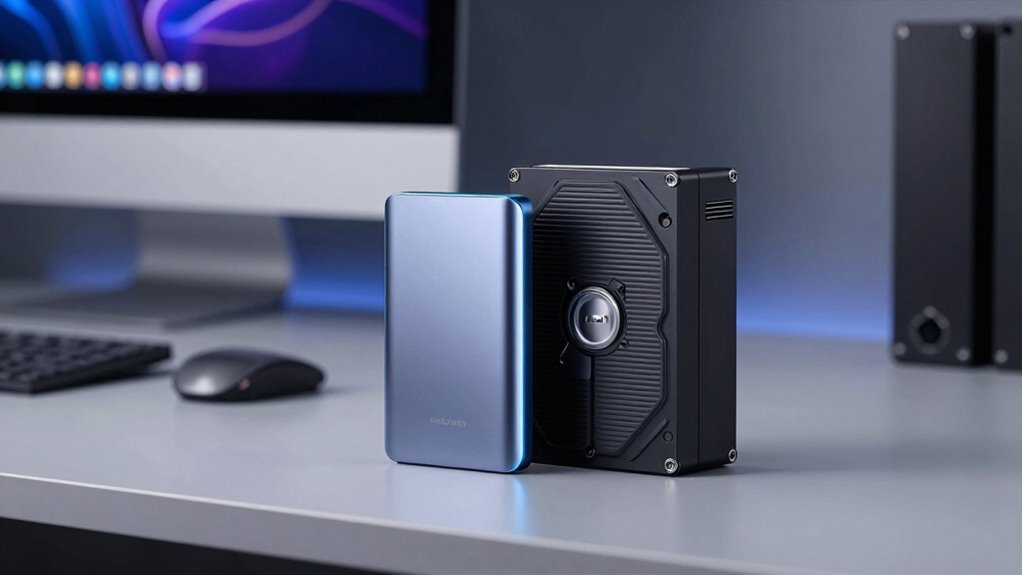
Choosing the right storage capacity is essential to guarantee your external drive meets your current needs and future plans. You should evaluate how much data you regularly handle and anticipate growth. Opting for slightly more space assures you won’t need frequent upgrades. Consider integrating cloud backup options for added security and scalability. Data encryption should also be a priority to protect sensitive information as your storage needs expand. Use this table to compare capacities:
| Storage Size | Ideal Use Cases |
|---|---|
| 500GB – 1TB | Basic backups, documents, media files |
| 2TB – 4TB | Larger media libraries, professional work |
| 8TB+ | Extensive backups, ongoing projects |
Planning ahead helps avoid bottlenecks and keeps your data safe, flexible, and ready for growth.
Compatibility and Connection Options for External Drives?
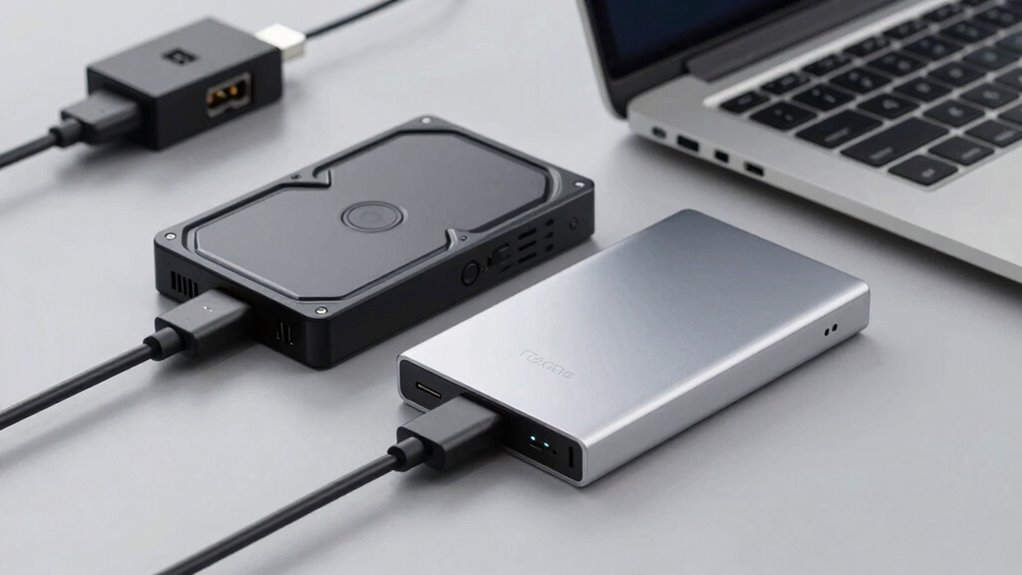
Selecting the right external drive depends heavily on its compatibility and connection options, which determine how easily it integrates with your devices. You need to consider connector compatibility to guarantee your drive matches your computer or other gadgets. Device interoperability is vital for smooth data transfer without issues. Visualize plugging in a sleek USB-C cable into your laptop, or connecting via Thunderbolt for faster speeds. Think about:
- USB-A, USB-C, or Thunderbolt ports
- Compatibility with your operating system
- Power requirements and whether an external power source is needed
Matching these connection options ensures your external SSD or HDD works seamlessly with your setup. Choosing the right connection type can greatly impact transfer speeds and ease of use, making your storage solution both efficient and reliable.
Frequently Asked Questions
How Long Do External SSDS and HDDS Typically Last?
External SSDs usually last around 5 to 10 years, while HDDs tend to last about 3 to 5 years due to durability concerns. You should consider cost considerations, as SSDs are more expensive but offer better longevity and faster performance. If durability is a priority, investing in an SSD might pay off long-term, but if budget is tight, HDDs still provide decent storage for a shorter lifespan.
Are External SSDS More Prone to Data Loss Than HDDS?
Think of your data as delicate glassware; external SSDs are more prone to shattering from physical damage than HDDs. While SSDs use flash memory, making data recovery tricky if they suffer physical shocks, HDDs are more vulnerable to mechanical failures. So, yes, SSDs carry a higher risk of data loss due to physical damage, but with careful handling, you can keep your data safe and sound.
Which Storage Type Is More Energy-Efficient for Long-Term Use?
You’ll find that external SSDs are more energy-efficient for long-term use because they consume less power and have better power efficiency than HDDs. Their solid-state technology means no spinning disks, which reduces energy consumption and heat. If you prioritize saving energy and extending device battery life, an external SSD is the better choice. Plus, their faster data access can make your workflow more efficient overall.
Can External Drives Be Easily Upgraded or Expanded?
Yes, external drives with a modular design make upgrading or expanding easier. You can swap out or add storage modules as needed, giving you flexible upgrade options. For instance, some external SSDs or HDD enclosures allow you to replace the drive or connect additional drives via ports. This way, you’re not stuck with the initial capacity, and upgrading becomes straightforward without needing to replace the entire unit.
What Warranty Differences Exist Between SSDS and HDDS?
You’ll find that warranty policies differ between SSDs and HDDs, often giving SSDs longer coverage due to their durability differences. SSDs generally have warranties of 3 to 5 years, emphasizing their reliability, while HDD warranties might be shorter, around 1 to 3 years, reflecting their mechanical components. Your choice depends on how much you value longer warranty coverage and the durability differences between these drives.
Conclusion
Ultimately, your choice between an external SSD and HDD depends on your needs—speed, durability, or budget. Sometimes, the best option reveals itself when you realize how your daily tasks align with a drive’s strengths. Paying more for an SSD might seem unnecessary until you experience its swift performance firsthand. In the end, the right drive becomes a quiet partner, proving that, often, what you need appears just when you least expect it.
Halloween Picks
halloween
As an affiliate, we earn on qualifying purchases.