
Robot vacuums use sensors like LiDAR, infrared, and ultrasonic tech to map your home and navigate efficiently. However, they can still get lost or stuck if sensors are dirty, misaligned, or miscalibrated. Environmental factors like clutter, reflections, or dark floors can confuse their systems. New advances aim to fix these issues, but understanding how these technologies work helps you keep them running smoothly. Keep exploring to discover how to improve their navigation even further.
Key Takeaways
- LiDAR technology enables precise mapping but can be disrupted by reflections, dust, or dark surfaces, causing navigation errors.
- Sensor calibration and maintenance are crucial for accurate obstacle detection and preventing vacuums from getting lost.
- Environmental clutter, uneven surfaces, or transparent floors can confuse sensors, leading to mapping inaccuracies.
- Software updates and sensor troubleshooting help improve navigation and reduce the chances of getting lost.
- Advanced navigation systems integrating AI and multiple sensors enhance reliability and minimize wandering or missed areas.
robot vacuum sensor cleaning kit
As an affiliate, we earn on qualifying purchases.
As an affiliate, we earn on qualifying purchases.
Why Does My Robot Vacuum Get Lost or Stuck?

If your robot vacuum keeps getting lost or stuck, several common issues could be to blame. Navigation challenges often arise from sensor limitations that prevent your device from accurately perceiving its surroundings. When sensors struggle to detect obstacles like cords, furniture legs, or uneven surfaces, the vacuum can become confused or trapped. Poor lighting or reflective surfaces may also interfere with sensor performance, making it harder for the vacuum to map out rooms correctly. Additionally, cluttered or complex layouts can overwhelm the sensors, causing it to reroute or halt unexpectedly. Regularly clearing obstacles and ensuring the sensors are clean can help reduce these issues. Recognizing these navigation challenges and sensor limitations is key to improving your robot vacuum’s performance and preventing it from getting lost or stuck. Furthermore, understanding how sensor technology influences navigation can help in selecting models better suited to complex environments.
LiDAR robot vacuum replacement parts
As an affiliate, we earn on qualifying purchases.
As an affiliate, we earn on qualifying purchases.
How Do Robot Vacuums Map Your Home?
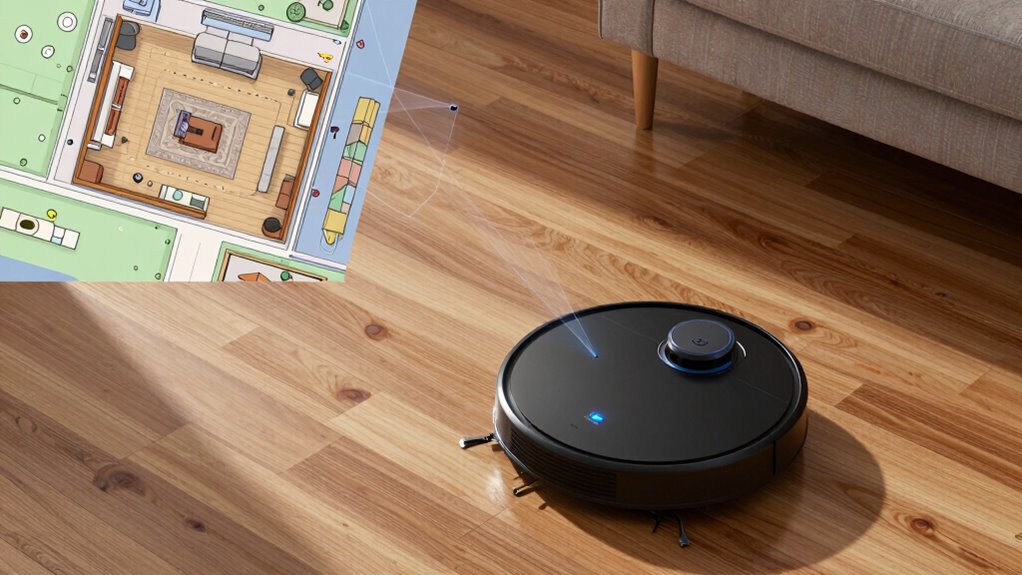
Robot vacuums use advanced mapping technology to navigate your home efficiently. They analyze your home layout by collecting data through sensor placement, which helps create a digital map. Here’s how it works:
- They start by scanning the environment with sensors, detecting walls, furniture, and obstacles.
- The vacuum then records this information, building a detailed map of your space.
- With this map, it plans an ideal cleaning route, avoiding missed spots and repeated areas.
- Proper calibration of sensors is essential for accurate system monitoring, ensuring the vacuum updates its map reliably as it moves. Regular maintenance and adjustments help maintain sensor accuracy, which is crucial for effective mapping.
- The placement of sensors is vital—they determine how well the vacuum perceives its surroundings and updates its map as it moves. This continuous sensing, supported by sensor placement, ensures thorough coverage without getting lost. Additionally, sensor calibration helps optimize the vacuum’s performance in different environments. To maintain optimal performance, some models also incorporate software updates that improve mapping algorithms and sensor integration.
robot vacuum mapping calibration tools
As an affiliate, we earn on qualifying purchases.
As an affiliate, we earn on qualifying purchases.
How LiDAR and Other Sensors Help Robot Vacuums See Their Environment
LiDAR (Light Detection and Ranging) and other sensors enable robot vacuums to see their environment with remarkable accuracy. These sensors gather data that, when combined through sensor fusion, enhance environmental perception. This integration allows your vacuum to detect obstacles, furniture, and drops with precision. For example, infrared sensors identify nearby objects, while ultrasonic sensors measure distances. Together, they create a detailed map of your space, improving navigation.
| Sensor Type | Function | Advantage |
|---|---|---|
| LiDAR | Distance measurement | Accurate mapping in low light |
| Infrared Sensors | Detect obstacles at close range | Quick obstacle detection |
| Ultrasonic Sensors | Measure object proximity | Detect soft or transparent objects |
best robot vacuums for dark floors
As an affiliate, we earn on qualifying purchases.
As an affiliate, we earn on qualifying purchases.
Why Do Some Robot Vacuums Still Struggle With Navigation?
Despite advanced sensors like LiDAR, infrared, and ultrasonic devices, some robot vacuums still encounter navigation challenges. Navigation glitches often occur because of sensor limitations, which can cause the robot to misinterpret its surroundings. Here are common reasons:
Even with high-tech sensors, robot vacuums can still face navigation issues due to environmental challenges.
- Obstructions or reflections that confuse sensors, leading to inaccurate mapping.
- Dark or transparent surfaces that sensors can’t detect properly.
- Sudden changes in lighting or floor type that disrupt sensor readings.
- The presence of Free Floating objects or surfaces that are difficult for sensors to interpret accurately.
- Sensor limitations can also be exacerbated by environmental factors, which may impair sensor performance and cause navigation issues. For example, lighting conditions can significantly affect sensor accuracy, especially in environments with variable illumination.
- Additionally, sensor calibration issues can reduce the reliability of data, resulting in navigation errors or the robot becoming lost.
- External factors like dust or dirt on sensors can further hinder their ability to collect accurate data, leading to navigation errors.
How Do Mapping Errors Cause Missed Areas?
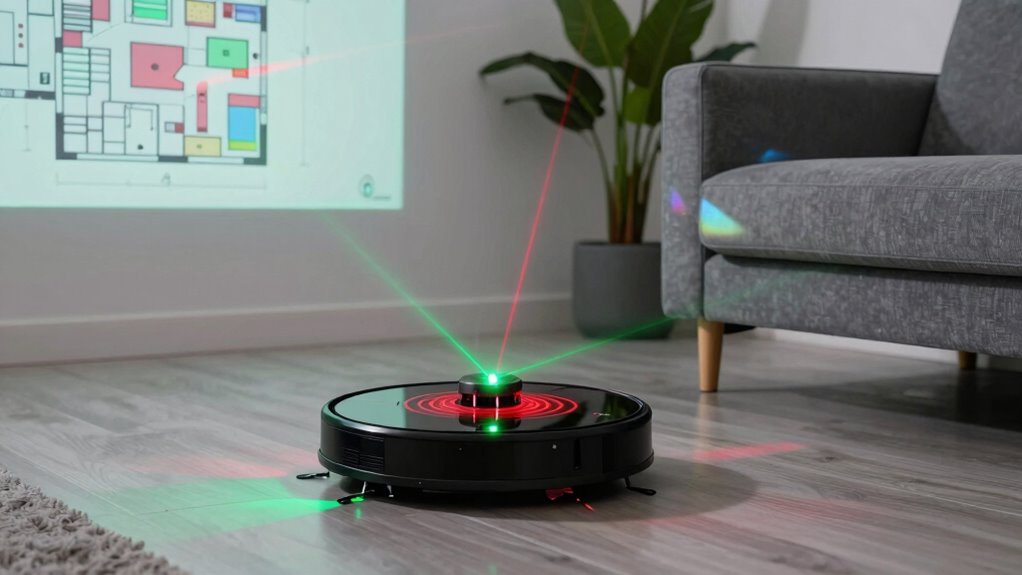
Mapping data inaccuracies can cause your robot vacuum to overlook certain areas, leaving spots uncleaned. When the sensors misread the environment, the vacuum might miss obstacles or misjudge room boundaries. Obstacle recognition failures further contribute to missed spots by preventing the robot from charting around furniture or detecting hazards properly. Incorporating advanced mapping techniques can help improve accuracy and reduce these issues. Additionally, sensor calibration plays a crucial role in ensuring accurate environmental readings, minimizing errors caused by hardware misalignments. Regularly updating firmware and employing top vehicle protection and accessories can also enhance the overall performance and reliability of your robot vacuum.
Mapping Data Inaccuracies
Mapping errors in robot vacuums often occur when the sensors misinterpret or overlook certain obstacles and details in your home. Poor sensor calibration can cause the device to misjudge distances, leading to gaps in the map. Data synchronization issues may result in outdated or mismatched information, making the robot miss areas or double back unnecessarily. To prevent this, confirm your robot’s sensors are regularly calibrated and that data streams are synchronized properly. Here’s what to watch for:
- Inaccurate sensor readings due to miscalibration
- Delays or mismatches in data transfer
- Overlapping or missing mapped sections
- Sensor calibration is essential for maintaining accurate mapping.
Addressing these issues helps improve mapping accuracy, reducing missed spots and ensuring your robot cleans efficiently.
Obstacle Recognition Failures
When mapping errors occur, your robot vacuum may struggle to recognize obstacles accurately, leading to missed areas during cleaning. Poor sensor calibration can cause obstacle detection failures, making it difficult for the robot to identify furniture or walls correctly. If sensors aren’t properly calibrated, the vacuum might perceive obstacles as open space or ignore them altogether, resulting in incomplete cleaning. These recognition failures can also cause the device to bump into objects repeatedly or avoid areas altogether, reducing efficiency. Ensuring sensors are clean and calibrated properly is essential for accurate obstacle detection. When mapping errors happen, your robot’s ability to navigate smoothly diminishes, leaving dirt behind and increasing the chances of getting stuck. Proper calibration helps improve obstacle recognition and guarantees comprehensive, efficient cleaning. Sensor calibration is a crucial step in maintaining optimal mapping accuracy and avoiding navigation issues.
How Can You Troubleshoot Navigation and Mapping Problems?
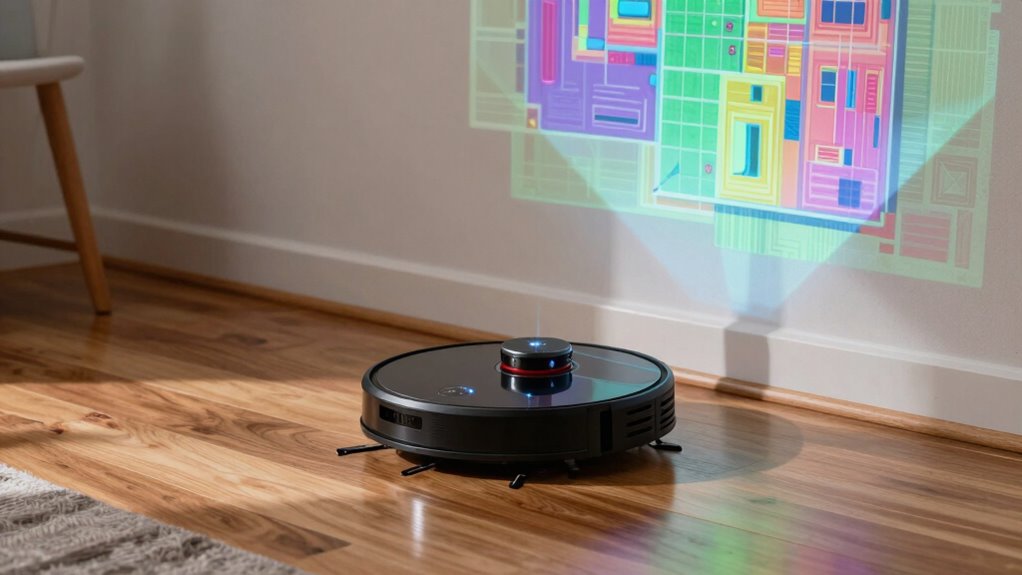
If your robot vacuum isn’t steering properly, start by checking the sensors to make sure they’re aligned correctly. Clear any obstructions from its path that could interfere with its movement. If issues persist, try resetting the navigation settings to restore its mapping functions. Additionally, ensuring that the mapping system is up-to-date can help improve its navigation accuracy. Regularly inspecting the sensor calibration can also prevent misbehavior and improve overall performance. Understanding how the navigation algorithms adapt to different environments can further enhance its reliability and prevent it from getting lost. Moreover, maintaining consistent tracking practices can help the device better adapt to changing layouts and obstacles. Keeping an eye on the sensor performance can identify early signs of malfunction and ensure optimal operation.
Check Sensor Alignment
Misaligned sensors can cause your robot vacuum to struggle with guidance and mapping, leading to missed spots or repeated paths. To fix this, you need to check the sensor alignment. First, inspect the sensors for dirt, dust, or debris that could interfere with sensor calibration; clean them gently with a soft cloth. Second, verify that sensors are properly aligned and seated; crooked or loose sensors can cause alignment issues. Third, recalibrate the sensors if your vacuum offers this option through its app or manual controls. Proper sensor calibration ensures accurate readings, while fixing alignment issues prevents false detections. Additionally, understanding the power output of your vacuum’s sensors can help optimize performance. Regularly checking and maintaining sensor alignment keeps your robot steering smoothly and mapping accurately, preventing navigation errors and improving overall efficiency.
Clear Obstruction Path
Obstructions in the vacuum’s path can considerably hinder its ability to navigate and create accurate maps. To guarantee smooth operation, focus on obstruction prevention by removing objects like cords, shoes, and small clutter that might block its sensors or wheels. Regular debris clearance is essential; vacuum out any dirt or hair lodged in its brushes or wheels. Keep the cleaning area clear and tidy, especially around doorways and narrow passages. Check that nothing is blocking its sensors or wheels after each cleaning session. By proactively removing obstacles and debris, you help your robot vacuum maintain ideal navigation and mapping accuracy. Consistent obstruction prevention reduces the chances of getting lost or missing spots, making your cleaning routine more efficient and less frustrating.
Reset Navigation Settings
When your robot vacuum struggles with navigation or isn’t mapping your space accurately, resetting its navigation settings can often resolve the issue. This process helps recalibrate the device’s mapping calibration and clears any glitches.
To do this effectively:
- Access the robot’s app and locate the navigation or mapping settings.
- Select the option to reset or recalibrate navigation.
- Follow prompts to reinitialize the mapping process, ensuring the robot relearns your space.
This resets the navigation settings, allowing your vacuum to generate a fresh map. It’s especially useful after moving furniture or encountering errors. Resetting navigation settings guarantees better accuracy and prevents your robot from getting lost during cleaning.
What Are the Latest Advancements in Robot Vacuum Mapping Technology?
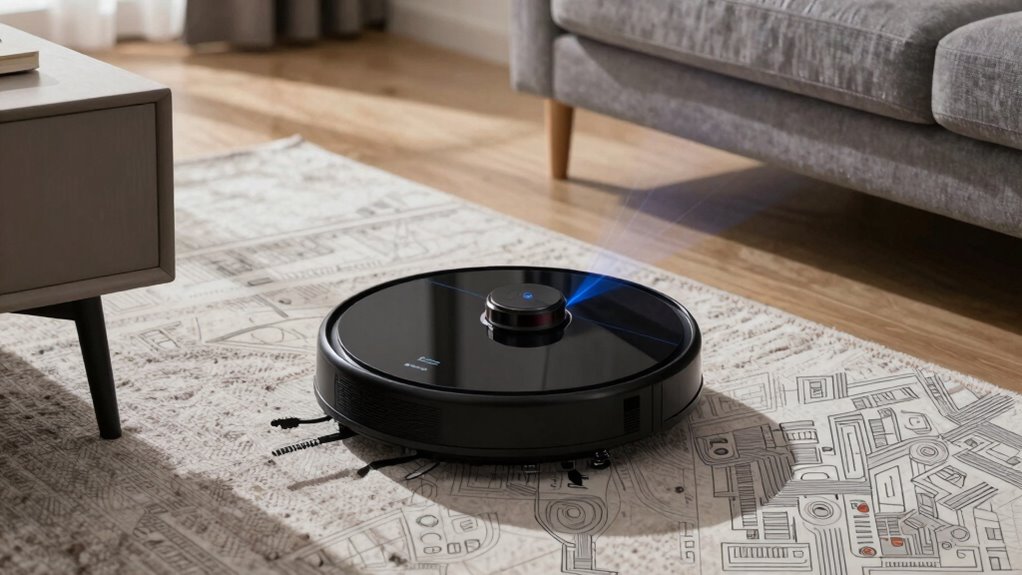
Have you noticed how today’s robot vacuums navigate more efficiently than ever before? Thanks to recent mapping innovations and advanced navigation algorithms, they create detailed floor plans and adapt in real time. These improvements let your vacuum avoid obstacles, optimize cleaning paths, and remember room layouts more accurately.
Imagine the following layout:
| Obstacle | Sensor Type | Function |
|---|---|---|
| Furniture Edge | Infrared Sensors | Detects boundaries to prevent collisions |
| Wall Corners | Ultrasonic | Maps tight spaces for thorough cleaning |
| Chairs & Tables | Visual Mapping | Recognizes objects for smarter navigation |
| Cluttered Areas | SLAM Technology | Builds real-time maps on the fly |
| Open Spaces | LIDAR | Creates precise 3D models for navigation |
These innovations elevate your vacuum’s efficiency, making cleaning smarter and more reliable.
How Can You Help Your Robot Vacuum Map Better?
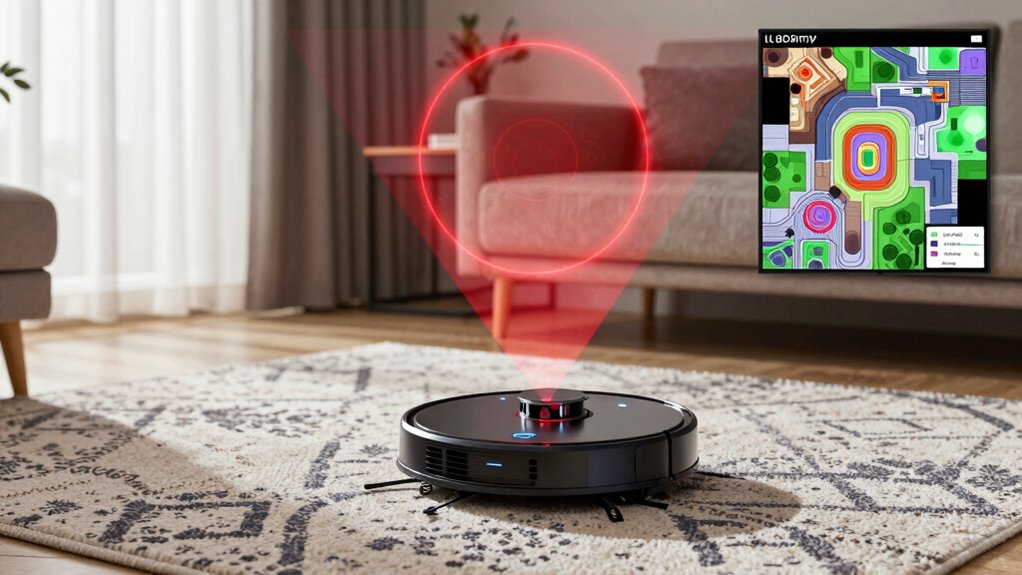
To help your robot vacuum create a better map, make sure you clear obstacles from its path regularly. This prevents the robot from getting confused or missing spots. Also, update the mapping data whenever your home layout changes to keep everything accurate.
Clear Obstacles Regularly
Regularly clearing obstacles from your robot vacuum’s path helps it create a more accurate map of your home. Obstacle clearing and debris removal guarantee your vacuum can navigate smoothly and avoid getting stuck. To keep things ideal, focus on these three steps:
- Remove clutter like cords, shoes, and small toys that could block the vacuum’s path.
- Clear debris from high-traffic areas to prevent it from confusing sensors.
- Wipe down or vacuum around sensors and wheels to prevent dust buildup that hampers obstacle detection.
Update Mapping Data
Updating your robot vacuum’s mapping data is essential for ideal performance. Regular mapping updates ensure your device maintains an accurate layout of your home, reducing the chances of getting lost or missing spots. To help with data refresh, keep your robot’s software up to date, as it often includes improvements to mapping algorithms. When your vacuum finishes cleaning, consider manually initiating a map update if your model allows it. Avoid rearranging furniture immediately after a map is created, as this can confuse the device. Clear small obstacles and reset the map if your vacuum shows signs of confusion. These small steps improve data refresh, helping your robot vacuum adapt to changes and clean more efficiently. Properly maintained maps lead to better coverage and smarter navigation.
When Is It Time to Upgrade to a Smarter Robot Vacuum?

Knowing when to upgrade your robot vacuum can save you time and frustration. If you notice your current model struggles with navigation patterns, it’s probably time for an upgrade. Modern vacuums use smarter mapping to clean more efficiently, so if your device misses spots or gets stuck often, consider a newer version. Additionally, check the battery life; older models tend to run out of power quickly, requiring frequent recharging or manual intervention.
Here’s when to upgrade:
- Your vacuum’s navigation isn’t precise, causing missed areas or repeated paths.
- Battery life diminishes, forcing constant recharging.
- You want advanced features like better mapping, obstacle avoidance, or multi-floor cleaning.
Upgrading guarantees a more thorough, hassle-free cleaning experience.
What Future Technologies Will Make Robot Vacuums Less Likely to Get Lost?
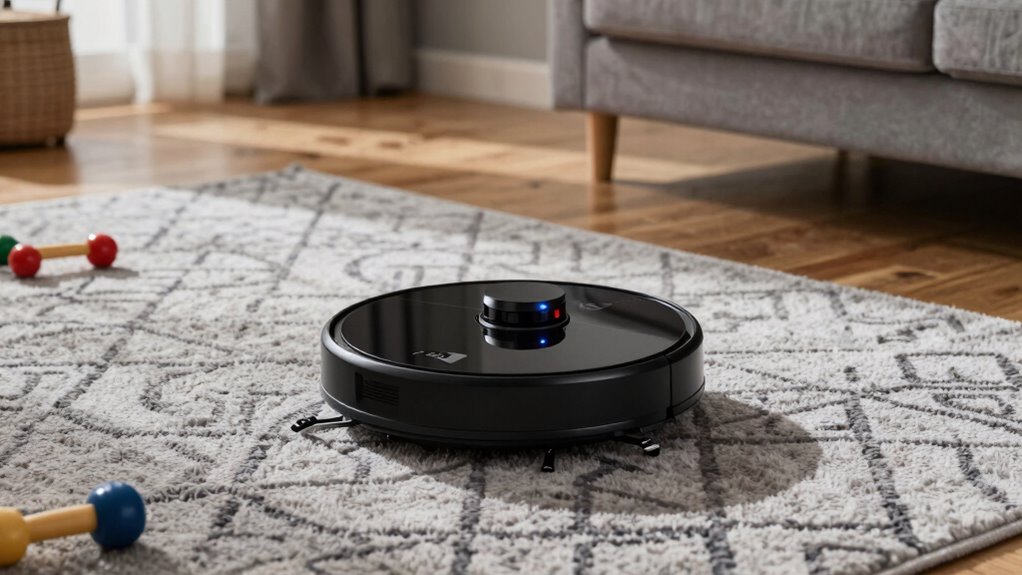
Advancements in technology are poised to make robot vacuums much less likely to get lost by enhancing their navigation capabilities. Future drones and AI integration will play a key role in this evolution. Imagine a robot vacuum that communicates seamlessly with a future drone, sharing real-time mapping data to improve accuracy and coverage. AI will enable these devices to learn your home’s layout more quickly, adapt to changes, and recognize obstacles with greater precision. These innovations will reduce the chances of getting lost, even in complex or cluttered environments. As AI becomes more sophisticated and drones become more integrated, your robot vacuum will navigate smarter, making it more reliable and efficient in cleaning your entire home without losing its way.
Frequently Asked Questions
How Do Robot Vacuums Handle Complex or Multi-Level Home Layouts?
You can help your robot vacuum handle complex or multi-level home layouts by ensuring it has multi-level navigation features and obstacle recognition. Many models automatically detect stairs and avoid falls, but you should set up virtual barriers or barriers to prevent it from falling or getting lost. Regularly updating the vacuum’s maps and manually guiding it through new areas also improves its ability to navigate multi-level spaces efficiently.
Can Robot Vacuums Differentiate Between Pets, Humans, and Objects?
Like a modern-day Sherlock Holmes, your robot vacuum can perform pet recognition and obstacle differentiation. It uses advanced sensors and AI to distinguish between pets, humans, and objects, preventing accidents and optimizing cleaning. While it doesn’t have a sixth sense, it adapts quickly to your home environment, maneuvering around pets and furniture efficiently. This smart tech ensures your home stays clean without confusing your furry friends for obstacles.
What Role Does Battery Life Play in Navigation and Mapping Accuracy?
Battery life plays a vital role in your robot vacuum’s navigation and mapping accuracy. With better battery endurance, it can complete cleaning sessions without interruptions, ensuring thorough mapping. Effective power management allows the vacuum to optimize its routes and revisit areas if needed, reducing errors. When the battery runs low, the robot might cut corners or get lost, so maintaining good battery health helps keep your cleaning efficient and accurate.
Are There Privacy Concerns Related to the Data Collected During Mapping?
Yes, privacy concerns are valid when your robot vacuum collects mapping data. You might worry about how your data is stored and who has access, potentially risking your personal information. To safeguard yourself, guarantee your device has strong data security features, such as encryption and regular updates. Reading the privacy policy helps you understand what data is collected and how it’s used, giving you better control over your privacy.
How Do Environmental Changes Affect the Robot Vacuum’s Mapping and Navigation?
Environmental variability can considerably impact your robot vacuum’s mapping accuracy and navigation. Changes like new furniture, clutter, or moving objects can confuse its sensors, causing it to re-map or lose track of its position. To maintain ideal performance, regularly update the map, clear clutter, and guarantee consistent lighting and clear pathways. By doing so, you help your vacuum adapt smoothly to environmental changes, keeping your floors clean and navigation dependable.
Conclusion
Did you know that over 20% of robot vacuum users report issues with navigation? By understanding how mapping and sensors work, you can help your device avoid getting lost or stuck. Upgrading to models with advanced LiDAR and improved algorithms can make a huge difference. Staying informed about the latest tech guarantees your vacuum cleans efficiently without frustration. With the right choices, you’ll enjoy a smarter, more reliable cleaning experience every time.