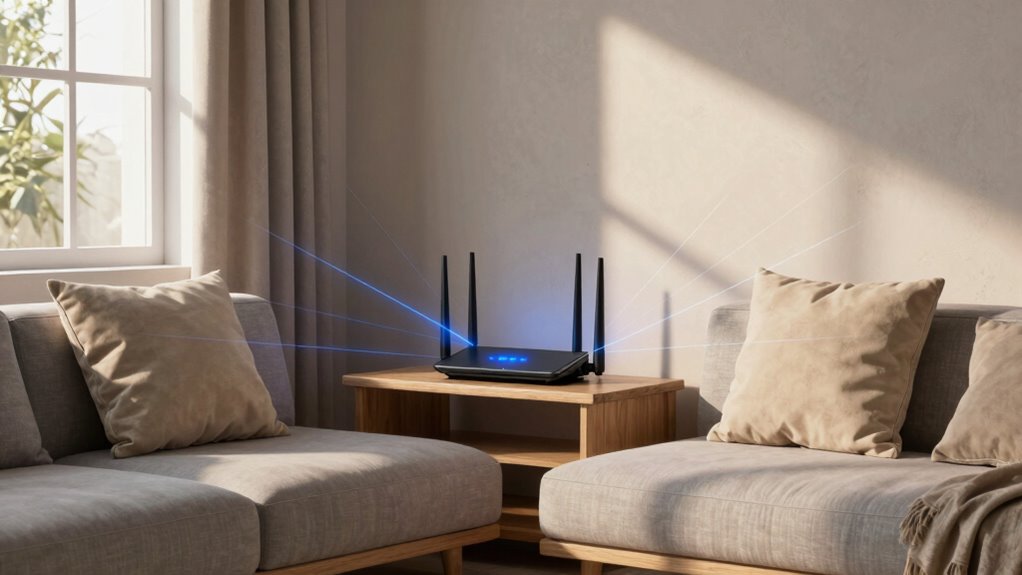

To fix most Wi-Fi dead zones, place your router in a central, open spot away from thick walls, metal objects, and electronics that cause interference. Elevate it on a shelf or mount it high for better coverage. Avoid hiding it behind furniture or inside cabinets, which block signals. Regularly test and adjust its position for maximum performance. Keep exploring for expert tips on achieving the best Wi-Fi setup.
Key Takeaways
- Place the router centrally in your home, ideally on a high shelf or wall mount, to maximize coverage.
- Keep the router away from thick walls, metal objects, and electronics that cause interference or block signals.
- Avoid hiding the router inside furniture, closets, or behind obstacles to prevent dead zones.
- Elevate the router and position it in open, unobstructed areas for optimal signal distribution.
- Regularly check and adjust placement using Wi-Fi analyzers to identify and fix weak coverage spots.
Why Proper Router Placement Is Key to Better Wi-Fi Coverage
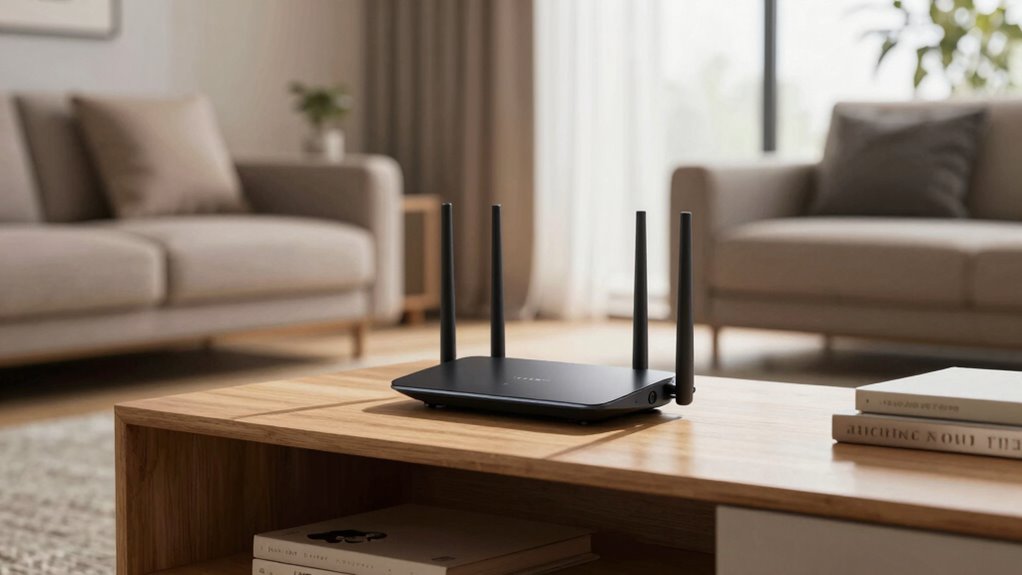
Proper router placement is essential because it directly affects your Wi-Fi coverage and connection quality. When your router is in a good spot, you get stronger signals and fewer dead zones. But don’t forget that router security also plays a vital role. Keeping your firmware updated ensures your device stays protected against vulnerabilities and performs effectively. An outdated firmware can slow down your network and expose you to security risks. Placing your router centrally and in open areas helps both coverage and security, reducing interference and making it harder for outsiders to access your network. Additionally, using essential DIY tools and following safety tips can help you set up or troubleshoot your network safely and effectively. Proper placement can also influence signal strength, which is crucial for maintaining a reliable connection. Understanding Wi-Fi signal propagation can help you make better placement choices. For example, considering interference sources like walls or other electronics can further optimize coverage. Being aware of router cooling requirements can also prevent overheating and maintain optimal performance. By combining strategic placement with regular firmware updates, you can maximize your Wi-Fi performance while keeping your connection safe and secure.
Finding the Best Central Spot in Your Home for Your Router
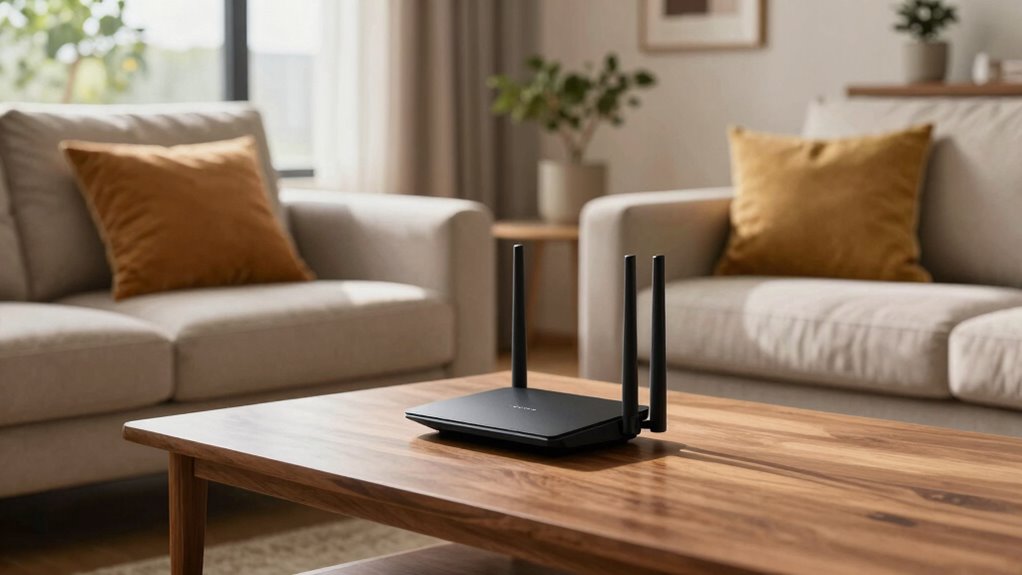
Finding the best central spot in your home for your router is essential because it guarantees even coverage throughout your space. Position your router at a higher elevation, such as on a shelf or mounted on a wall, to maximize signal range and reduce interference. Keep it away from thick walls, metal objects, and appliances that can disrupt signals. Consider your device compatibility; placing the router where most of your devices connect ensures peak performance. Avoid hiding it in closets or behind furniture, as these spots can create dead zones. A central location helps distribute Wi-Fi evenly, reducing weak spots. Remember, a well-placed router at the right height and in a good spot enhances coverage and speeds up your connection across your entire home. Additionally, understanding Wi-Fi signal interference can help you optimize placement further for the best connectivity. Recognizing environmental factors such as nearby electronics and physical obstructions can also improve your router’s effectiveness. Ensuring proper router placement can significantly improve overall network reliability and speed, especially when considering signal strength distribution. Proper placement also minimizes the impact of interference sources, leading to a more stable and faster Wi-Fi experience.
Common Mistakes That Cause Wi-Fi Dead Zones

One common mistake that creates Wi-Fi dead zones is placing your router in a low or hidden spot, such as inside a drawer or behind furniture. This not only blocks signals but also clashes with router aesthetics, making it tempting to hide it away. However, overlooking user preferences for a neat appearance can backfire, causing weak coverage in key areas. Avoid placing your router behind thick walls or near metal objects, as these can interfere with the signal. Instead, choose an open, central location that balances visibility with your home’s aesthetics. Proper placement ensures a strong Wi-Fi signal throughout your space while respecting your style preferences. Additionally, considering cabling solutions can help optimize placement without cluttering your home. Proper router positioning is essential for maintaining a reliable and efficient Wi-Fi network across your entire home. Ensuring your router is located in an open, central spot can significantly improve signal strength and coverage. Moreover, understanding the interference sources in your environment can further enhance your Wi-Fi performance.
How Walls, Furniture, and Obstacles Impact Your Wi-Fi Signal
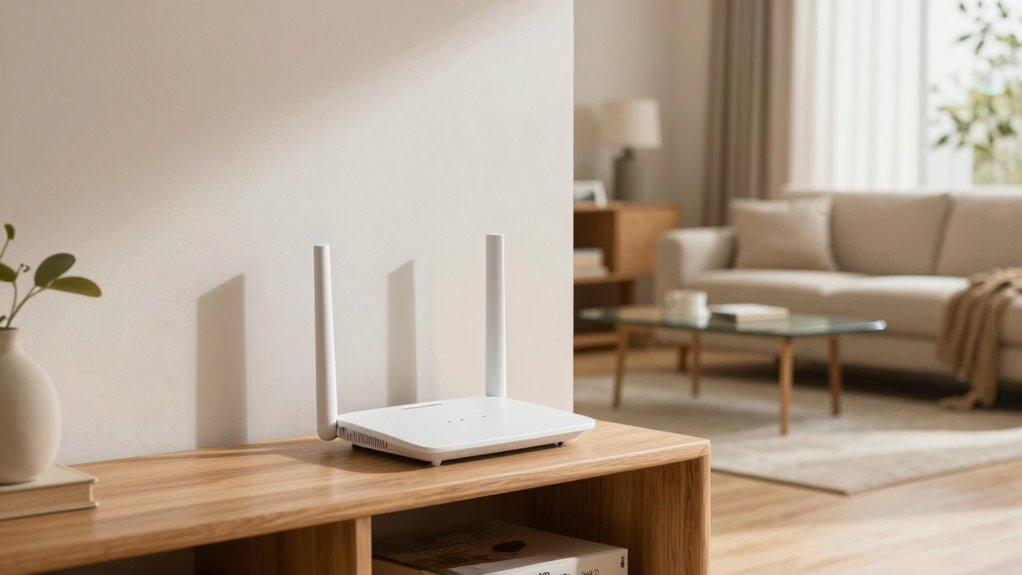
Walls, furniture, and obstacles can considerably weaken your Wi-Fi signal. Denser materials like concrete or brick block signals more than thinner walls or drywall. Furniture and thick barriers can create dead zones, making it harder to get a strong connection in certain areas. Incorporating Free Floating placement techniques can help optimize your router’s position to improve coverage.
Material Density Effects
Materials with higher density, like brick, concrete, or metal, can considerably weaken your Wi-Fi signal as it passes through walls or obstacles. This is due to increased material density causing greater signal absorption, which reduces overall range and strength. Dense materials absorb more of the signal’s energy, creating dead zones or weak spots. To understand these effects better, consider:
- Thick concrete walls sharply decrease signal strength.
- Metal surfaces reflect Wi-Fi signals, causing interference.
- Brick structures absorb signals, limiting coverage.
- Dense furniture can also impact signal quality, especially if made of metal or thick wood.
- Material density plays a crucial role in how well your Wi-Fi signal penetrates different surfaces and barriers. Recognizing how signal absorption varies with material density enables more effective router placement and obstacle avoidance, ultimately improving your Wi-Fi coverage. Additionally, understanding signal interference caused by reflective surfaces can help you position your router to minimize disruptions and improve overall connectivity. For example, signal attenuation through dense materials can be mitigated by strategic router placement and the use of Wi-Fi extenders.
Furniture Interference Risks
Since furniture and household obstacles sit between your router and devices, they can considerably disrupt your Wi-Fi signal. Large pieces like bookshelves, cabinets, and even cluttered tables create furniture interference, weakening signal strength. To minimize this, practice clutter management by keeping pathways clear and avoiding blocking the router with bulky furniture. Additionally, understanding caring for kitchen gear and eco-friendly disposal tips can help you maintain a clutter-free space that promotes optimal Wi-Fi performance.
Wall Thickness Barriers
Furniture and clutter are just part of the obstacles that weaken your Wi-Fi signal; thick walls and other barriers can have an even more significant impact. Wall density and barrier thickness directly affect how well your Wi-Fi travels through your home. The more dense the wall, the more it absorbs or reflects signals, reducing coverage. Heavy, concrete, or brick walls are especially problematic because they have high barrier thickness and wall density. To minimize these issues, consider the following:
- Position your router away from thick walls.
- Avoid placing it behind large furniture or dense barriers.
- Use a Wi-Fi extender to bypass thick barriers.
- Opt for a higher placement to reduce the signal’s encounter with dense walls.
- Understanding sound wave properties can help in designing better placement strategies for optimal coverage.
Should You Mount Your Router or Place It on a Shelf?
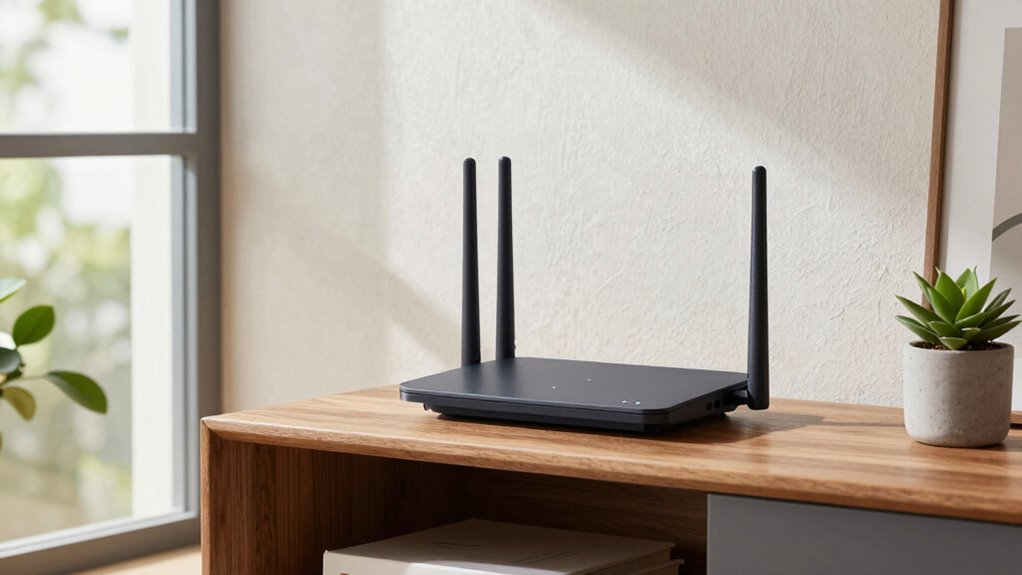
Deciding whether to mount your router or place it on a shelf depends on how you want to optimize your Wi-Fi signal. Mounting vs. shelving offers different advantages; mounting your router on the wall can keep it out of the way and reduce clutter, while placing it on a shelf makes it easier to access and adjust. Consider aesthetic considerations—wall mounts can look sleek and unobtrusive, blending seamlessly with your decor. Shelves, on the other hand, might add to a room’s style or be more practical for quick adjustments. Both options have their benefits, but your choice should balance signal performance with your room’s design and your convenience. Ultimately, the best placement aligns with your space, ensuring a strong Wi-Fi signal without sacrificing aesthetics.
How Electronics and Interference Can Disrupt Your Wi-Fi
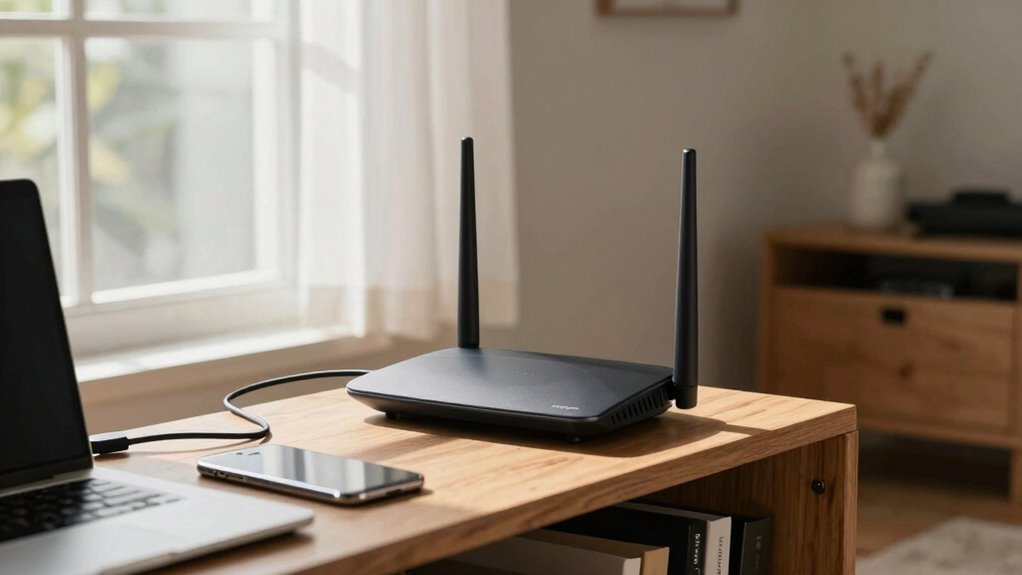
Electronics like cordless phones, microwaves, and baby monitors can interfere with your Wi-Fi signal. These devices emit signals on similar frequencies, causing disruptions or slow connections. To keep your Wi-Fi running smoothly, be mindful of where you place your router relative to other electronics.
Electronic Devices’ Interference
Electronic devices can markedly disrupt your Wi-Fi signal when they operate on similar frequencies or emit electromagnetic interference. These interference sources include common household electronics that emit signals interfering with your router’s performance. To minimize disruptions, be aware of these interference sources:
- Microwave ovens, which operate on the same 2.4 GHz frequency, can cause sudden drops in Wi-Fi quality.
- Wireless cordless phones may interfere, especially if they use the same frequency band.
- Bluetooth devices emit signals that can disrupt Wi-Fi, particularly in crowded environments.
- Baby monitors or other electronic gadgets transmitting on similar frequencies can cause interference.
Signal Disruption Factors
Interference from nearby devices can considerably weaken your Wi-Fi signal, leading to slow connections and dropped links. Various interference sources, such as microwaves, cordless phones, and Bluetooth gadgets, cause signal attenuation, disrupting data flow. These electronic devices emit signals that override or clash with your Wi-Fi, reducing speed and reliability. To understand this better, consider the table below:
| Interference Source | Effect on Signal |
|---|---|
| Microwave ovens | High signal attenuation |
| Cordless phones | Intermittent disruptions |
| Bluetooth devices | Reduced bandwidth and speed |
Minimizing these sources by keeping electronics away from your router helps maintain a stable, strong Wi-Fi connection. Recognizing interference factors allows you to optimize your router’s placement effectively.
Testing Your Router Placement: Tips for the Best Coverage
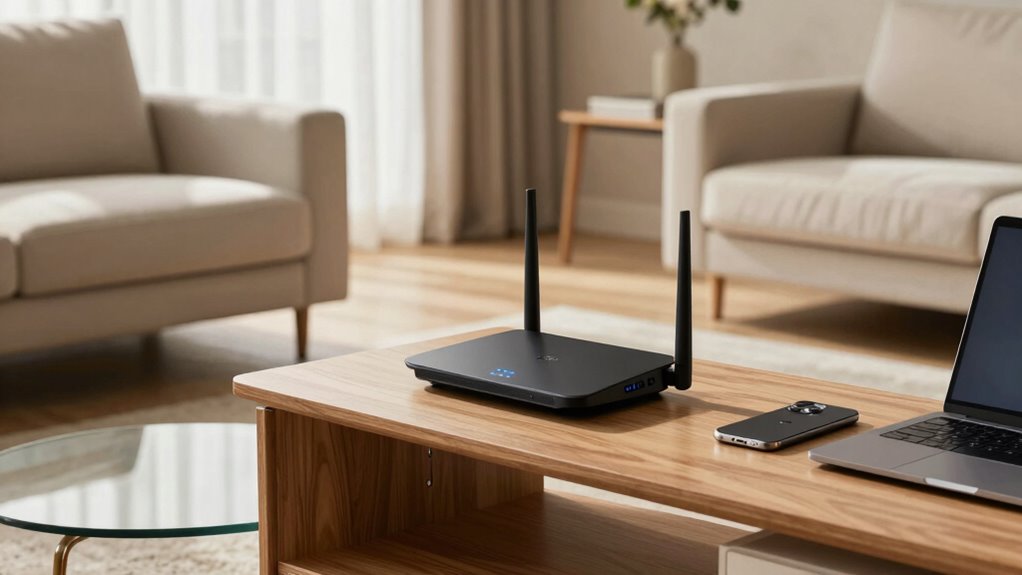
To make certain you get the best Wi-Fi coverage, it’s essential to test your router’s placement after setting it up. Signal testing helps identify weak spots and confirms you’ve maximized placement. Here are tips for effective testing:
- Walk around your space with a device, checking signal strength in different areas.
- Use a Wi-Fi analyzer app to identify areas with poor signal or interference.
- Move the router slightly and repeat signal testing to find better spots.
- Keep testing until you find a location offering consistent, strong coverage.
This process ensures your placement optimization minimizes dead zones and maximizes coverage. Regular signal testing helps maintain ideal performance, especially if you notice slower speeds or connectivity issues. Testing is your key to reliable Wi-Fi everywhere in your home.
When to Use Mesh Systems or Range Extenders for Better Wi-Fi

Sometimes, despite careful router placement, your Wi-Fi signals still struggle to reach certain areas of your home. When that happens, it’s time to consider mesh systems or range extenders. Mesh systems are ideal if you want seamless coverage across multiple floors or large spaces, as they work together to create a unified network. Range extenders are simpler and more budget-friendly, boosting signals into dead zones without altering your existing setup. You should use a mesh system if your home has complex layouts or multiple floors, and you need consistent Wi-Fi everywhere. On the other hand, if you only need to improve coverage in a specific area, a range extender might be enough. Both options can markedly improve your Wi-Fi experience when your router alone isn’t enough.
How to Adjust Your Router’s Position Over Time for Peak Performance
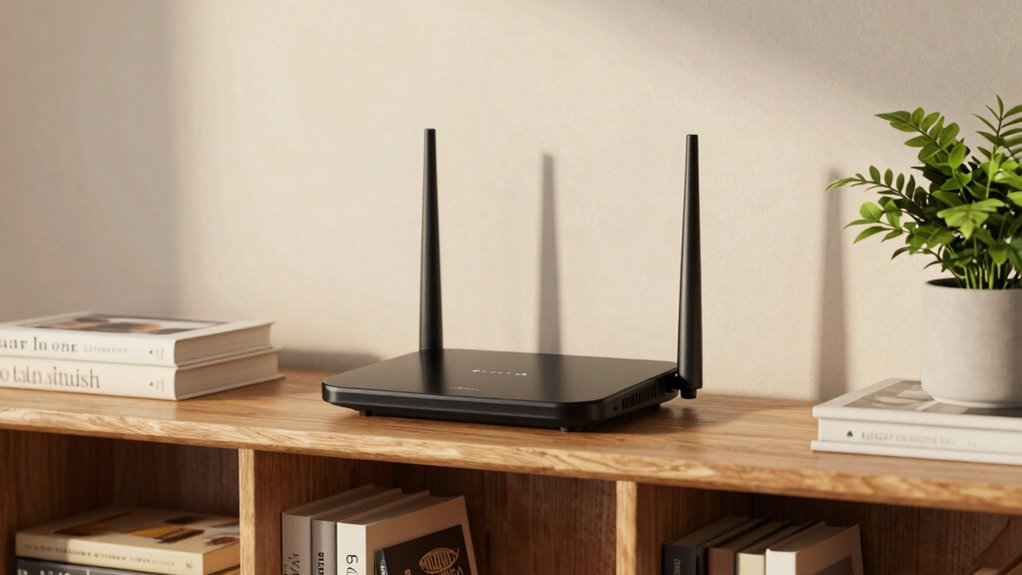
To keep your Wi-Fi running smoothly, regularly check your signal strength and note any weak spots. Try repositioning your router to see if a small change improves performance, especially if you notice issues. Also, be mindful of obstructions like walls or furniture that could block the signal and adjust accordingly.
Monitor Signal Strength Regularly
Regularly checking your Wi-Fi signal strength allows you to identify areas where your router’s performance may be lagging. This signal monitoring helps you spot dead zones and weak spots that need attention. To effectively track your network’s health, consider these steps:
- Use a signal strength app to measure coverage in different rooms.
- Record signal levels regularly to identify patterns over time.
- Note any changes after adjusting your router’s position.
- Compare performance before and after placement tweaks for *best* results.
Experiment With Placement Changes
Adjusting your router’s placement is an ongoing process that can substantially boost your Wi-Fi performance. Start by experimenting with different router heights; placing it higher often improves coverage, especially in multi-story homes. Keep in mind that router orientation matters—position the antennae to maximize signal dispersion toward your primary devices. Try rotating the router or adjusting its angle to see which setup delivers the best coverage. Don’t be afraid to move the device slightly and test the results, as small changes can make a big difference. Regularly reassess your placement as your home layout or device needs change. By fine-tuning height and orientation over time, you’ll optimize your Wi-Fi signal, reducing dead zones and enhancing overall performance.
Adjust for Obstructions
Obstructions like walls, furniture, and appliances can considerably weaken your Wi-Fi signal over time, so it’s important to periodically evaluate and modify your router’s position. Metal objects, appliance placement, and new obstacles can all impact signal strength. To optimize performance:
- Move your router away from metal objects like filing cabinets or metal shelving.
- Avoid placing it near appliances such as microwaves or refrigerators that emit interference.
- Elevate the router to a high, open spot, reducing interference from furniture.
- Regularly reassess the environment for new obstructions and reposition accordingly.
Adjusting for obstructions ensures your Wi-Fi remains strong and reliable. Keep an eye on changes in your home layout, and tweak your router’s placement to maintain peak performance.
Final Checklist: Maintaining the Perfect Router Spot

To guarantee your Wi-Fi router operates at its best, it’s essential to double-check its placement regularly. Start by ensuring your router is in a central location, free from obstructions, and away from interference sources. Keep it elevated and avoid placing it near thick walls or metal objects. Regularly update your router’s firmware to fix security vulnerabilities and improve performance, which keeps your network secure and stable. Check your router security settings, changing default passwords and enabling encryption to protect your network from unauthorized access. Also, inspect the physical condition of your device, ensuring vents are clear and the device isn’t overheating. Maintaining these habits helps sustain ideal coverage and keeps your Wi-Fi running smoothly.
Frequently Asked Questions
Can Router Placement Affect Internet Speed and Latency?
Yes, router placement can influence your internet speed and latency. When you position your router poorly, signal interference from walls or appliances can slow your connection. Proper placement ensures better device compatibility and stronger signals, reducing dead zones. Keep your router in a central location, away from interference sources, to optimize speed and minimize latency, giving you a smoother, more reliable online experience.
How Often Should I Reposition My Wi-Fi Router?
You should reposition your Wi-Fi router whenever you notice slow speeds, dead zones, or device interference disrupting your connection. Regularly check for router firmware updates to optimize performance. Aim to revisit placement every few months, especially if you add new devices or experience interference. Moving it to a central, elevated spot can dramatically improve coverage and reduce the need for frequent adjustments. Stay proactive to keep your internet fast and reliable.
Are There Specific Materials That Block Wi-Fi Signals More Than Others?
Certain building materials, like thick concrete, brick, and metal, block Wi-Fi signals more than others. These materials cause signal interference, reducing your Wi-Fi’s strength and coverage. Glass and wood typically have less impact, but metal objects and reinforced concrete can markedly weaken your connection. To improve your Wi-Fi, keep your router away from these materials and consider using signal boosters if interference persists.
What’s the Best Way to Test Wi-Fi Coverage Throughout My Home?
Think of testing your Wi-Fi like mapping uncharted territory. You’ll want to walk through your home, using a device or app to check signal strength in each room. Create a coverage map by noting where the signal weakens or drops out. This way, you identify dead zones and can adjust your router’s position or add extenders. Regular testing guarantees you enjoy strong, consistent coverage everywhere in your home.
Do Certain Router Models Perform Better in Specific Locations?
You’ll find that certain router models perform better in specific locations because of their compatibility with your setup and their ability to handle signal strength variations. Look for routers with strong antennas and dual or tri-band options, which can adapt well to different spaces. Also, consider models known for better coverage and stability in your home’s layout, ensuring you get the best performance no matter where you place the router.
Conclusion
By choosing the right spot for your router, you’ll likely notice fewer dead zones and faster Wi-Fi. Sometimes, a simple move—like shifting it to a central shelf or avoiding thick walls—can make all the difference. It’s funny how a small adjustment can enhance your connection just when you need it most. Keep testing and tweaking your placement, and your Wi-Fi will perform seamlessly, no matter where you are in the house.