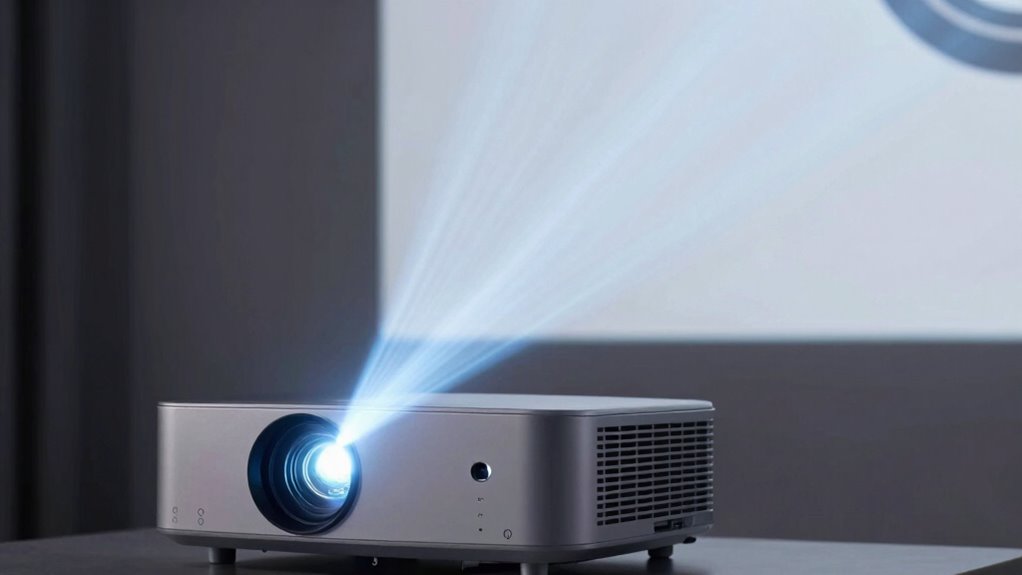

Projector brightness, measured in lumens, indicates how bright an image will appear, but higher numbers don’t always mean better quality. Your environment, screen size, and ambient light play significant roles in choosing the right lumens. Focus on matching brightness to your space rather than chasing the biggest number. Understanding how lumens work helps prevent marketing tricks. If you keep exploring, you’ll learn how to select the perfect brightness for your setup.
Key Takeaways
- Higher lumens mean brighter images, but optimal brightness depends on room size and ambient lighting, not just numbers.
- Excessive lumens can cause unnecessary expense and may reduce projector lifespan without improving image quality.
- Marketing claims often exaggerate lumen ratings; verify with contrast ratios and real-world performance.
- Brightness alone doesn’t ensure color accuracy or contrast; consider other factors for true image quality.
- Proper setup, calibration, and environmental controls are crucial to maximize brightness effectiveness without overestimating lumen needs.
What Does Lumens Measure in Projectors?

Have you ever wondered what exactly lumens measure in projectors? Lumens indicate the brightness the projector produces, but it’s also linked to color accuracy and projector longevity. A higher lumen count means a brighter image, which helps maintain vibrant colors even in well-lit rooms. However, focusing solely on lumens can be misleading, as excessive brightness can strain the projector’s components, affecting its lifespan. Good color accuracy depends on more than just lumens; it involves color processing and calibration. When selecting a projector, consider how lumens impact both image quality and device durability. Proper brightness levels ensure your projector performs well over time without sacrificing color richness or risking early wear. Lumens give you an essential measure, but it’s one piece of a larger picture. Additionally, understanding the contrast ratio is crucial for evaluating how well a projector can display detailed images, especially in dark scenes. Moreover, the thermal management of a projector plays a significant role in maintaining consistent brightness and extending its operational life. Effective thermal management systems help dissipate heat efficiently, safeguarding internal components from damage. Proper body cooling systems help prevent overheating and ensure optimal performance during extended use. In addition, support for different resolutions can influence the overall viewing experience and should be considered alongside lumens.
Why Brightness Isn’t the Only Factor That Matters
While high lumens can make a projector seem impressive, focusing solely on brightness can lead to disappointing results. Brightness doesn’t guarantee a true, vibrant image. Factors like color accuracy ensure the colors you see are natural and vivid, making your viewing experience more enjoyable. Noise levels also matter; a loud projector can ruin the atmosphere, regardless of how bright it is. Here’s a quick comparison:
| Factor | Importance | Impact |
|---|---|---|
| Color Accuracy | Ensures true-to-life visuals | Makes images look more realistic |
| Noise Levels | Affects viewing comfort | Quiet projectors enhance experience |
| Brightness (Lumens) | Brightens images, but not everything | Should complement other factors |
Additionally, understanding how projector placement affects perceived brightness can help optimize your setup for the best viewing experience. Proper brightness calibration can make a significant difference in image quality. Recognizing the interplay of factors in projector performance can help you make more informed choices. Being aware of how ambient lighting conditions influence brightness perception can further improve your viewing setup. Moreover, considering color accuracy ensures the visuals are true-to-life, which enhances overall satisfaction. Don’t overlook these elements—they’re key to a satisfying projector experience.
How to Choose the Right Lumens for Your Room and Use
Choosing the right lumens for your room starts with understanding how much light is needed to produce a clear, vibrant image without washing out details. For smaller or darker rooms, 1000-2000 lumens may suffice, while larger, brighter spaces need 3000 or more. Consider color accuracy, as higher lumens can sometimes distort true colors if the projector isn’t calibrated properly. Also, think about connectivity options—ensure your projector supports your devices and offers versatile connections like HDMI or wireless. This helps you set up easily and enjoy high-quality images with accurate colors. Matching lumens to your room’s lighting conditions and your device compatibility guarantees a better viewing experience, whether for movies, presentations, or gaming, without sacrificing image clarity or color fidelity. Proper mount leveling kits can also enhance image alignment and prevent distortion.
Brightness Needs for Home, Business, and Outdoor Projectors
Your ideal projector brightness depends on where you’ll use it. Home setups often need softer images, while business environments require clearer visuals in brighter rooms. For outdoor viewing, you’ll want higher brightness to counteract ambient light and guarantee a sharp picture.
Brightness for Home Use
For home use, a projector with a brightness level between 1,500 and 2,500 lumens typically provides a clear and vibrant image in dimly lit rooms. This brightness range guarantees your projector can handle ambient light while maintaining picture quality. When setting up your projector, consider proper projector mounting to optimize viewing angles and minimize shadows. Keep in mind that a brighter projector makes audio synchronization easier, as it reduces the need for overly loud volumes that can distort sound. If you plan to use your projector in darker rooms or with blackout curtains, a lower lumen count may suffice. However, if your space has some ambient light, sticking to the higher end of this range will deliver a better viewing experience. Understanding media literacy can also help you evaluate projector specifications more accurately.
Business Projection Requirements
When selecting a projector for business use, brightness plays a crucial role in ensuring clear visibility across various environments. Business projections often demand higher lumen levels to compensate for ambient lighting in conference rooms or large auditoriums. Depending on your setup, you may need at least 3,000 to 5,000 lumens for effective presentations. The projection technology, such as LCD or DLP, influences how brightness translates into image quality, so choose accordingly. Additionally, brand reputation matters; reputable brands typically offer reliable brightness performance and durability. Keep in mind that higher lumens don’t always mean better quality if the projection technology isn’t suited for your needs. Understanding lumen ratings can help you make more informed choices for your specific projection requirements. It’s also beneficial to consider projection technology differences to select the best option for your environment. It’s also important to consider environmental factors to ensure the projector’s brightness is adequate for your space. For example, ambient light conditions can significantly impact the perceived brightness and clarity of your projected images.
Outdoor Viewing Essentials
Ever wonder how bright your projector needs to be for outdoor viewing? Brightness requirements vary based on ambient light and screen size. For outdoor setups, aim for at least 2,500 lumens for a clear image in dusk or low light, and 3,500+ lumens for full daylight. Proper projector placement helps optimize brightness and image quality, avoiding shadows and glare. Adjust screen calibration to enhance contrast and sharpness, especially in bright conditions. To get the best outdoor experience, consider these tips:
- Position your projector close to the screen to maximize brightness
- Use a dedicated outdoor screen with proper calibration
- Minimize ambient light sources for better visibility
- Safety precautions can help prevent accidents that might affect outdoor equipment and viewing conditions. Incorporating lighting control techniques can further improve image clarity by reducing unwanted light interference. Utilizing ambient light management strategies helps maintain optimal viewing conditions in various environments.
These steps ensure you enjoy vibrant images, even in challenging lighting conditions.
Common Myths About Lumens and Projector Performance

Many people believe that higher lumens always mean better projector performance, but this isn’t necessarily true. Myth busting reveals that lumen misconceptions often lead to oversimplified choices. A common misconception is that a projector with the highest lumens will perform best in all environments. However, brightness needs depend on room size, ambient light, and screen type. For example, a bright room with lots of ambient light requires more lumens, but a dark room might do fine with fewer. Overestimating lumen requirements can result in unnecessary expense and a bulky setup. Remember, more lumens don’t automatically mean sharper images or better color accuracy. Understanding these lumen myths helps you choose a projector that fits your space and needs without falling for marketing tricks.
How to Read Projector Specs and Avoid Marketing Tricks
How can you tell if a projector’s specifications are genuine or just marketing hype? First, look beyond the flashy numbers. Check the projection angle; a wide angle indicates versatile placement options. Be wary of exaggerated lumens claims—real brightness depends on the actual use case. Also, consider color accuracy specs, as they reveal how true-to-life the projected images will be. To avoid marketing tricks, focus on these points: verify if brightness specs match real-world tests or reviews, check for detailed info on color accuracy and contrast ratios, consider the projector’s intended use and environment suitability, and pay attention to Vetted information about the importance of accurate specifications. Additionally, understanding how lumens are measured and what they truly signify can help prevent misconceptions about a projector’s brightness capabilities. Recognizing measurement standards ensures you are comparing specs on an equal footing.
How Ambient Light Affects Your Projector’s Brightness Needs

The amount of ambient light in your room directly influences how bright your projector needs to be. Brightness contrast and screen placement can make a big difference in visibility, especially in well-lit spaces. Adjusting your projector’s placement and controlling room lighting helps guarantee a clear, vibrant image.
Room Lighting Levels
Ambient light in your room directly impacts how bright your projector needs to be for a clear, vivid picture. If your room has high lighting levels, you’ll need a projector with higher lumens to maintain color accuracy and sharpness. Conversely, darker rooms allow for lower brightness, which can enhance portability features without sacrificing quality. Consider these points:
- Bright environments demand projectors with higher lumens for vibrant images.
- Dimming ambient light improves color accuracy and contrast.
- For portable setups, choose projectors with adjustable brightness settings to adapt to changing lighting conditions.
Understanding your room’s lighting helps you select a projector that balances brightness with portability and image quality, ensuring you get the best experience regardless of ambient light.
Screen Brightness Contrast
When ambient light levels fluctuate, they directly influence how bright your projector’s screen appears and how well you can see details. Higher ambient light reduces color contrast, making images look washed out and less vivid. To counter this, proper projector calibration is essential; it adjusts brightness and contrast settings to optimize image quality for your environment. Enhancing color contrast ensures that blacks stay deep and whites remain bright, even in brighter rooms. Without calibration, your projector might struggle to deliver clear, sharp images, especially when light conditions change. Recognizing how ambient light impacts screen brightness contrast helps you set realistic expectations and fine-tune your projector for the best viewing experience, regardless of lighting fluctuations.
Projector Placement Strategies
Since lighting conditions vary across different spaces, carefully positioning your projector can considerably reduce the impact of ambient light on image quality, ensuring brighter and clearer images. To maximize placement, consider projection angles that minimize light interference, such as mounting the projector higher or in darker corners. Adjusting the angle can also improve focus and reduce shadows. Keep in mind that strategic placement can lower power consumption by requiring less brightness to compensate for ambient light. To enhance image clarity, think about these strategies:
- Mount the projector in a darker area or away from windows
- Use ceiling mounts to achieve ideal projection angles
- Position the projector closer to the screen to reduce brightness needs
These steps help improve visibility while managing power use effectively.
Should You Focus on Lumens or Other Features When Buying?
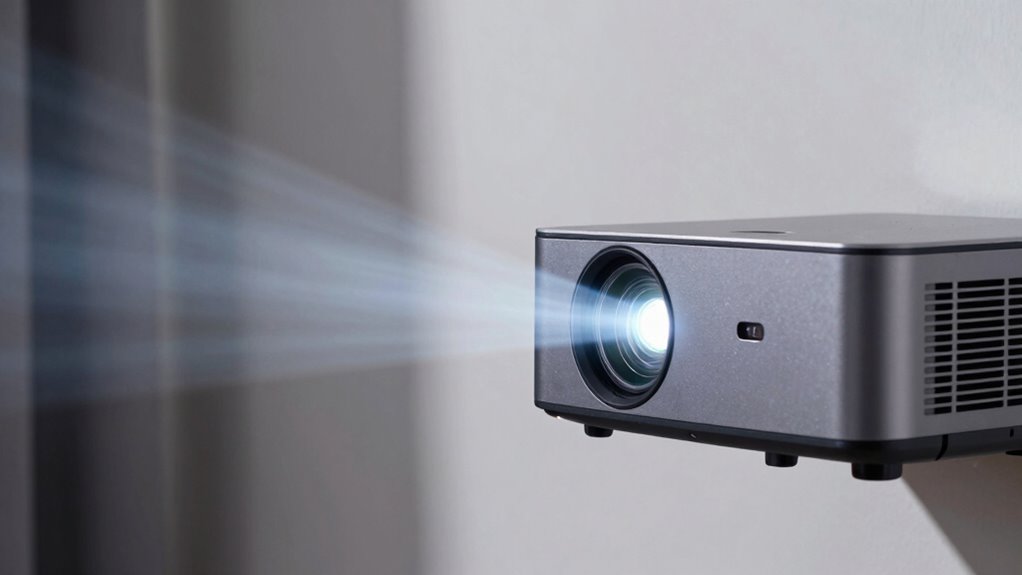
Choosing the right projector involves more than just looking at lumens. While brightness is important, features like color accuracy ensure your images look vibrant and true to life. Poor color reproduction can diminish the viewing experience, even with high lumens. Additionally, noise levels matter—an overly loud projector can be distracting during movies or presentations. Don’t get sidetracked by high lumen numbers alone; consider how well the projector handles color and whether it operates quietly. These features can considerably impact your overall satisfaction. Ultimately, balancing brightness with quality elements like color accuracy and noise levels will give you a better viewing experience. Focus on the features that improve image quality and usability, rather than just the lumen count.
Tips to Improve Your Image Brightness Without More Lumens
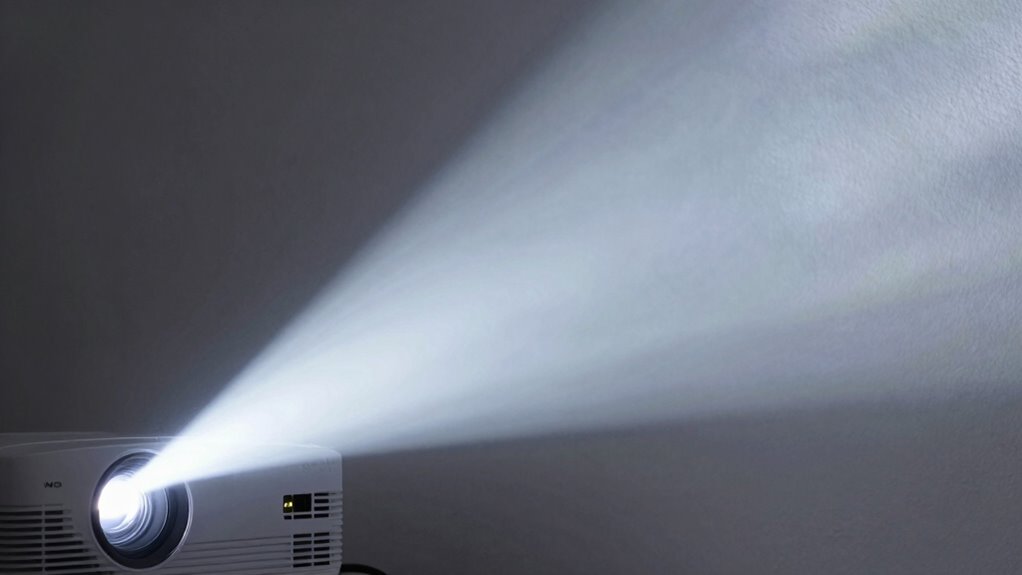
Even if you can’t increase your projector’s lumens, you can still enhance image brightness by adjusting your setup. Improving brightness involves optimizing your projector technology and performing proper brightness calibration. Here are some tips:
- Adjust your projector’s placement to reduce ambient light interference, making the image appear brighter.
- Calibrate brightness settings in your projector menu to ensure prime image output.
- Use a compatible screen that reflects light efficiently, boosting perceived brightness without adding lumens.
These steps focus on maximizing your current projector’s capabilities. Remember, proper brightness calibration helps you get the most out of your existing projector technology, giving you a brighter, clearer picture without investing in more lumens.
Matching Your Projector’s Brightness to Screen Size and Setup
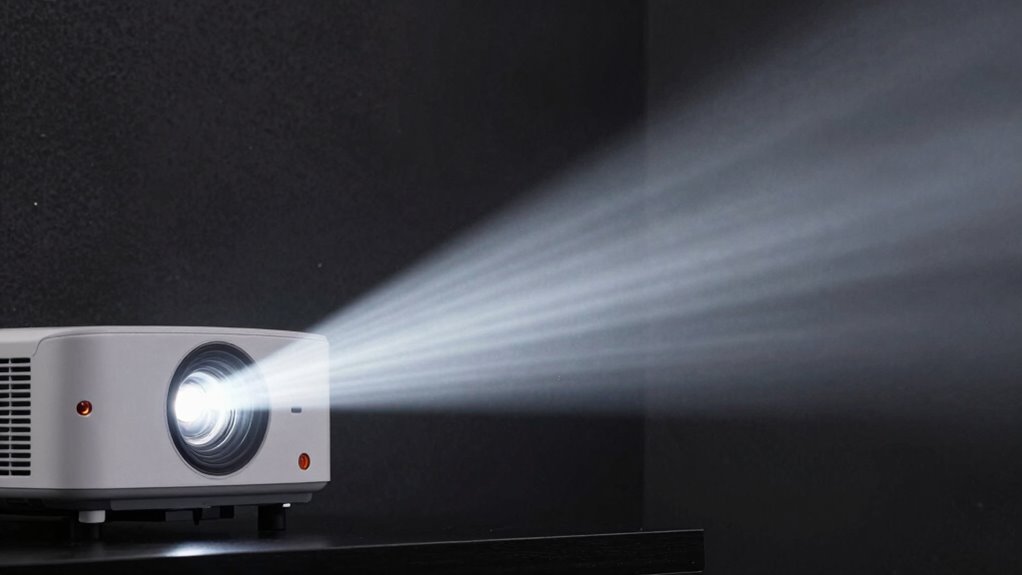
To get the best image quality, you need to match your projector’s brightness with your room size and setup. Larger rooms and screens require more lumens, especially if ambient light is present. Considering these factors helps make certain your projector performs well in your specific environment.
Room Size Compatibility
Matching your projector’s brightness to the size of your room is essential for a clear, vibrant image. A larger room requires more lumens to achieve ideal projection size without losing detail. Consider how room acoustics might influence your setup, as sound and visuals can impact your viewing experience. To ensure proper compatibility:
- Aim for higher lumens if your room is spacious and has high ceilings
- Use dimmer lighting or blackout curtains to enhance contrast in bright rooms
- Adjust projection size to match both room dimensions and ambient conditions
Screen Size Considerations
Choosing the right screen size is essential to guarantee your projector’s brightness is sufficient for a clear image. Larger screens require more lumens to maintain brightness and clarity, especially when considering the screen material, which can affect light reflectivity. A matte screen material helps diffuse light evenly, making brightness more consistent across the image. Additionally, the projection angle influences how well your projector covers the screen; a wider angle may reduce brightness at the edges. To optimize your setup, match your projector’s lumens to your desired screen size and material, ensuring the image remains sharp and vivid. Properly aligning the projection angle and selecting a suitable screen material helps prevent dim images and maximizes your projector’s performance.
Ambient Light Impact
Ambient light can substantially impact how bright your projected image appears, especially when your setup involves larger screens or less powerful projectors. Bright lighting conditions, including sunlight interference, can wash out images and reduce visibility. To counteract this, consider:
- Using a high-lumen projector suited for brighter environments
- Installing blackout curtains or shades to minimize ambient light
- Positioning your projector away from direct sunlight or bright light sources
Adjusting for ambient light helps ensure your image remains sharp and clear. Keep in mind that even a powerful projector may struggle in extremely lit rooms, so controlling lighting conditions is essential. Matching your projector’s brightness to your screen size and setup will give you the best viewing experience, regardless of sunlight or other lighting challenges.
Frequently Asked Questions
How Does Projector Brightness Impact Image Quality in Different Environments?
You’ll notice that higher projector brightness improves image quality in bright environments by maintaining color accuracy and clarity. It also allows you to project larger screen sizes without losing detail or vibrancy. In darker rooms, lower brightness can still produce sharp images, but in well-lit spaces, increasing lumens ensures your colors stay true and the image remains vivid across different screen sizes. Adjust brightness based on your environment for best results.
Can a Higher Lumen Count Compensate for Poor Image Resolution?
Think of brightness myths like a shiny new car—initially appealing but not everything. A higher lumen count can’t truly make up for poor image resolution; it’s like shining a flashlight on a blurry photo—details still get lost. Lumen limitations mean that even if your projector is bright, the picture quality remains compromised. Focus on resolution first, then consider brightness to ensure clear, sharp images, rather than relying solely on lumen numbers.
What Are the Signs of a Projector That’s Too Dim for My Space?
If your projector looks dim in your space, you’ll notice poor image visibility, especially in ambient light. The image might be hard to see on larger screens or in well-lit rooms. Shadows and lack of brightness around text or images also indicate it’s too dim. To fix this, consider increasing the lumen output or reducing ambient light, and make certain your projector suits your screen size for ideal brightness and clarity.
How Do Projectors Perform in Daylight or Brightly Lit Rooms?
In daylight or brightly lit rooms, your projector’s performance depends on ambient light and screen size. You’ll need a projector with higher lumens to combat the ambient light, ensuring clear images. For larger screens, even more lumens are necessary to maintain brightness and contrast. Keep in mind, a projector with insufficient lumens will struggle to deliver vibrant images, so choose one with enough brightness to handle your room’s lighting conditions and screen size.
Is Brightness More Important Than Contrast Ratio for Image Clarity?
You might think brightness is king, but contrast ratio often matters more for clarity. For example, a 1000:1 contrast ratio shows deeper blacks and more vivid images, especially in ambient light. While higher lumens help in bright rooms, contrast enhances detail and color accuracy. So, in brightly lit environments, prioritizing contrast ratio guarantees your image remains sharp and clear, making it more essential than brightness alone.
Conclusion
Remember, choosing the right projector brightness is like finding the perfect pair of shoes—you need the right fit for your space and needs. Don’t get dazzled by high lumens alone; consider your environment, screen size, and other features. By understanding these factors, you’ll guarantee your projector delivers a clear, vibrant image without unnecessary glare or dimness. With the right knowledge, you’ll enjoy sharp visuals that make your movies or presentations truly stand out.