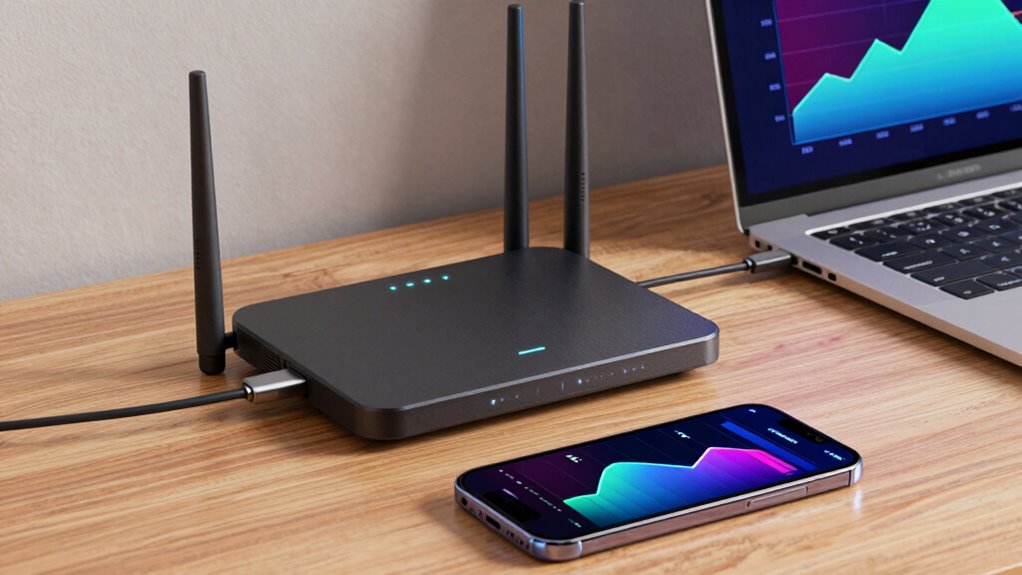

Wi-Fi speed measures how quickly data moves between your device and the internet, while bandwidth is the maximum data capacity of your network, like a highway’s size. If your bandwidth is limited or your Wi-Fi speed is slow, buffering happens during streaming or gaming. To reduce buffering, you need to balance both by upgrading your hardware, managing congestion, and optimizing your setup. Keep going to discover simple ways to improve your Wi-Fi performance and minimize interruptions.

Get business pricing on monitors, keyboards and dev gear
- Business-only prices and quantity discounts
- Tax-exempt purchasing
- Multiple users, one account, clear invoices
Key Takeaways
- Wi-Fi speed measures data transfer rate, while bandwidth indicates the maximum data capacity of the network.
- Buffering occurs when speed and bandwidth are insufficient to handle the data streaming demands.
- High bandwidth alone doesn’t prevent buffering if Wi-Fi speed or signal quality is poor.
- Both speed and bandwidth must align with the streaming or gaming data requirements for smooth performance.
- Managing network congestion, interference, and hardware compatibility enhances the effective balance between speed and bandwidth.
Wi-Fi router with high bandwidth
As an affiliate, we earn on qualifying purchases.
As an affiliate, we earn on qualifying purchases.
Why Buffering Happens and How Wi-Fi Speed and Bandwidth Play a Role

Buffering occurs when your device can’t receive data quickly enough to keep up with streaming or browsing, often leading to frustrating pauses. Network congestion is a common cause, especially during peak times when many devices share the same Wi-Fi network, slowing down data transfer. Signal interference from other electronic devices, thick walls, or overlapping Wi-Fi channels can also disrupt your connection, reducing effective Wi-Fi speed. When your signal is weakened or crowded, your device struggles to download data promptly, resulting in buffering. Both network congestion and signal interference limit your Wi-Fi’s ability to deliver data smoothly, making streaming or browsing a frustrating experience. Understanding these factors helps you recognize why buffering happens and highlights the importance of a stable, interference-free connection. Additionally, high-quality projectors rely on a stable internet connection to stream content seamlessly, emphasizing the need for a reliable Wi-Fi signal. Recognizing the impact of bandwidth limitations can help you troubleshoot and improve your streaming experience.
Wi-Fi signal booster for streaming
As an affiliate, we earn on qualifying purchases.
As an affiliate, we earn on qualifying purchases.
What Are Wi-Fi Speed and Bandwidth?

Have you ever wondered what really determines how fast your Wi-Fi connection feels? Wi-Fi speed refers to how quickly data travels between your device and the internet, impacting your browsing and streaming experience. Bandwidth, on the other hand, is the maximum amount of data your network can handle at once, like a highway’s capacity. Network latency is the delay before data begins moving, often affected by signal interference from other devices or obstacles. High latency and interference can make your Wi-Fi seem slower, even if you have a high bandwidth plan. Basically, speed is about how fast data moves, while bandwidth limits how much data can flow at a given time. Both factors work together to shape your overall internet experience. Understanding network performance helps you better grasp how these elements influence your connection quality, especially when considering network optimization strategies. Recognizing the impact of signal interference can help you troubleshoot and improve your Wi-Fi performance.
mesh Wi-Fi system for large homes
As an affiliate, we earn on qualifying purchases.
As an affiliate, we earn on qualifying purchases.
How Bandwidth Limits Cause Buffering During Streaming
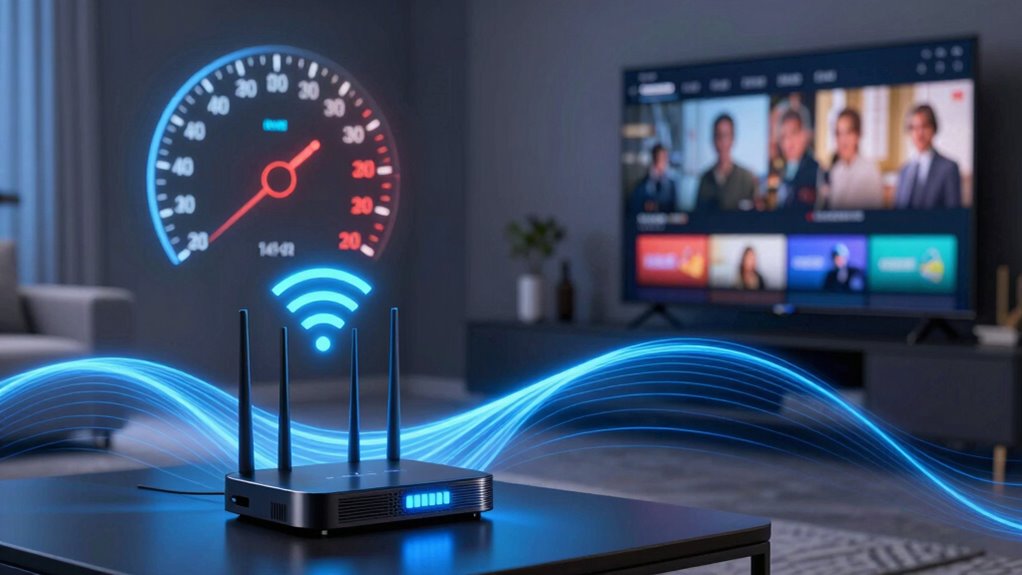
When your internet connection’s bandwidth is limited, streaming videos can frequently pause or stutter even if your Wi-Fi speed is high. This happens because bandwidth caps the amount of data you can transfer at once, causing buffer buildup when demands exceed the limit. Network congestion from multiple devices sharing the same connection can also reduce available bandwidth, leading to buffering issues. Additionally, device limitations—like outdated hardware or insufficient RAM—restrict how much data your device can process smoothly. To improve streaming, consider reducing the number of active devices, upgrading your hardware, or choosing a plan with higher bandwidth. Understanding content quality and authority can help you select better equipment or plans that meet your streaming needs. A key factor is recognizing how Network congestion impacts data flow and buffering. Being aware of spirituality insights such as the importance of positive thoughts and intentions can also influence your overall digital experience by fostering patience and resilience during connectivity issues. Furthermore, ensuring your network’s reliability and stability can significantly minimize interruptions and buffering. Staying informed about technological limitations can help you troubleshoot issues more effectively. By understanding these factors, you can minimize buffering and enjoy smoother streaming experiences.
As an affiliate, we earn on qualifying purchases.
How Wi-Fi Speed Impacts Your Streaming and Gaming Experience
Your Wi-Fi speed directly influences how smoothly you can stream videos and enjoy online gaming. Slow speeds lead to buffering, lag, and frustration, especially during peak times when network congestion is high. Device compatibility also plays a role; older devices may not fully utilize your network’s capabilities, worsening your experience. To understand this better, consider the table below:
| Factor | Impact on Streaming & Gaming | Key Consideration |
|---|---|---|
| Network congestion | Causes delays and buffering | Use less crowded channels |
| Wi-Fi speed | Limits data transfer rate | Upgrade your internet plan |
| Device compatibility | Affects connection quality | Keep devices updated |
Balancing speed with device compatibility helps optimize your experience, minimizing buffering and lag. Additionally, ensuring your network is properly straining paint and optimized can further improve overall performance. Regularly checking your router’s firmware can also help maintain optimal network efficiency. Being aware of your Wi-Fi bandwidth capacity can assist in managing multiple devices and avoiding overloads. Moreover, understanding how network traffic fluctuates during different times of day can help you schedule high-bandwidth activities for periods of lower congestion. Maintaining a clean indoor environment by reducing dust and microplastics can also prevent dust buildup on network equipment, which may impact performance.
The Easy Math: How Wi-Fi Speed and Bandwidth Combine to Cause Buffering
Understanding how Wi-Fi speed and bandwidth work together is key to grasping why buffering happens. When your device streams content, if the Wi-Fi speed isn’t fast enough to handle the data rate, or if bandwidth is limited, buffering occurs. Signal interference from other devices or obstacles can reduce effective speed, making buffering worse. Device compatibility also plays a role; outdated hardware may struggle to process high-speed data efficiently. To keep buffering at bay, consider: – Ensuring your device supports your network’s bandwidth – Minimizing signal interference by reducing competing devices – Upgrading hardware for better device compatibility proper network setup can significantly improve streaming performance and reduce buffering issues. Additionally, understanding network congestion and how it impacts available bandwidth can help you optimize your connection for smoother streaming. Recognizing network management strategies can further enhance your overall experience, including prioritizing streaming traffic to reduce interruptions.
Tips to Boost Your Wi-Fi Speed and Manage Bandwidth for Fewer Buffering Issues

To reduce buffering and improve your Wi-Fi performance, start by optimizing your network setup. First, minimize network congestion by limiting the number of connected devices during streaming or gaming. This helps ensure sufficient bandwidth for each device. Next, check device compatibility; outdated hardware can slow speeds. Upgrade routers or devices that don’t support your current Wi-Fi standards like 5GHz. Position your router centrally and elevate it to reduce interference. Use the table below for quick tips:
| Tip | Benefit |
|---|---|
| Limit connected devices | Reduces network congestion |
| Upgrade outdated hardware | Improves device compatibility |
| Position router centrally | Enhances signal coverage |
| Use a wired connection | Bypasses Wi-Fi interference and congestion |
Additionally, consulting reputable Gold IRA markets can provide investment options for securing your financial future. Ensuring your network hardware is compatible with the latest standards is crucial for optimal Wi-Fi performance, especially when managing multiple devices. Recognizing the importance of bandwidth management can help you better allocate resources and achieve smoother streaming experiences.
Frequently Asked Questions
How Does Network Congestion Affect Wi-Fi Speed and Buffering?
Network congestion lowers your Wi-Fi speed and causes buffering because high network load overwhelms your connection. When many devices use the network simultaneously, data prioritization becomes vital; some apps or devices get higher priority, reducing lag. This congestion leads to slower data transfer rates, making streaming or browsing choppy. To improve your experience, limit connected devices or prioritize essential data, ensuring smoother streaming and faster speeds.
Can Upgrading My Router Improve Wi-Fi Speed and Reduce Buffering?
Upgrading your router can improve your Wi-Fi speed and reduce buffering. Make certain to place it centrally to maximize coverage and avoid obstructions. Additionally, keep your router’s firmware updated to guarantee excellent performance and security. A newer router with advanced features can handle more devices and higher speeds, making your connection more reliable and efficient. These simple steps can markedly enhance your overall Wi-Fi experience.
What Role Do Devices’ Capabilities Play in Streaming Quality?
Your devices hold the key to smooth streaming, but they might be wearing outdated armor. Device compatibility determines whether your gadget can handle high streaming resolution or chugs along with lower quality. If your device isn’t up to snuff, no fancy Wi-Fi or blazing bandwidth will save you from pixelation or constant buffering. Upgrading your device guarantees it plays nicely with modern streaming demands, delivering crisp resolution and seamless playback.
How Do Wi-Fi Interference and Signal Strength Impact Bandwidth?
Wireless interference from other devices and physical obstructions causes signal attenuation, which weakens your Wi-Fi signal. This reduces effective bandwidth, leading to slower speeds and buffering issues during streaming. As interference increases and signal strength drops, your connection becomes less dependable, making it harder to maintain high-quality streaming. To improve performance, minimize interference sources and ensure your device is within a good range of the router.
Are There Specific Settings to Optimize Bandwidth for Streaming?
Yes, you can optimize bandwidth for streaming by adjusting your quality settings and router configuration. Lowering video quality settings reduces data load, easing bandwidth demand. Additionally, access your router’s settings to prioritize streaming devices or traffic, enabling smoother playback. Ensuring your router is updated, using dual-band frequency, and minimizing interference also help improve overall bandwidth, providing a better streaming experience without buffering interruptions.
Conclusion
Remember, a chain is only as strong as its weakest link. By understanding how Wi-Fi speed and bandwidth work together, you can troubleshoot and improve your connection. Keep your network optimized, and buffering will become a thing of the past. Don’t forget, patience is a virtue—sometimes, a little tweak here and there makes all the difference. Stay proactive, and your streaming experience will be smoother than ever.
Halloween Picks
halloween
As an affiliate, we earn on qualifying purchases.