
The most overlooked adjustment in turntable setup is correctly setting the tracking force. Many beginners skip this step, but it’s vital for ideal sound quality and record longevity. Too much force causes excessive wear, while too little can lead to skipping and distortion. Use a stylus force gauge, follow your cartridge’s recommended force, and double-check regularly. Want to guarantee your turntable performs at its best? Keep exploring these essential setup tips.
Key Takeaways
- Many beginners overlook properly setting the tracking force, which is crucial for sound quality and record longevity.
- Always calibrate the tonearm’s counterweight to match the manufacturer’s recommended tracking force.
- Using a stylus force gauge ensures accurate adjustment and prevents stylus and record damage.
- Proper tracking force reduces skipping, distortion, and unnecessary stylus wear during playback.
- Regularly recheck tracking force after setup or equipment changes to maintain optimal performance.
Why Proper Turntable Setup Matters for Great Sound
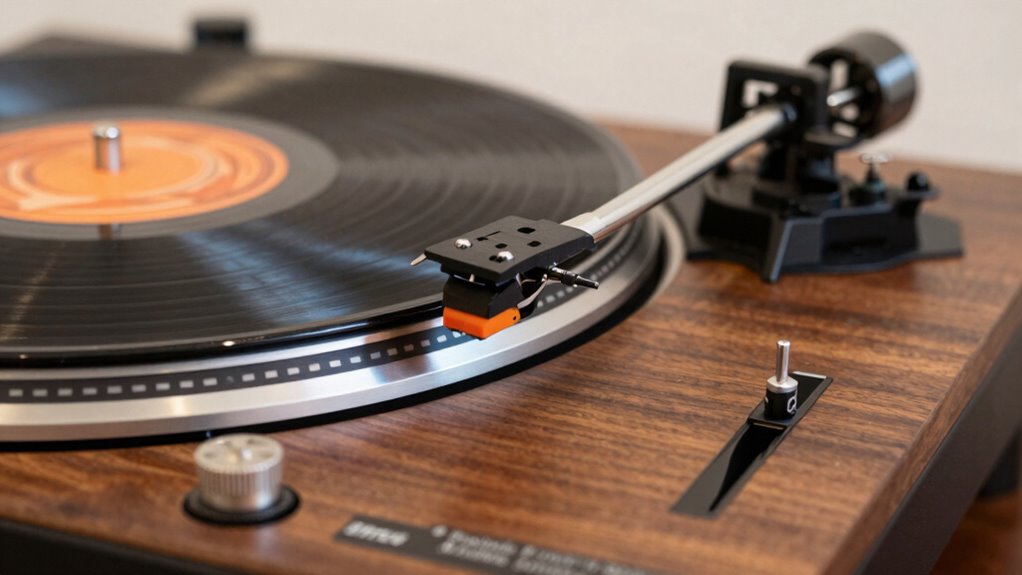
Proper turntable setup is essential because it directly affects the sound quality you hear. When your stylus is correctly aligned, it tracks the grooves accurately, producing clearer, more detailed audio. Misaligned styli can cause distortion and premature record wear. Platter leveling is equally important; a level platter ensures the stylus contacts the record evenly, preventing uneven wear and skipping. If your turntable isn’t properly leveled, even perfectly aligned components won’t perform at their best. Taking the time to verify and adjust these elements ensures your vinyl sounds its best. Proper setup minimizes unwanted noise and distortion, allowing you to enjoy rich, crisp sound. Additionally, understanding turntable maintenance can help prolong the life of your equipment and maintain optimal sound quality. Regularly checking for alignment issues ensures consistent performance over time. Ensuring your turntable is properly balanced and calibrated is crucial for maintaining the highest sound fidelity. Proper stylus and cartridge alignment not only improves sound clarity but also extends the lifespan of your records and stylus. Ultimately, correct stylus alignment and platter leveling lay the foundation for an optimal listening experience.
How to Check and Adjust Your Turntable’s Tracking Force

To get the best sound, you need to check and adjust your turntable’s tracking force. First, understand what tracking force is and why it matters for your records. Proper tracking force ensures that your stylus maintains optimal contact with the record’s grooves, which can affect sound quality and record longevity. Then, learn how to measure it accurately and make proper adjustments using your counterweight. Proper maintenance and understanding of your equipment can enhance your listening experience, ensuring optimal performance from your turntable. Additionally, recognizing the importance of consistent storytelling can help you appreciate the nuances of your records and equipment, leading to better sound quality.
Understanding Tracking Force
Understanding tracking force is essential for ensuring your turntable plays records without causing damage. Proper tracking force prevents excessive stylus wear and helps maintain ideal stylus alignment, which is vital for sound quality. If the force is too light, the stylus may skip or mistrack; too heavy, and it risks damaging your records. To achieve platter stabilization and accurate playback, regularly check and adjust this force. Use a calibrated scale to measure the force at the stylus tip. Here’s a quick reference:
| Setting | Effect |
|---|---|
| Too light | Skipping, mistracking |
| Too heavy | Record wear, stylus damage |
| Correct force | Clear sound, record preservation |
| Over time | Regular adjustments needed for best sound |
How to Measure Force
Measuring your turntable’s tracking force accurately is essential for ideal playback and record preservation. Proper force ensures your stylus doesn’t cause unnecessary stylus wear or damage your records. To check it, start by ensuring your tonearm is correctly balanced. With the power off, gently move the tonearm to a horizontal position and adjust the counterweight until it floats level. Then, set your tracking force gauge or dial to zero and carefully lower the stylus onto the gauge or a record surface. Read the force measurement and compare it to your cartridge manufacturer’s recommended setting. Adjust the counterweight as needed to achieve the correct tracking force. This process helps prevent excessive stylus wear and maintains perfect sound quality.
Adjusting the Counterweight
Adjusting the counterweight is a crucial step in setting your turntable’s tracking force correctly. It ensures your stylus stays aligned and avoids unnecessary wear. First, balance the tonearm by gently releasing the counterweight so it floats parallel to the platter. Then, turn the counterweight until it reads zero. Next, rotate it to set the recommended tracking force for your cartridge. Keep in mind, a level platter helps achieve consistent stylus alignment, so verify that your turntable is properly leveled before adjusting. Maintaining proper stylus alignment is essential for optimal sound quality and longevity of your records. Additionally, regularly checking the tracking force can help preserve your records and stylus over time.
Common Tracking Force Mistakes and How to Avoid Them
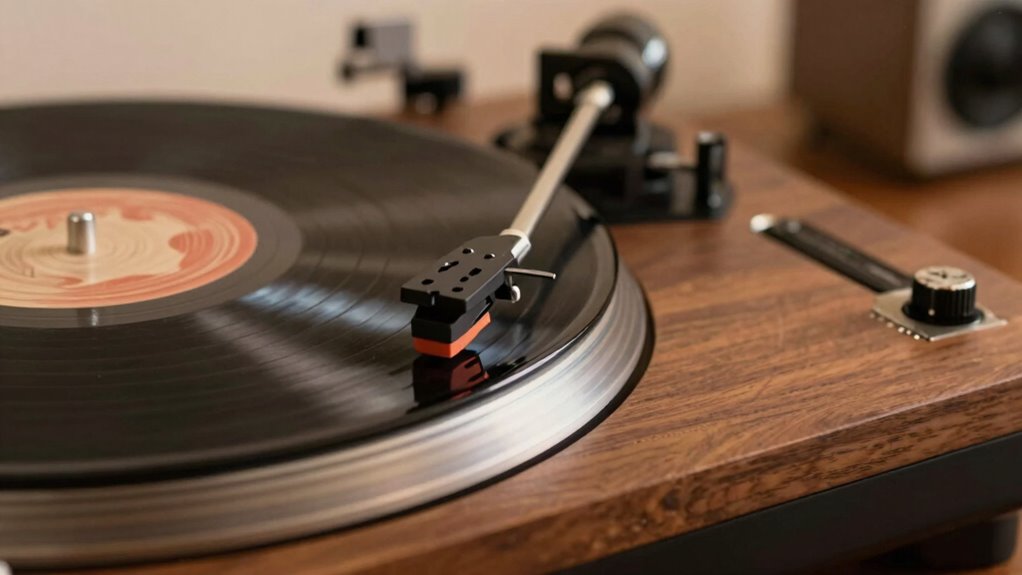
One common mistake beginners make is setting the tracking force too high or too low, which can damage your records and stylus. Too much force wears out your stylus quickly and can cause record skipping, while too little risks the stylus skipping or mistracking. To avoid this, pay close attention to proper stylus alignment and avoid inconsistent tracking. Also, consider platter mat choices, as some mats can affect tracking weight and stability. Be mindful of these factors:
- Incorrect stylus alignment affecting tracking accuracy
- Using an uneven or slippery platter mat that alters tracking force
- Overlooking manufacturer recommended tracking force settings
- Failing to recheck force after changing stylus or mat materials
- Understanding tracking force is essential for maintaining your equipment and preserving your records. Additionally, being aware of electric dirt bike horsepower can help you choose the right bike for your off-road adventures. Regularly inspecting your stylus and equipment can prevent tracking issues and extend the lifespan of your records. Recognizing the impact of proper platter mat selection, including material compatibility, can also greatly improve your overall playback quality.
Tools You Need to Set Your Turntable’s Tracking Force
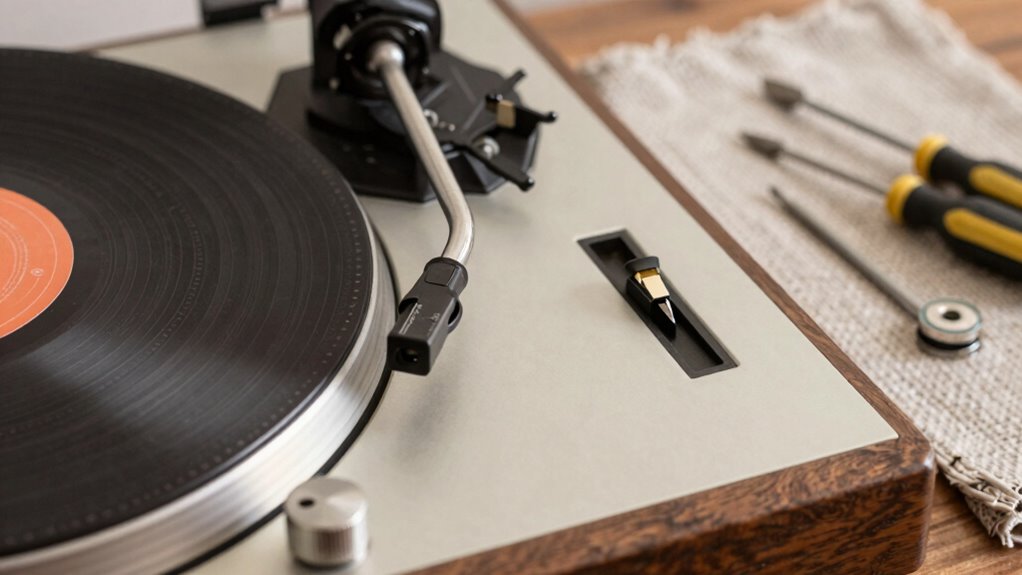
To accurately set your turntable’s tracking force, you’ll need a few essential tools that guarantee precision and protect your records and stylus. First, a reliable stylus force gauge is vital for measuring the correct weight without guesswork. Second, a small flat-head screwdriver helps adjust the tonearm counterweight accurately. Additionally, consider using a bubble level to ensure your turntable is perfectly horizontal, which influences tracking force consistency. When choosing mat materials, softer options like cork or felt can reduce record wear and improve sound quality.
| Tool | Purpose |
|---|---|
| Stylus Force Gauge | Precise measurement of tracking force |
| Small Screwdriver | Tonearm counterweight adjustments |
| Bubble Level | Ensures turntable is level |
| Mat Materials | Affects stylus tips contact and record protection |
| Calibration Record | Verifies tracking force accuracy |
Step-by-Step: Setting the Correct Tracking Force on Your Turntable

Setting the correct tracking force is essential for ideal turntable performance and record longevity. To do this accurately:
Proper tracking force ensures optimal sound quality and preserves your records.
- Use a stylus force gauge to measure the force applied by your cartridge.
- Adjust the counterweight on your tonearm until the gauge shows the recommended tracking force.
- Check that the stylus is properly aligned, ensuring it tracks correctly without undue stress.
- Be mindful of plinth resonance, which can affect tracking force stability and sound quality.
- Regularly monitor your setup to maintain optimal performance over time, and consider using vibration isolation to further enhance stability.
- Additionally, understanding the effects of improper tracking force can help prevent record or stylus damage.
- Properly calibrating your turntable components ensures consistent tracking force and sound quality over its lifespan.
- Always refer to your turntable’s specific manufacturer guidelines for precise adjustments and maintenance tips.
What Happens When Tracking Force Is Too High or Too Low?

When your turntable’s tracking force is too high or too low, it can cause immediate issues that affect both your sound quality and your records. If the force is too high, it can lead to excessive stylus pressure, causing unnecessary wear on your records and potentially damaging the stylus. This also hampers tone adjustment, making it harder to achieve a balanced sound. Conversely, if the force is too low, your stylus may skip or mistrack, resulting in poor audio clarity and increased record wear over time. Material compatibility plays a role here, as different records and stylus types require specific tracking forces for ideal performance. Properly calibrated tracking force ensures your tone adjustment is accurate, protecting your records and delivering the best possible sound.
Troubleshooting Tracking Force and Sound Issues
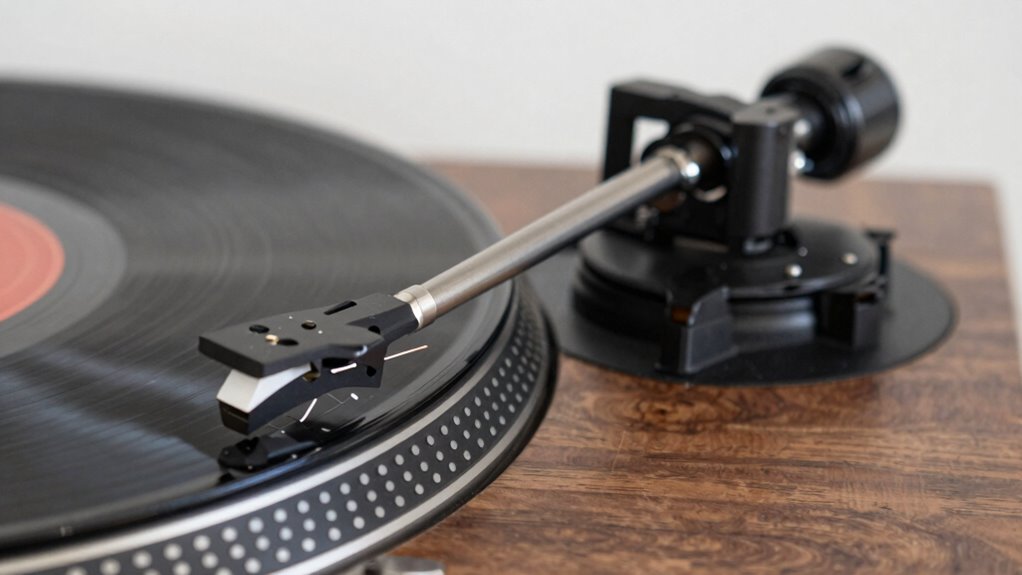
If you notice distortion, skipping, or uneven sound from your records, these issues might be linked to tracking force problems. First, double-check your tracking force setting; incorrect force can cause poor sound quality. Next, confirm your cartridge is properly aligned, as misalignment can lead to tracking issues. If your stylus is old or damaged, consider a stylus replacement for better performance. Also, verify that the tonearm is balanced correctly, as imbalance affects tracking. Proper vacuums for record cleaning can also help maintain stylus performance and prolong cartridge life, reducing the likelihood of tracking issues.
Check tracking force, alignment, stylus condition, and tonearm balance to fix record sound issues.
- Confirm tracking force matches cartridge specifications
- Revisit cartridge alignment for proper tracking angle
- Inspect stylus for wear or damage, replace if needed
- Adjust tonearm balance for ideal contact with records
Final Tips for Maintaining Your Turntable’s Setup
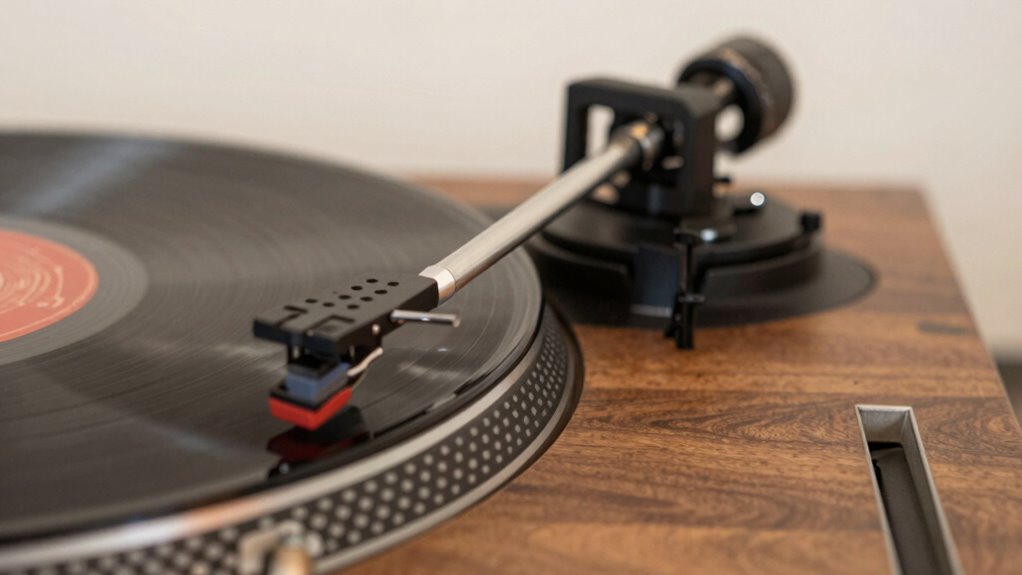
To keep your turntable’s performance at its best, regular maintenance is essential. Start by inspecting and replacing the stylus when it shows signs of wear to prevent damage to your records. Consider routine record cleaning to remove dust and dirt that can cause skipping or distortion. Keep your turntable’s surface clean and free of debris, and ensure the tonearm remains properly balanced. Check and adjust tracking force and anti-skate periodically, especially if you notice sound issues. Also, keep the platter and motor area dust-free. These small steps help maintain ideal sound quality and prolong the life of your equipment. Proper setup is fundamental to achieving optimal sound and avoiding unnecessary wear. Consistent care, including maintaining the correct tracking force, ensures your turntable continues to deliver the rich, detailed sound you enjoy from your vinyl collection.
Frequently Asked Questions
How Often Should I Check My Turntable’s Tracking Force?
You should verify your turntable’s tracking force every 20 to 30 hours of playtime or when you notice any change in sound quality. Regularly inspecting this helps prevent unnecessary stylus wear and guarantees proper cartridge alignment. When replacing your stylus or adjusting the cartridge, it’s a good idea to double-check the tracking force afterward. Consistent maintenance will keep your records sounding their best and extend your equipment’s lifespan.
Can Improper Setup Damage My Records or Stylus?
Did you know that improper setup can cause up to 90% of record wear and stylus damage? Yes, if your turntable isn’t correctly calibrated, it can harm your records and stylus over time. You might notice skipping, distortion, or excessive surface noise. To protect your collection, confirm proper tracking force, anti-skate, and alignment. Taking these steps helps prevent unnecessary damage and extends the life of both your records and stylus.
Is It Necessary to Recalibrate Tracking Force After Every Use?
You don’t need to recalibrate tracking force after every use if you maintain stylus cleanliness and keep your tonearm balanced. Regularly check the stylus for dust and debris, and make sure your tonearm remains properly balanced to prevent unnecessary wear. Only recheck tracking force if you notice issues like skipping or uneven sound. This keeps your records and stylus in good shape without constant adjustments.
What Are Signs That My Tracking Force Needs Adjustment?
You’ll notice your stylus wear or record skipping if your tracking force isn’t right. Ironically, ignoring this simple adjustment can cause more damage than neglecting it. When tracking force is off, your stylus may skip grooves or wear down prematurely, ruining your records. If you see these signs, it’s time to recalibrate. Proper tracking guarantees your records stay pristine and your stylus lasts longer.
How Does Tracking Force Affect Overall Sound Quality?
Tracking force directly impacts sound quality by affecting stylus wear and cartridge alignment. If it’s too high, you may notice excessive stylus wear and distorted sound. Too low, and the stylus might skip or mistrack, leading to poor audio clarity. Proper tracking force ensures your cartridge stays aligned, reduces wear, and delivers clear, accurate sound. Regularly checking and adjusting it keeps your turntable performing at its best.
Conclusion
Remember, proper turntable setup isn’t just a checkbox—it’s the secret ingredient to flawless sound. Skipping the vital adjustment of tracking force is like trying to tune a guitar blindfolded; you’ll never hit the right notes. Take your time, use the right tools, and stay attentive to details. When your turntable’s properly aligned, it’s like giving your records a spa day—every spin sounds richer and more alive.