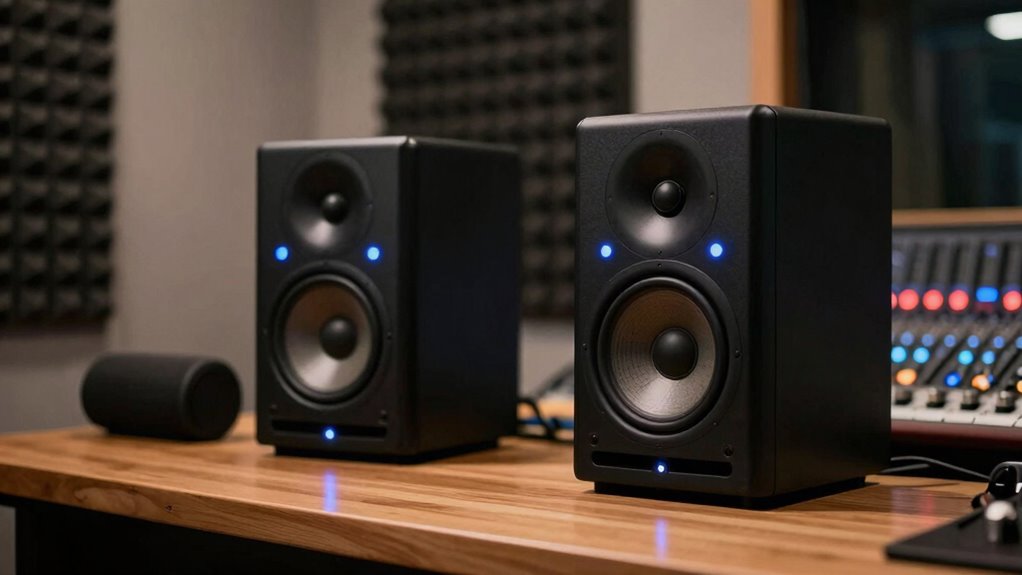

Mixing on Bluetooth speakers is a trap because they don’t offer the flat, accurate sound you need for balanced mixes. Bluetooth devices often emphasize bass and treble, making it hard to hear subtle details or correct issues. They also suffer from latency, dropouts, and inconsistent quality. Studio monitors provide a reliable, true-to-life sound with precise imaging, ensuring your mixes translate well everywhere. Keep going to learn how switching can improve your results.

Get business pricing on monitors, keyboards and dev gear
- Business-only prices and quantity discounts
- Tax-exempt purchasing
- Multiple users, one account, clear invoices
Key Takeaways
- Studio monitors provide a flat frequency response for accurate sound reproduction, unlike Bluetooth speakers that color the sound.
- Bluetooth speakers often have inconsistent sound quality, latency, and exaggerated bass, making them unreliable for precise mixing.
- Proper monitor placement and room treatment are essential for accurate monitoring, which Bluetooth speakers cannot reliably offer.
- Studio monitors enable critical listening and detailed sound imaging, critical for balanced mixes, unlike the casual nature of Bluetooth devices.
- Transitioning to studio monitors ensures consistent, true-to-life sound necessary for professional-quality mixing.
Why Your Listening Environment Matters for Mixing Sound
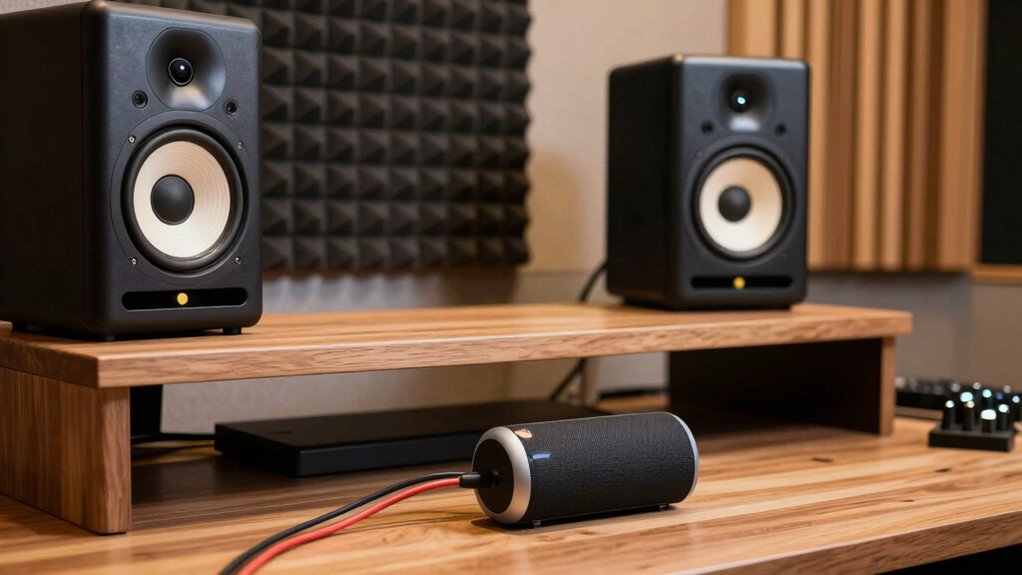
Your listening environment plays a crucial role in how accurately you can hear and assess your mix. Good room acoustics help reduce unwanted reflections and standing waves that distort sound. If your room is overly reflective or uneven, it becomes difficult to judge the true quality of your mix. Proper speaker placement is equally important; position your studio monitors at ear level, forming an equilateral triangle with your listening position. Keep them away from walls or corners to prevent bass buildup and early reflections. By optimizing your room acoustics and speaker placement, you create a more precise listening environment. Additionally, room treatment can further improve sound clarity by absorbing excess reflections and controlling sound diffusion. Implementing acoustic panels and bass traps can significantly enhance your mixing accuracy. Properly managing sound reflections ensures a more accurate and detailed listening experience, essential for professional-quality mixes. Using measurement tools can help you identify problem areas and fine-tune your setup for optimal sound. Consistently calibrating your monitors with appropriate audio calibration techniques can also lead to more reliable and consistent results.
What Sets Studio Monitors Apart From Consumer Speakers
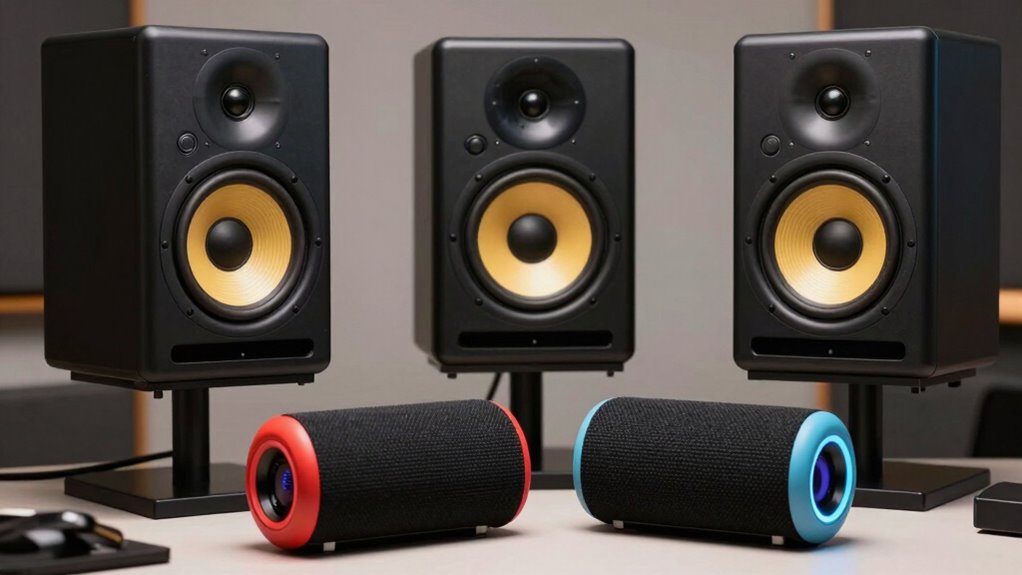
Studio monitors are specifically designed to deliver a flat, accurate sound, unlike consumer speakers that often emphasize bass or treble to enhance listening pleasure. This means their frequency response is balanced, allowing you to hear every detail without exaggerated tones. As a result, your mix remains true to how it will sound across different systems. Sound clarity is a key feature, so you can distinguish subtle nuances and make precise adjustments. Consumer speakers tend to color the sound, which can mislead your mixing decisions. Studio monitors provide a transparent listening environment, helping you identify issues like muddiness or harshness. Ultimately, their focus on neutrality and accurate reproduction ensures your mixes translate well, avoiding surprises when played on other systems. Accurate sound reproduction is essential for achieving professional-quality mixes that translate across various playback environments. Additionally, the consistent sound signature of studio monitors allows for more reliable mixing decisions over time. This consistency is rooted in their design to minimize sound coloration, ensuring that what you hear is a true representation of your audio. Furthermore, the predictable response of studio monitors enables engineers to develop critical listening skills, which are vital for high-quality audio production. A well-designed studio monitor also helps in identifying frequency imbalances, leading to better overall mix balance.
Are Bluetooth Speakers Good for Mixing? Here’s Why Not
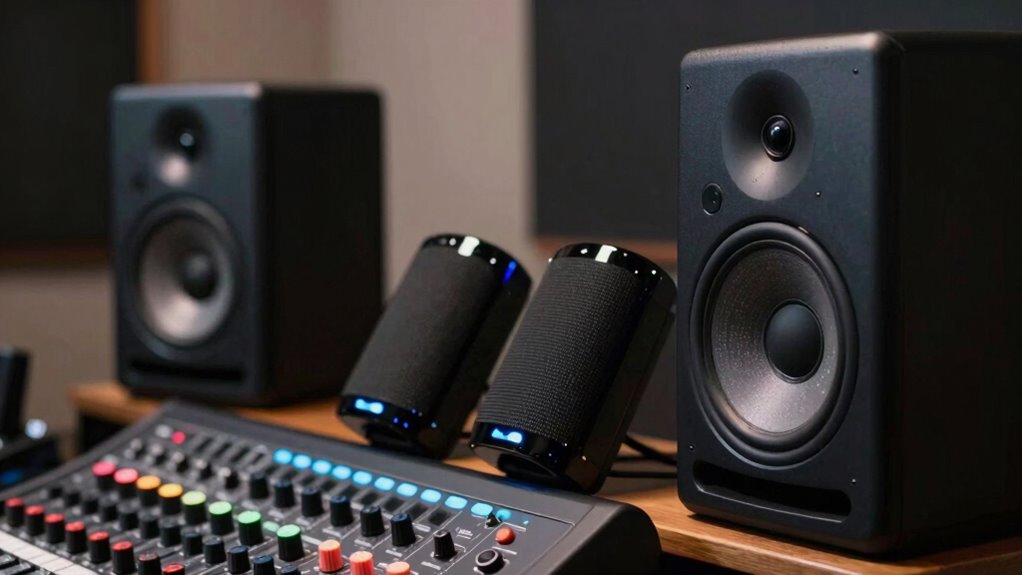
Are Bluetooth speakers suitable tools for mixing music? Not really. Their wireless limitations cause inconsistent sound quality, which hampers your ability to make accurate adjustments. Plus, consumer branding often emphasizes style over sound fidelity, leading to compromised performance. These speakers tend to lack the flat frequency response needed for precise mixing. To illustrate, consider the table below:
| Aspect | Bluetooth Speakers | Studio Monitors | Why It Matters |
|---|---|---|---|
| Wireless Limitations | Unreliable connections, audio dropouts | Wired, stable connection | Ensures consistent sound |
| Sound Accuracy | Often exaggerated bass, uneven mids | Flat, balanced response | Critical for mixing accuracy |
| Consumer Branding | Focus on design, not sound quality | Designed for audio professionals | Professional results depend on quality |
In short, Bluetooth speakers aren’t designed for mixing—they’re better for casual listening. Additionally, their audio fidelity is often compromised, making them unsuitable for critical audio work. When precision and clarity are essential, relying on professional-grade studio monitors is necessary for achieving accurate and reliable sound during mixing sessions.
How Studio Monitors Help You Achieve Accurate, Balanced Mixes
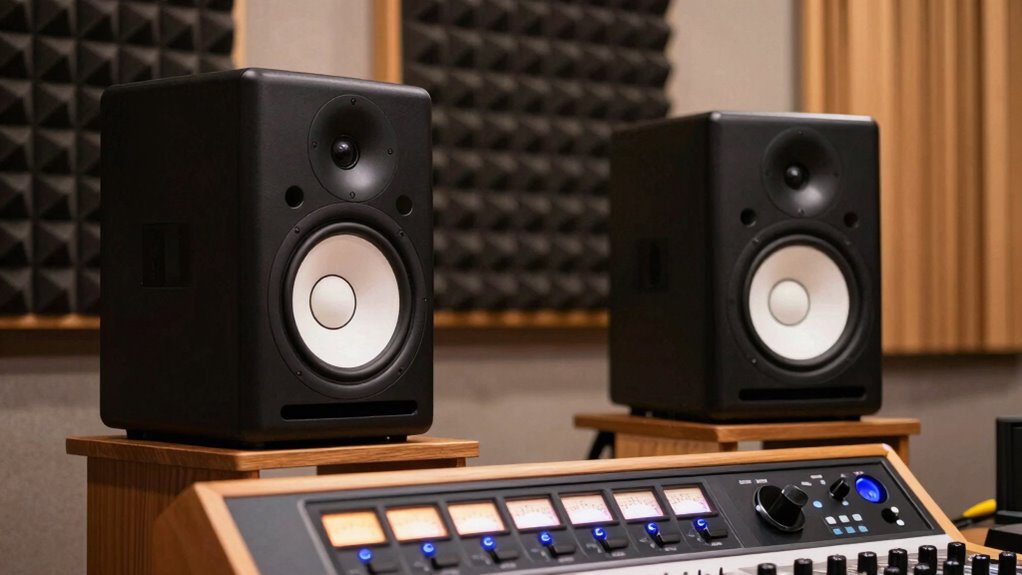
Studio monitors offer a flat frequency response, so you hear your mix exactly as it sounds without any coloration. This helps you identify issues and make precise adjustments. Additionally, their accurate sound imaging lets you place each element perfectly within your stereo field, ensuring a balanced mix. For optimal results, using enterprise USB backups ensures your project files are securely stored and protected from data loss. Understanding regional flavor nuances can also help you tailor your mixes to specific audiences or genres.
Flat Frequency Response
A flat frequency response is essential for accurate mixing because it guarantees you hear your audio exactly as it is, without any coloration or exaggeration of certain sounds. This ensures you achieve true frequency neutrality, making your mixes more reliable across different playback systems. With tonal accuracy, your monitors reveal every detail, allowing you to correct imbalances precisely. When your studio monitors deliver a balanced sound across the entire spectrum, you can trust that what you hear reflects the actual recording. This clarity helps you make informed decisions about EQ, levels, and effects. Avoiding speakers with exaggerated bass or treble is critical, as they distort your perception of the mix. Ultimately, a flat frequency response keeps your mixing honest and consistent, leading to professional-quality results. Additionally, free floating designs can help reduce vibrations and improve overall sound clarity during critical listening. Understanding frequency response is fundamental to selecting the right monitors for achieving accurate mixes. Recognizing the importance of spectral accuracy ensures you select monitors that provide true-to-life sound reproduction, avoiding misleading tonal cues. Being aware of room acoustics also plays a vital role in maintaining the integrity of your sound environment.
Precise Sound Imaging
To achieve an accurate, balanced mix, precise sound imaging is essential, and studio monitors excel at delivering this clarity. They provide superior spatial accuracy, allowing you to perceive the placement of each element in your mix clearly. This helps you identify how sounds are localized within the stereo field, ensuring your tracks translate well across different listening environments. Unlike consumer speakers or Bluetooth devices, studio monitors reveal subtle details and the exact positioning of instruments, vocals, and effects. This level of precision ensures your mix isn’t skewed by inaccurate sound cues. With better sound localization, you can make informed decisions about panning, depth, and balance, resulting in a more professional, polished final product. Accurate sound imaging is a cornerstone of effective mixing, and studio monitors deliver it reliably. Additionally, celebrating music heritage can inspire your work by connecting you to the foundational principles of sound clarity and fidelity. Room acoustics also play a vital role in creating an optimal listening environment, further enhancing the benefits of using studio monitors. Proper monitor placement can significantly improve your ability to interpret sound imaging accurately, and understanding frequency response can help you select monitors that suit your mixing needs, making your mixing process even more precise.
Easy Steps to Switch From Bluetooth to Studio Monitors
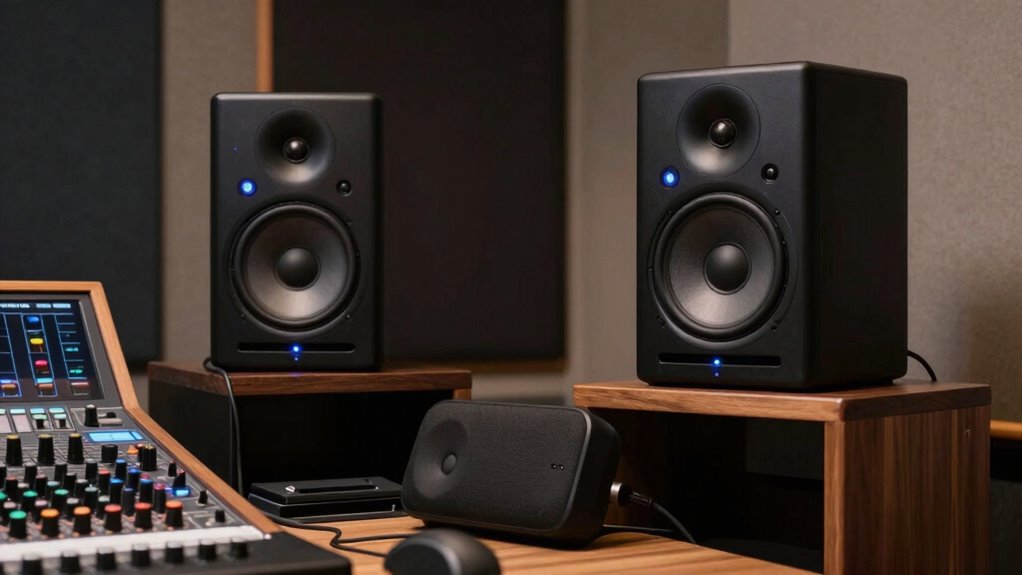
Switching from Bluetooth speakers to studio monitors might seem complicated, but it’s actually straightforward once you understand the basic steps. The key is recognizing Bluetooth limitations, like latency and sound quality, which can hinder your mixing. To make the transition smooth, focus on proper speaker placement for ideal sound.
Switching to studio monitors enhances sound quality and mixing accuracy by overcoming Bluetooth limitations.
Here are easy steps to get started:
- Connect your studio monitors directly to your audio interface or computer using balanced cables.
- Adjust the volume levels and confirm your monitors are positioned at ear level and in an equilateral triangle with your listening position.
- Test the sound, listening for clarity and balanced imaging, making sure there’s no feedback or distortion.
This simple setup improves your mixing accuracy and overcomes the drawbacks of Bluetooth technology.
Common Mistakes When Setting Up Studio Monitors: and How to Avoid Them
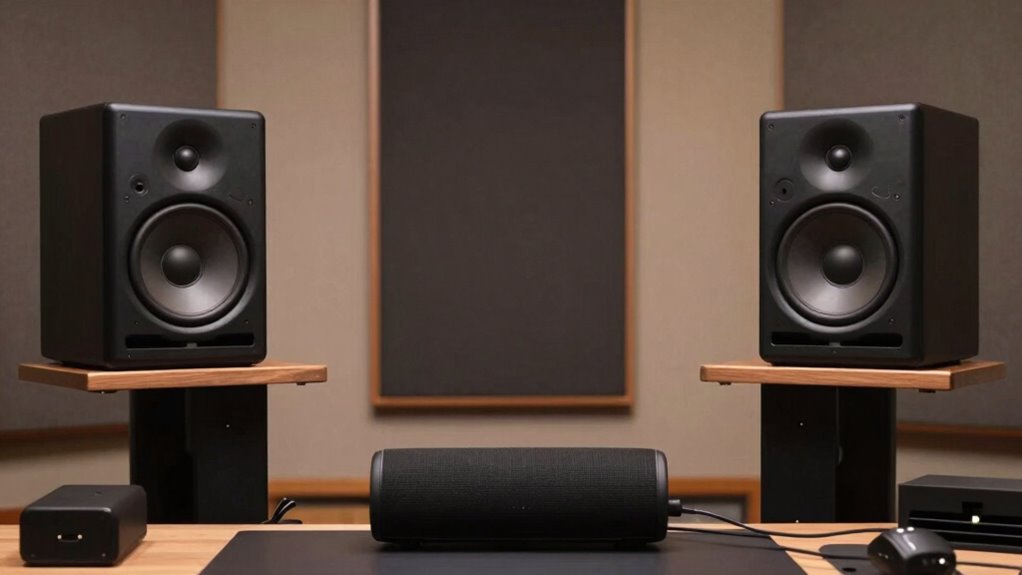
Many beginners overlook common setup mistakes that can negatively impact your studio monitor performance. One major error is neglecting proper speaker placement; placing monitors too close to walls or at incorrect heights can distort sound. Make certain your monitors are at ear level and form an equilateral triangle with your listening position. Another critical mistake is poor phase alignment, which causes sound waves to cancel out or reinforce each other unexpectedly. To avoid this, check that both speakers are wired correctly and that their drivers are in phase. Incorrect phase alignment results in a muddled stereo image and reduced clarity. Taking the time to position your monitors correctly and verify phase alignment will dramatically improve your mixing accuracy and prevent common, costly mistakes.
Frequently Asked Questions
Can I Use Headphones Instead of Speakers for Mixing?
You can use headphones instead of speakers for mixing, but keep in mind that headphone accuracy varies. Mixing on headphones can be helpful for details and late-night sessions, but it may not reveal all room-related issues. To get the best results, choose high-quality, flat-response headphones designed for mixing. Remember, headphones are a useful tool, but ideally, you should verify your mix on different speakers and in different environments.
How Much Do Studio Monitors Typically Cost?
Studio monitors typically cost between $200 and $2,000, depending on the brand, size, and features. If you’re on a budget, look for entry-level options around $200 to $500, which still offer decent sound quality. For professional-grade accuracy, be prepared to spend more. Comparing costs helps you find the best fit for your needs, ensuring you get reliable performance without overspending on premium models that may be unnecessary at your experience level.
What Are the Best Brands for Studio Monitors?
Did you know that over 60% of professional studios trust brands like Yamaha, KRK, and Adam Audio? These top audio manufacturers are renowned for their reliable, high-quality studio monitor brands. If you’re serious about mixing, you should consider these options, as they deliver accurate sound reproduction essential for mixing decisions. Investing in reputable brands guarantees your mixes translate well across all playback systems.
Do Room Size and Acoustics Affect Monitor Performance?
Your room size and acoustics considerably impact monitor performance. Larger or oddly shaped room dimensions can cause sound reflections and standing waves, making it harder to hear your mix accurately. Acoustic treatment helps tame these issues by reducing reflections and controlling sound behavior. Without proper treatment, even the best monitors won’t deliver precise sound, so investing in room optimization is essential for accurate mixing.
Is It Necessary to Treat a Room Before Using Studio Monitors?
Yes, you should address your room before using studio monitors. Poor room acoustics can distort your sound, making mixing inaccurate. Use treatment techniques like bass traps, diffusers, and absorbers to control reflections and resonances. Proper room treatment ensures your monitors deliver a flat, honest sound, helping you make better mixing decisions. Don’t skip this step if you want professional-quality results and accurate monitoring.
Conclusion
Choosing the right listening environment is like laying a solid foundation for your mixes. While Bluetooth speakers might seem convenient, they’re a trap that can distort your sound and hinder your progress. Switching to studio monitors is your ticket to clarity and precision. Don’t let your mixes be like a ship without a compass—trust the tools designed for accuracy, and watch your sound truly come to life, guiding you toward professional-quality results.
Halloween Picks
halloween
As an affiliate, we earn on qualifying purchases.