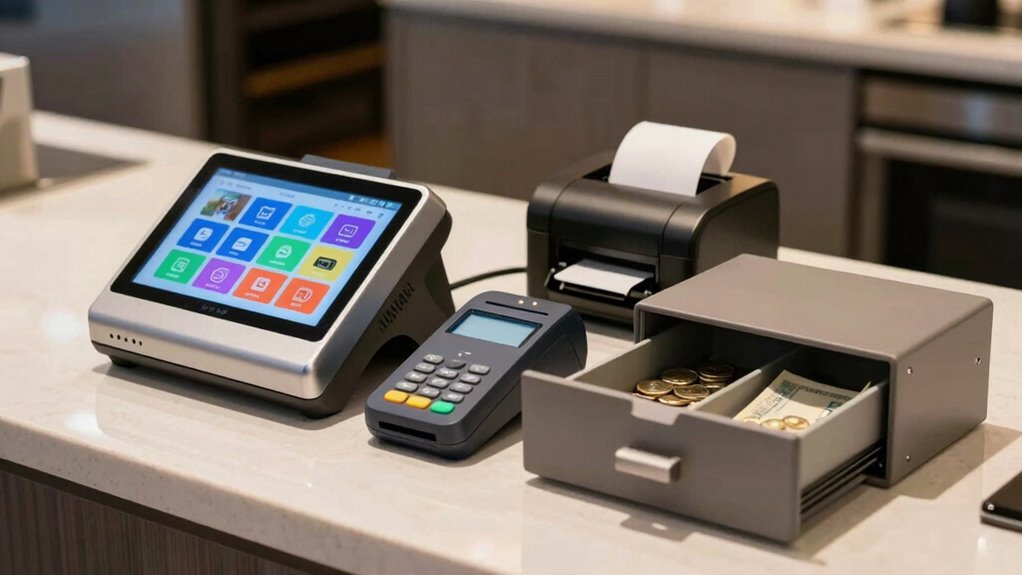

Before accepting your first payment, you need essential POS hardware like a reliable payment terminal compatible with digital wallets, sturdy card readers, receipt printers, barcode scanners, and a secure cash drawer. Choose between wired or wireless connections based on your space and security needs. Verify all components are compatible, durable, and support your business’s growth. Proper setup and regular maintenance ensure smooth transactions. Explore further to learn detailed tips for selecting, connecting, and maintaining your POS hardware.

Get business pricing on monitors, keyboards and dev gear
- Business-only prices and quantity discounts
- Tax-exempt purchasing
- Multiple users, one account, clear invoices
Key Takeaways
- Essential hardware includes reliable payment terminals, cash drawers, receipt printers, and barcode scanners for efficient transactions.
- Choose POS hardware that is compatible with your business type, scalable, durable, and supported by reliable vendors.
- Design user-friendly POS interfaces with clear labels, seamless software integration, and open APIs for future growth.
- Ensure a secure, stable network using quality routers, encryption protocols, and regular maintenance to prevent data breaches.
- Test and maintain all hardware regularly to ensure reliability, reduce downtime, and support long-term business expansion.
As an affiliate, we earn on qualifying purchases.
What Hardware Do You Need to Start Accepting Payments?
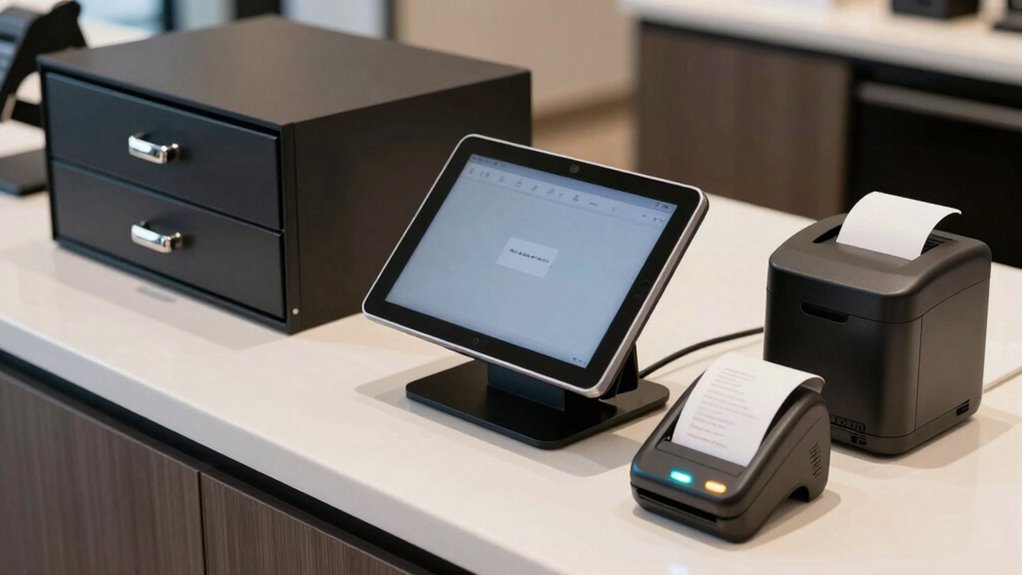
Have you wondered what hardware is essential to start accepting payments? To get started, you’ll need a reliable POS system that supports digital wallets, making transactions quick and seamless. A sturdy card reader or payment terminal is vital; hardware durability ensures it withstands daily use, reducing maintenance costs. These devices often connect to your smartphone or tablet, so compatibility is key. If you plan to accept contactless payments, investing in a terminal with NFC capabilities is smart. Additionally, a secure cash drawer and receipt printer can complement your setup, depending on your business needs. The right hardware not only facilitates smooth transactions but also builds customer trust, especially when combined with secure digital wallet acceptance. Prioritize durability and compatibility to guarantee your payment process runs smoothly. Incorporating hardware with proven reliability that enhances the user experience can also help you stand out in a competitive market. Moreover, choosing robust and compatible hardware can minimize downtime and improve overall customer satisfaction, as ensuring reliable POS components is crucial for consistent performance. Being aware of the importance of free floating components can help you optimize your setup for long-term success.
As an affiliate, we earn on qualifying purchases.
How to Choose the Right POS Terminal for Your Business
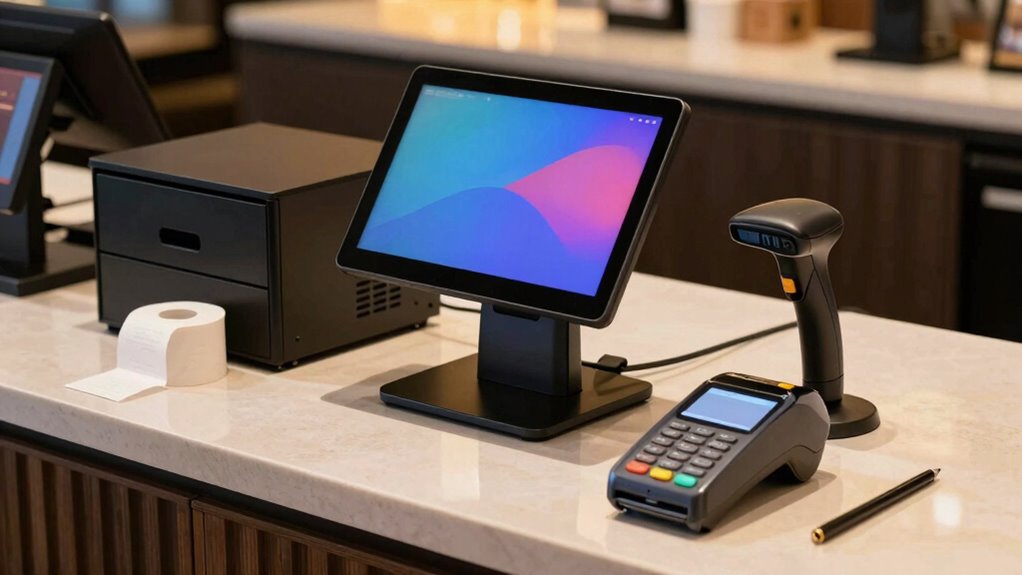
Choosing the right POS terminal starts with considering your business type to guarantee compatibility. You also want a user-friendly interface so staff can operate it easily, reducing errors. Additionally, make sure it integrates smoothly with your existing systems to keep operations running seamlessly. Incorporating sound therapy principles can also enhance staff well-being and focus during busy hours by creating a calming environment through sound healing techniques. To ensure reliable performance, selecting equipment with proven cabling solutions can prevent common issues like disconnections or failures that disrupt service. Evaluating the durability of hardware is essential, especially if your business involves frequent movement or outdoor use, where electric power considerations become relevant. Understanding hardware durability can help you choose equipment that withstands daily wear and tear, ensuring longevity and consistent operation.
Compatibility With Business Type
Selecting the right POS terminal depends heavily on your business type and operational needs. If you run a retail store, prioritize a system that handles inventory tracking, barcode scanning, and quick transactions. Look for hardware that supports multiple payment methods and integrates easily with your existing stock management software. For a restaurant setup, choose a POS designed for quick service, table management, and order customization. Features like handheld terminals or kitchen display systems can streamline your workflow. Make sure the hardware can support your specific environment—durability for busy retail floors or compact design for small restaurant counters. Additionally, consider the compatibility of the hardware with specialized business functions, ensuring it supports your unique operational requirements. Choosing a compatible POS system ensures smooth operations and a better customer experience, whether you’re managing shelves or serving tables.
User-Friendly Interface Design
A user-friendly interface is essential for ensuring smooth day-to-day operations and a positive customer experience. When choosing a POS terminal, prioritize design simplicity and an intuitive user interface. A clear, straightforward layout helps you and staff navigate transactions quickly, reducing errors and wait times. Look for touchscreens with minimal clutter, logical menu structures, and easy-to-read fonts.
| Feature | Why It Matters | What To Look For |
|---|---|---|
| Intuitive Navigation | Speeds up training and use | Simple, logical menus |
| Clear Labels | Reduces confusion | Easily recognizable icons |
| Minimal Clutter | Prevents mistakes | Clean, uncluttered screens |
Choosing a POS with a simple, user-friendly interface improves efficiency and customer satisfaction.
Integration With Existing Systems
Making certain your POS system integrates smoothly with your existing business tools is essential for maintaining efficiency and avoiding disruptions. Focus on cloud integration, which allows seamless data sharing across platforms and remote management. This setup helps keep your inventory management accurate, real-time, and accessible from anywhere. When choosing a POS terminal, verify it can connect with your current accounting, sales, and inventory systems effortlessly. Compatibility reduces manual data entry and errors, saving you time and resources. Look for solutions that support open APIs or built-in integrations with popular software. A well-integrated POS ensures your business operates smoothly, with real-time updates that help you make informed decisions and improve customer service without technical headaches. Additionally, understanding small wood stove maintenance techniques can help manage heating efficiency and prolong equipment lifespan. Proper integration also supports software compatibility, which is crucial for adapting to future technological upgrades and expanding your business capabilities. Incorporating automated data synchronization can further streamline your operations by reducing manual input errors. Ensuring your POS hardware is compatible with the latest cloud-based solutions can future-proof your operations and streamline upgrades as technology evolves.
wireless barcode scanner for retail
As an affiliate, we earn on qualifying purchases.
As an affiliate, we earn on qualifying purchases.
Essential Peripherals: Barcode Scanners, Receipt Printers, and Cash Drawers

Essential peripherals like barcode scanners, receipt printers, and cash drawers play a crucial role in streamlining your point-of-sale operations. Barcode scanners speed up inventory management by quickly and accurately capturing product details, reducing errors, and updating stock levels in real-time. High refresh rates ensure smooth operation and quick response times, which are vital during busy sales periods. Receipt printers provide customers with clear transaction records, enhancing transparency and trust, which boosts customer engagement. Cash drawers ensure secure handling of cash and help maintain organized cash flow. When these peripherals work seamlessly with your POS system, they improve efficiency and accuracy during sales. This setup minimizes delays and errors, allowing you to serve customers faster while keeping inventory data precise. Investing in reliable peripherals creates a smoother checkout experience that benefits both your staff and your customers. Proper integration of peripherals ensures optimal performance and minimizes technical issues during transactions.
secure cash drawer for POS system
As an affiliate, we earn on qualifying purchases.
As an affiliate, we earn on qualifying purchases.
Wired vs. Wireless POS Connections: Which Is Best for You?
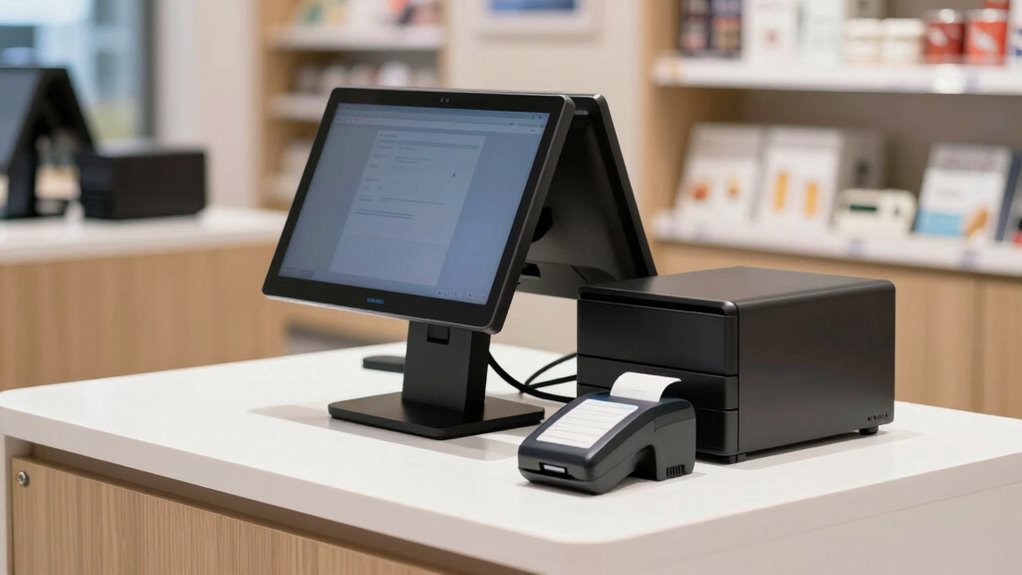
Choosing between wired and wireless POS connections depends on your business needs and environment. Wired connections offer wired flexibility, providing a stable and secure link that’s less prone to interference or signal loss, which is ideal for high-volume or sensitive transactions. They’re often preferred in environments where reliable, consistent connection security matters most. Wireless connections, on the other hand, give you flexibility and mobility, allowing you to move around freely and set up your POS anywhere within your Wi-Fi range. However, wireless security must be a priority, as Wi-Fi networks can be vulnerable if not properly encrypted. Consider your space, transaction volume, and security requirements to determine which connection type best supports your operations. Additionally, understanding connection stability can help you make the best choice for your specific needs. It’s also important to factor in network interference, which can impact wireless performance and reliability. For example, interference sources such as neighboring Wi-Fi networks or electronic devices can disrupt your connection and affect transaction processing. Being aware of security protocols is crucial to safeguarding your wireless transactions and data integrity. Furthermore, assessing battery life is essential for wireless systems to ensure continuous operation during busy periods. Both options have advantages, so choose based on what aligns with your business environment.
Setting Up Your Network for Reliable Payment Processing

To guarantee smooth payment processing, you need the right network hardware, like routers and switches, that can handle your transaction volume. Securing your connection with protocols such as WPA3 or VPNs keeps sensitive data safe from breaches. Proper setup and security measures make your POS system reliable and protect your business and customers. Additionally, incorporating essential DIY tools and following safety tips can help you troubleshoot and maintain your network hardware effectively. Regularly testing your network speed ensures your system can support peak transaction loads without lag or failure.
Network Hardware Essentials
Setting up a reliable network is essential for seamless payment processing, as it guarantees your transactions are fast and secure. To achieve this, invest in quality network hardware like routers, switches, and modems that support stable connections. These components ensure retail security by reducing vulnerabilities and preventing disruptions that could compromise sensitive data. A robust network also enhances customer engagement, as quick and reliable payment processing minimizes wait times and improves overall experience. Make sure your Wi-Fi setup covers your entire retail space, avoiding dead zones, and consider wired connections for added stability where possible. Regular maintenance and updates keep your network secure and efficient, ensuring your POS system functions smoothly during peak hours and protecting customer information at all times.
Secure Connection Protocols
Secure connection protocols are essential for ensuring your payment data remains protected during transmission. Using robust encryption standards, like TLS (Transport Layer Security), helps safeguard sensitive information from hackers. These protocols implement data encryption, converting payment details into unreadable code as they travel across your network. This prevents unauthorized access or tampering during transactions. Make sure your POS system supports the latest encryption standards to maintain compliance and security. Additionally, always verify that your network uses secure, encrypted Wi-Fi connections instead of open or unsecured networks. By establishing secure connection protocols, you create a reliable environment for payment processing, reducing the risk of data breaches and ensuring customer trust. Properly setting up your network with strong encryption standards is a critical step for a secure POS system.
Ensuring Hardware Compatibility and Planning for Growth
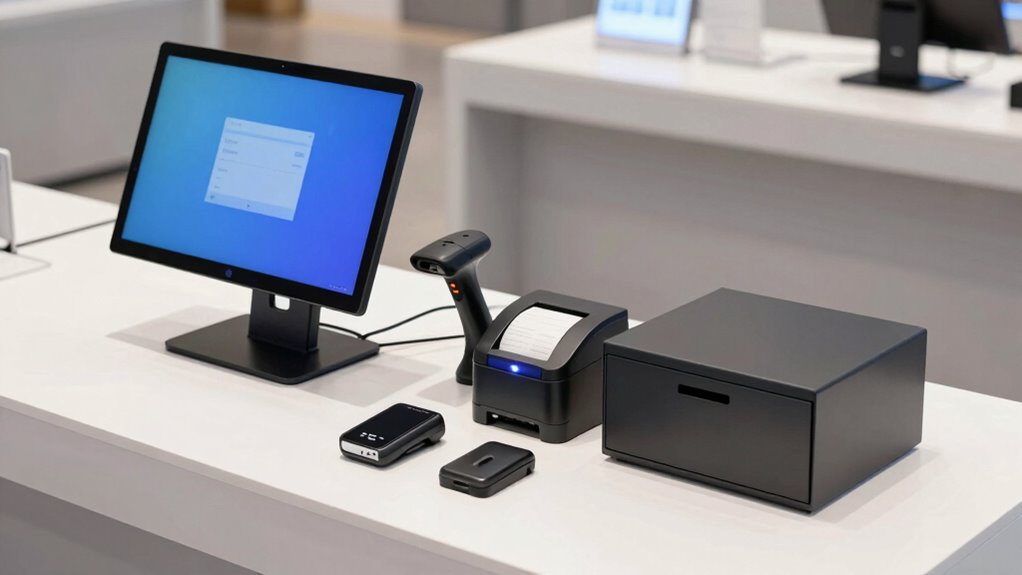
Making certain of hardware compatibility and planning for growth are crucial steps when selecting a POS system. You need hardware that’s durable enough to handle daily use, reducing replacement costs and downtime. Check that your chosen devices are compatible with your POS software to avoid integration issues. Additionally, consider your future needs—your business will grow, so select hardware that can scale with you. Reliable vendor support is essential; it ensures quick assistance if problems arise, minimizing operational disruptions. By prioritizing hardware durability and responsive support, you’ll create a resilient setup that adapts to your expanding business. Proper planning now prevents costly upgrades later and keeps your payment process smooth and efficient as your business grows.
How to Test and Maintain Your POS Hardware Before Launch
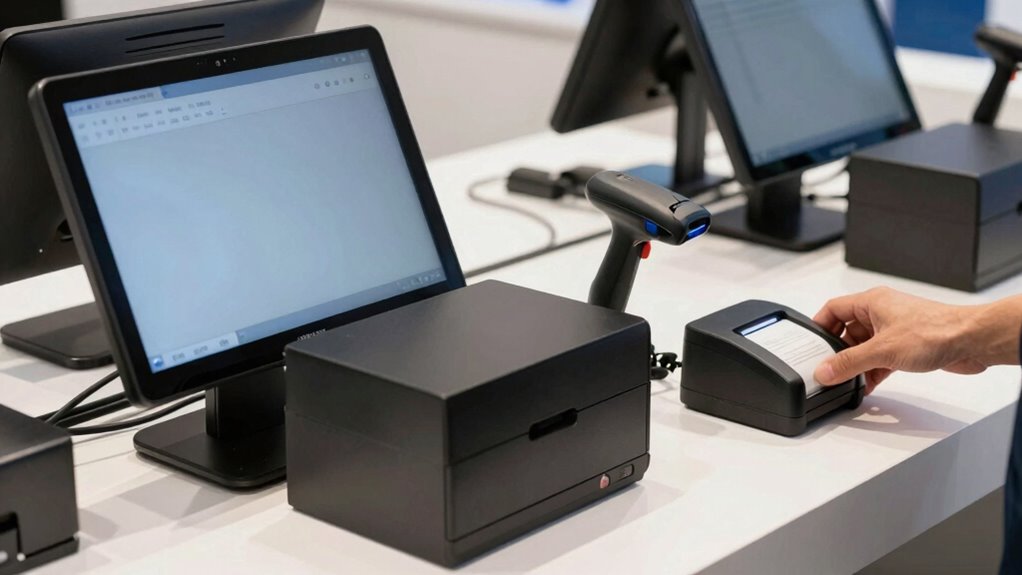
Before launching your POS system, it’s essential to thoroughly test all hardware components to identify and resolve potential issues. Check the hardware durability by performing stress tests to ensure devices can handle daily use. Test each component—cash drawers, scanners, printers—to confirm they function correctly and communicate seamlessly with your software. Keep your system up to date by installing the latest software updates, which often include security patches and performance improvements. Regular maintenance, like cleaning and inspecting connections, prevents hardware failures after launch. Document any issues during testing and address them promptly. Doing this ensures your hardware remains reliable, reduces downtime, and provides a smooth checkout experience for your customers. Proper testing and maintenance safeguard your investment and set you up for success.
Frequently Asked Questions
What Are the Security Features to Consider for POS Hardware?
When choosing POS hardware, you should prioritize security features like payment encryption to protect card data during transactions. Biometric security, such as fingerprint or facial recognition, adds an extra layer of protection for user access. Confirm your hardware supports these features, so you can prevent unauthorized use and safeguard sensitive information. Combining payment encryption and biometric security helps you maintain customer trust and stay compliant with industry standards.
How Do I Train Staff to Use New POS Hardware Effectively?
Start with simple, step-by-step staff training to boost confidence and competence. Use clear, consistent communication to demonstrate hardware integration, ensuring your team understands each function. Reinforce learning through real-life practice, encouraging questions and feedback. Schedule regular refresher sessions to keep skills sharp. By building a supportive, supervised setup, you help staff seamlessly adapt to new POS hardware, turning tech challenges into confident, capable cashiers.
What Are the Costs Associated With Upgrading POS Hardware Over Time?
Upgrading your POS hardware involves costs like new devices, installation, and potential downtime, which can add up over time. To manage these expenses, set a hardware upgrade schedule and budget for replacements proactively. Regular hardware upgrades guarantee your system stays current and secure, helping you avoid unexpected breakdowns. Effective cost management means planning ahead, researching affordable options, and balancing upgrade frequency with your business needs.
How Can I Troubleshoot Common Hardware Issues Quickly?
Think of troubleshooting your POS hardware like fixing a car engine—you need the right tools. Start by checking hardware compatibility, ensuring all connections are secure. Use troubleshooting tools like diagnostic software or reset functions to identify issues quickly. If a device isn’t responding, try restarting it or swapping cables. Keeping a basic toolkit handy helps you resolve common problems fast, minimizing downtime and keeping your sales running smoothly.
Are There Industry-Specific Hardware Options for Different Business Types?
Yes, industry-specific hardware options exist based on your business type considerations. For example, retail stores often use barcode scanners and touchscreens, while restaurants benefit from integrated POS terminals with kitchen displays. Service businesses might prefer portable tablets for mobility. You should evaluate your business’s unique needs and choose hardware designed for your industry, ensuring efficient operations, durability, and customer satisfaction. Tailoring hardware to your specific industry boosts overall efficiency and customer experience.
Conclusion
Getting your POS hardware right is the foundation of smooth, successful transactions. Think of it as the backbone supporting your business’s growth—solid, dependable, and ready to adapt. By choosing the right equipment and maintaining it well, you’ll keep your payment process seamless, like a well-oiled machine. Remember, investing upfront now guarantees your operations run smoothly later, so you can focus on what truly matters—growing your business with confidence.
Halloween Picks
halloween
As an affiliate, we earn on qualifying purchases.