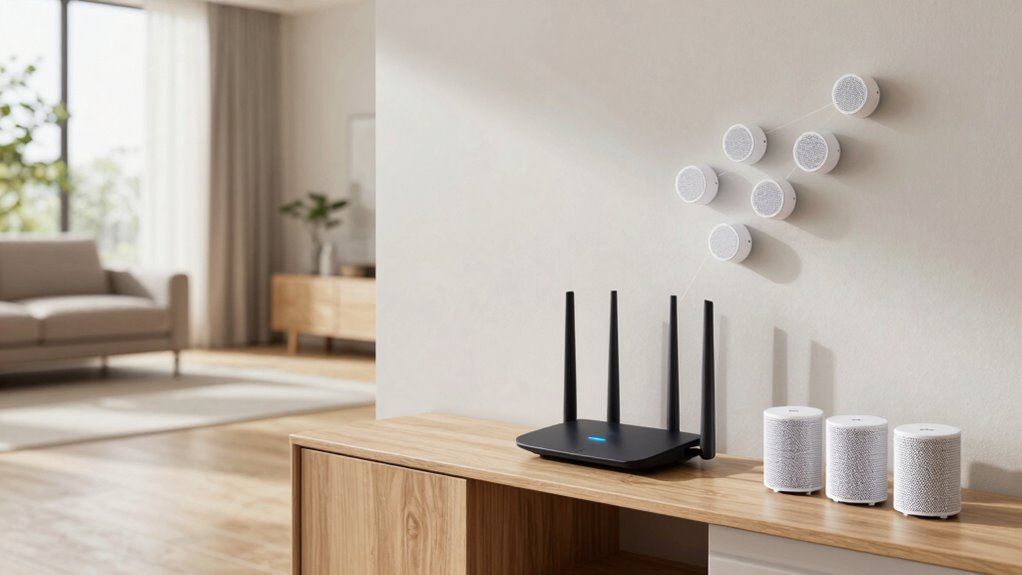

For larger homes, a mesh Wi-Fi system generally outperforms a router with extenders by providing seamless, reliable coverage and faster speeds across all areas. Mesh networks use multiple nodes to coordinate and reroute data automatically, reducing dead zones and interference. Extenders can cause slower speeds and may require frequent adjustments. If you want consistent, easy-to-manage coverage, a mesh system is often the better choice. Keep going to learn how to choose the best setup for your home.
Key Takeaways
- Mesh Wi-Fi systems provide seamless coverage and better performance across large homes, reducing dead zones more effectively than routers with extenders.
- Mesh networks are easier to set up and manage, with automatic updates and flexible expansion for growing coverage needs.
- Extenders are more budget-friendly but may cause slower speeds and require manual placement adjustments for optimal coverage.
- Mesh systems typically cost more upfront but offer more reliable, scalable performance suited for multi-story or obstacle-heavy homes.
- Proper placement and regular maintenance are essential for maximizing either solution’s coverage and stability in larger spaces.
Which Wi-Fi Solution Is Best for Your Large Home?
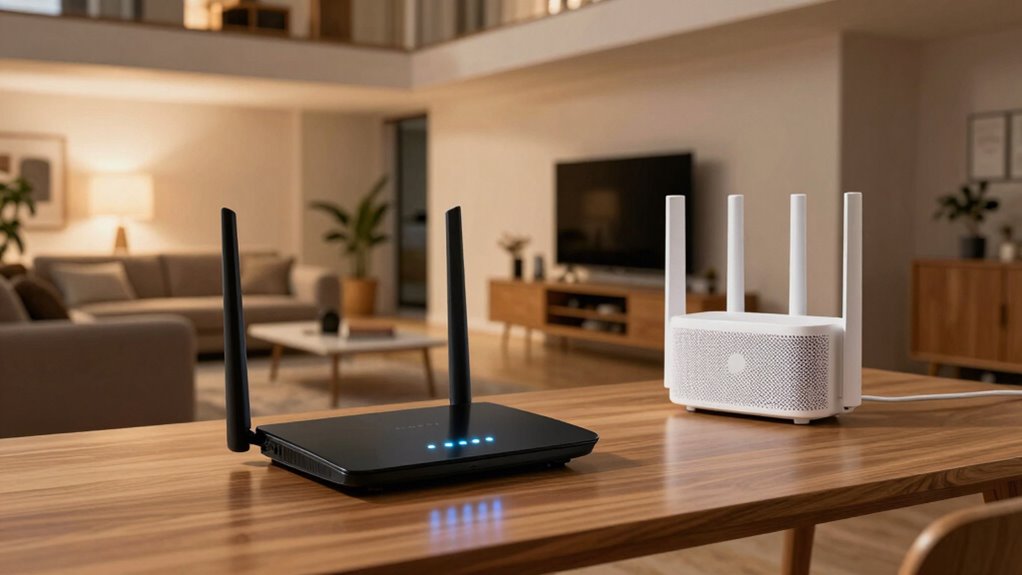
When you have a large home, choosing the right Wi-Fi solution can make all the difference in ensuring a strong, reliable connection everywhere. If you’re dealing with signal interference from thick walls or multiple floors, a mesh Wi-Fi system is often the best choice, as it spreads coverage seamlessly across your space. It also offers better device compatibility, allowing multiple devices to connect without sacrificing speed or stability. Traditional routers paired with extenders can struggle with interference and may create dead zones, especially in larger areas. Mesh systems are designed to adapt to your home’s layout, minimizing dead spots and maintaining consistent performance. Additionally, understanding network topologies can help you optimize your setup for maximum coverage. Considering interference mitigation strategies can further enhance your network’s reliability. Deploying a mesh system can also simplify network management, making it easier to monitor and troubleshoot your Wi-Fi network. Exploring smart home network solutions can provide integrated management and improved connectivity for all your devices. Moreover, investing in premium networking equipment can ensure higher speeds and future-proof your home’s connectivity needs. Ultimately, selecting a solution that addresses interference and supports your devices will keep your entire home connected smoothly.
How Do Mesh Wi-Fi Systems Work and Why Are They Effective?

Mesh Wi-Fi systems work by using multiple devices called nodes that communicate with each other to create a unified, expansive network. This setup reduces dead zones and maintains consistent coverage across large homes. Because nodes work together, they intelligently route data, minimizing signal interference and ensuring a stable connection. Additionally, mesh systems often include enhanced wireless security features, protecting your network from threats. This seamless communication makes setup simple and management effortless. Here’s a quick comparison:
| Feature | Mesh Wi-Fi Systems | Traditional Router + Extender |
|---|---|---|
| Coverage | Extensive, whole-home | Limited, dead zones possible |
| Signal Interference | Reduced, adaptive routing | More likely, static routes |
| Wireless Security | Built-in, robust | Varies, often less integrated |
This system’s intelligence and security make it especially effective for larger homes.
Comparing Performance: Speed, Reliability, and Seamless Coverage

Choosing between a mesh Wi-Fi system and a traditional router with extenders often comes down to performance, especially in regards to speed, reliability, and coverage. Mesh systems typically deliver faster, more consistent speeds across your entire home by reducing network congestion and maintaining strong signals. They handle signal interference better, as they dynamically reroute traffic around problematic areas. With extenders, you might experience slower speeds and dead zones where the signal weakens or drops entirely. Mesh networks seamlessly cover large spaces without requiring manual adjustments or multiple setups, offering a more reliable connection. Additionally, mesh Wi-Fi systems often incorporate battery inverter generators to ensure continuous operation during power outages, enhancing overall reliability. Proper placement of network devices also plays a crucial role in optimizing the performance of either system. For larger homes, seamless coverage is essential to prevent interruptions and maintain a stable connection throughout the space. Overall, mesh Wi-Fi provides a smoother, more dependable experience for larger homes, especially when dealing with multiple devices and high network demands.
Setting Up Your Wi-Fi System: Mesh or Extenders?

Setting up a Wi-Fi system can seem complicated, but the process varies considerably between mesh networks and traditional extenders. With mesh systems, you typically download an app, connect the main unit to your modem, and follow guided steps to add nodes. Extenders often require manual setup through a web browser, connecting to your existing Wi-Fi. Wireless security is vital during setup; make certain your network uses strong encryption like WPA3 or WPA2. Device compatibility also matters—check that your devices work seamlessly with the chosen system. Mesh networks generally offer easier, more secure setup with automatic updates and centralized management. Extenders might need manual configuration for each device, which can introduce security gaps if not done properly. Choose the method that best suits your tech skills and home network needs.
What Does a Mesh Wi-Fi System Cost Compared to Extenders?

While the initial investment can vary widely, mesh Wi-Fi systems generally cost more than traditional extenders. In a typical cost comparison, you’ll notice a higher price range for mesh systems, but they often provide better coverage and performance. Consider these points:
Mesh Wi-Fi systems typically cost more than extenders but offer superior coverage and performance.
- Mesh Wi-Fi systems usually start around $150 and can go up to $500 or more, depending on the number of units.
- Extenders are more budget-friendly, with prices ranging from $20 to $100.
- The long-term value of a mesh system may outweigh the upfront cost, especially for larger homes needing seamless coverage.
While the price range for mesh systems is higher, they offer a more integrated and reliable network. Your choice depends on your budget and coverage needs.
Can You Expand Your Wi-Fi Network Over Time? Scalability Tips
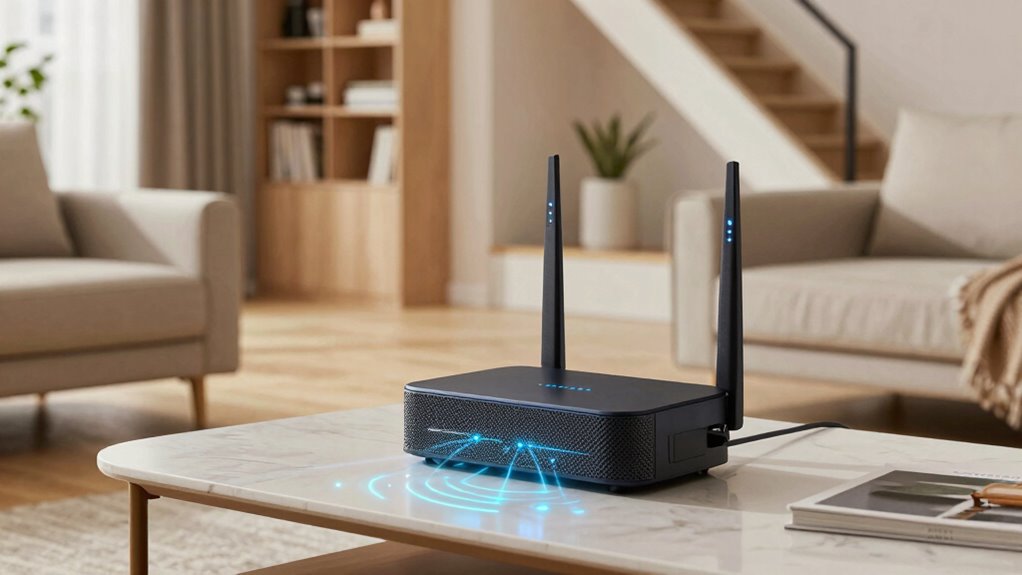
You can expand your Wi-Fi network over time by adding extra nodes or upgrading your current hardware. Properly optimizing device placement also helps make sure better coverage. These strategies let you adapt your network as your needs grow. Additionally, understanding digital insights can guide you in selecting the most effective expansion options for your specific environment, especially when considering scalability to avoid future limitations. Incorporating eco-friendly disposal tips for outdated networking equipment can also support sustainable practices as you upgrade your setup. Being aware of security considerations ensures your expanded network remains protected from potential threats. Considering device compatibility is essential to ensure new components work seamlessly with your existing setup.
Adding Extra Nodes
Expanding your Wi-Fi network over time is straightforward, especially with the right equipment. When adding extra nodes, guarantee hardware compatibility to prevent connectivity issues. Here are key tips:
- Check if your existing router or mesh system supports additional nodes without firmware updates.
- Confirm that new nodes match your current internet speed capabilities to avoid bottlenecks.
- Use devices from the same brand or compatible standards to assure seamless integration and peak performance.
- Consider the benefits of wireless signal strength to optimize your network coverage effectively, especially in spaces with complex layouts or obstacles.
- Remember that Free Floating concepts can influence how your network extends across open or unconventional areas.
- Additionally, understanding body jewelry measurements and materials can be helpful when setting up IoT devices with specific size or material requirements to ensure proper installation and connectivity.
Upgrading Existing Hardware
Upgrading your existing Wi-Fi hardware is a practical way to improve coverage and performance as your network needs grow. Start by checking hardware compatibility before purchasing new devices to guarantee seamless integration. Firmware updates are essential; they improve security, fix bugs, and enhance features, keeping your network reliable. If your current router or extender is outdated, replacing or upgrading it can considerably boost speeds and coverage. You can also add compatible mesh nodes or extenders that work with your existing hardware to expand your network gradually. Keep an eye on firmware updates from your device manufacturer to maximize performance and security. Regularly updating firmware ensures your hardware remains compatible with new technologies and standards.
| Hardware Compatibility | Firmware Updates |
|---|---|
| Ensures new devices work seamlessly | Improve security and fix bugs |
| Prevents connectivity issues | Enhance features and performance |
| Critical for upgrades | Keep hardware current and reliable |
| Compatibility checks save time | Regular updates preserve compatibility |
Optimizing Network Placement
To guarantee your Wi-Fi network can grow seamlessly over time, thoughtful placement of your routers and extenders is essential. Proper positioning minimizes network interference and ensures device compatibility across your home.
Here are some tips to enhance placement:
- Place routers and extenders centrally to reduce dead zones and improve signal strength.
- Avoid placing devices near thick walls, metal objects, or appliances that cause interference.
- Regularly check connection quality and adjust device locations to maintain ideal coverage as your network expands.
- Considering scalability in your setup ensures your network can adapt to increased devices and coverage needs over time.
Common Wi-Fi Problems in Large Homes and How to Fix Them

Large homes often pose unique Wi-Fi challenges because signals can struggle to reach every corner. One common problem is interference sources like thick walls, appliances, or neighboring networks, which weaken your Wi-Fi signal. To fix this, consider relocating your router to a more central location and reducing interference sources nearby. Device compatibility issues can also cause connectivity problems, especially if your devices are outdated or don’t support the latest Wi-Fi standards. Make sure your router supports your devices’ specifications, and keep firmware updated. Using dual-band or tri-band routers can help minimize congestion and improve performance. Regularly rebooting your network and limiting the number of connected devices can also enhance overall stability in large homes.
Should You Choose Mesh Wi-Fi or Extenders? Key Factors to Consider
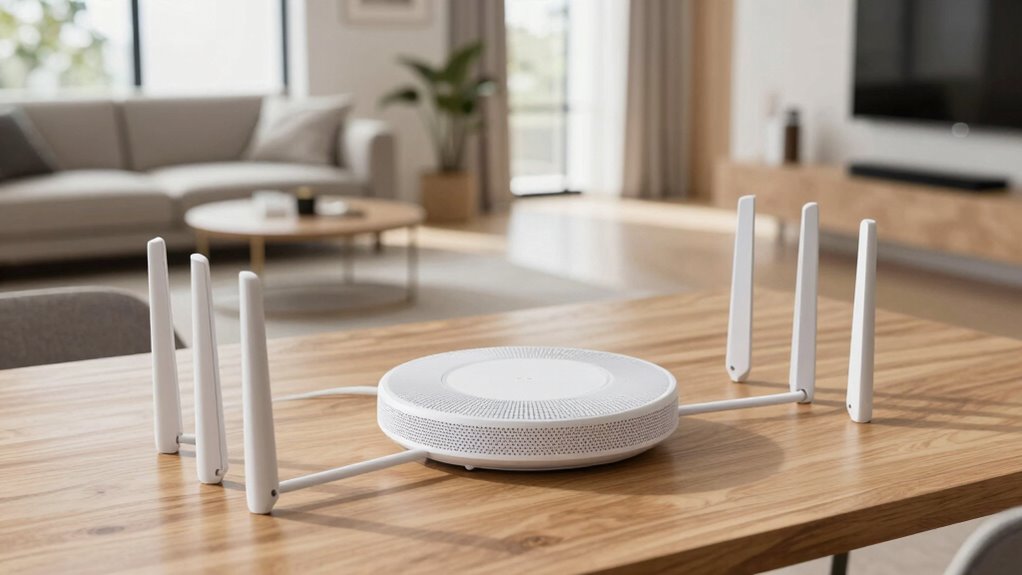
When deciding how to expand your Wi-Fi coverage, it’s important to weigh the advantages of mesh systems against traditional extenders. Mesh Wi-Fi offers seamless coverage and better device compatibility, reducing signal interference across large areas. Extenders are often cheaper but can create dead zones and complicate device connections. Consider these key factors:
- Signal interference: Mesh systems minimize interference by routing data intelligently, while extenders may amplify interference issues.
- Device compatibility: Mesh networks typically support more devices smoothly compared to extenders, which might struggle with multiple connections.
- Ease of setup: Mesh systems are generally easier to install and manage, whereas extenders can require manual configuration and may cause inconsistent performance.
- Speed and bandwidth are also crucial considerations, especially when working with high-capacity storage or streaming large files over your home network. Additionally, understanding home network layout can help determine which solution provides the most reliable coverage for your specific space. Proper planning of your Wi-Fi coverage area can further enhance overall network performance and reduce dead zones. Furthermore, considering signal strength optimization can help you achieve more consistent and reliable connectivity throughout your home.
How to Decide Which Wi-Fi Solution Fits Your Home and Budget
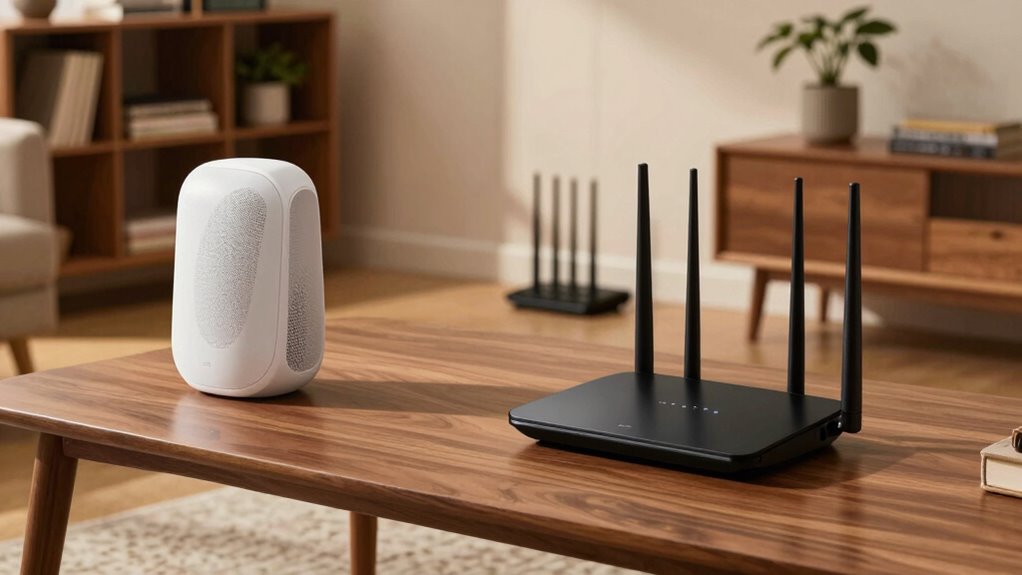
To choose the right Wi-Fi solution, you need to consider your budget and what your home requires. Think about your layout—large or multi-story homes may need different setups than smaller spaces. Also, evaluate if you plan to expand your network later, which can influence whether a mesh system or extender is best. Incorporating multi-functional gear can optimize your network setup by combining device capabilities and reducing clutter.
Budget Considerations
Choosing the right Wi-Fi solution depends largely on your budget and the size of your home. To make an informed decision, consider your cost analysis and affordability options carefully.
- Evaluate initial investment: Mesh systems typically cost more upfront but offer seamless coverage, while routers with extenders may be cheaper initially.
- Think long-term expenses: Mesh networks often require fewer replacements or upgrades over time, saving money later.
- Compare features and scalability: Determine if a more affordable extender setup meets your needs or if investing in a mesh system is a better long-term value.
Home Layout Impact
Your home’s layout plays a crucial role in determining whether a mesh Wi‑Fi system or a router and extender setup is the better fit. If your space has multiple floors, thick walls, or irregular room shapes, a mesh system provides seamless coverage and reduces dead spots. Consider how the Wi-Fi equipment will blend into your home’s decor—mesh units often offer decorative options that integrate well with modern aesthetics. If you prefer a minimal look, a mesh system might be more appealing than multiple extenders cluttering your space. Additionally, signal distribution is more consistent with mesh systems in complex layouts. Conversely, if you have a straightforward layout with fewer obstacles, a router plus a few extenders could suffice and be more budget-friendly. Ultimately, assess your home’s design and aesthetic preferences to choose the solution that offers ideal coverage and visual harmony.
Future Expansion Needs
When planning for future Wi-Fi needs, consider how your household might change over time. Think about expanding device compatibility as new gadgets arrive or upgrading wireless security to stay ahead of threats. To choose the right solution, ask yourself:
- Will I need to add more devices or access points later?
- How will my home’s layout evolve, affecting coverage?
- What’s my budget for maintaining wireless security and device compatibility?
A mesh Wi-Fi system offers seamless expansion and ensures consistent security updates across devices, making it ideal for growing households. A traditional router with extenders might require more manual setup, but can still adapt if you plan carefully. Clarifying future needs helps you pick a scalable, secure solution that fits your budget.
Tips for Maintaining Strong, Reliable Wi-Fi Throughout Your Home
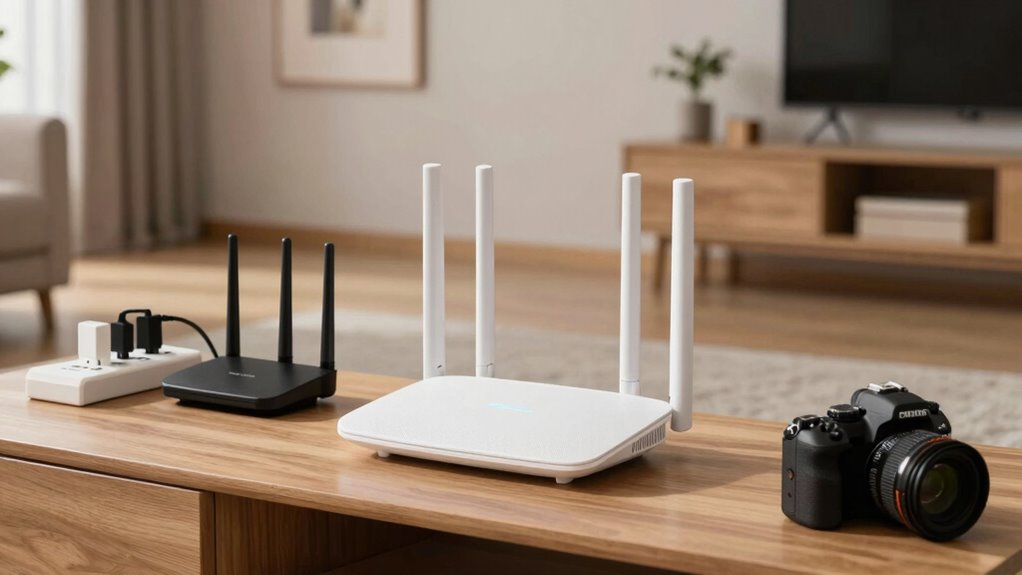
To keep your Wi-Fi strong and reliable throughout your home, start by placing your router in a central location away from obstructions and interference. This guarantees ideal coverage and reduces dead zones. Regularly update your router’s firmware to enhance wireless security and fix any vulnerabilities. Check device compatibility to ensure all your gadgets connect seamlessly and perform well. Avoid placing your router near thick walls or large metal objects, which can weaken signals. Consider using a Wi-Fi analyzer tool to identify weak spots and optimize placement. Additionally, secure your network with a strong password to prevent unauthorized access. Maintaining the right setup and updates helps sustain a stable connection, so your entire household stays connected without disruptions.
Frequently Asked Questions
Can Mesh Wi-Fi Systems Support Multiple Devices Simultaneously Without Degradation?
Yes, mesh Wi-Fi systems can support multiple devices simultaneously without significant degradation. They intelligently manage bandwidth sharing, ensuring each device gets enough speed. Additionally, mesh networks reduce signal interference by seamlessly routing traffic through different nodes, maintaining a strong connection across your larger home. This means you’ll experience smoother streaming, gaming, and browsing without constant lag or dropped signals, even when many devices are connected at once.
Are There Specific Home Layouts or Sizes Where Extenders Outperform Mesh Systems?
In certain home layouts, especially those with irregular shapes or thick walls, extenders can outperform mesh systems by directly boosting signal strength in specific coverage gaps. Larger homes with multiple floors or complex designs often benefit from strategically placed extenders, as they target hard-to-reach areas more effectively. While mesh systems excel in uniform layouts, extenders provide tailored solutions for homes with unique coverage challenges.
What Are the Long-Term Maintenance Requirements for Mesh Versus Extender Setups?
You’ll find that mesh systems typically require less ongoing maintenance because firmware updates are automated and happen seamlessly, helping guarantee hardware longevity. With extenders, you might need to manually update firmware occasionally, which can be more time-consuming and impact long-term performance. Overall, mesh setups tend to be more reliable and easier to maintain over time, reducing your hassle and keeping your network running smoothly longer.
How Do Power Consumption and Energy Costs Compare Between Mesh Systems and Extenders?
You’ll find that mesh Wi-Fi systems are generally more energy-efficient than extenders, thanks to their optimized power consumption and smarter management features. Mesh units often use less power because they communicate seamlessly, reducing unnecessary energy use. Extenders tend to consume more power as they operate independently and may run continuously. Over time, this difference can impact your energy costs, making mesh systems a more eco-friendly and cost-effective choice.
Do Mesh Wi-Fi Systems Require Professional Installation, or Can They Be DIY?
Deciding between DIY setup and professional installation? You can definitely set up a mesh Wi-Fi system yourself, as most models are designed for easy, step-by-step installation without needing expert help. However, if your home’s layout is complex or you prefer a seamless, stress-free experience, professional installation might be worth the cost. Either way, you’ll enjoy stronger, steadier Wi-Fi coverage tailored to your needs.
Conclusion
Choosing between mesh Wi-Fi and extenders is like picking the right map for your journey—you want reliable coverage without detours. Consider your home’s size, budget, and internet needs. With the right choice, you’ll enjoy seamless online adventures, just like a hero with a trusty compass guiding their way. So, weigh your options carefully, and let your home’s Wi-Fi be as legendary as the tales of old.