
Parking mode on dash cams lets your device monitor your vehicle while parked, activating via motion or impact sensors. It uses power from your car’s battery, which can drain if the system stays active for too long or isn’t managed properly. To prevent battery drain, use settings like low-power modes, and consider external power options. If you keep going, you’ll find tips to extend battery life and ensure your vehicle stays protected without risking a dead battery.
Key Takeaways
- Parking mode activates via motion or impact sensors, recording suspicious activity while the vehicle is unattended.
- Continuous recording or high-resolution settings increase power consumption, risking battery drain.
- Proper power management, such as hardwired connections and low-power modes, helps prevent battery depletion.
- Impact detection locks footage during collisions, providing reliable evidence without constant recording.
- Regular battery health checks and using voltage regulation minimize the risk of draining your vehicle’s battery.
What Is Parking Mode on Dash Cams and How Does It Work?
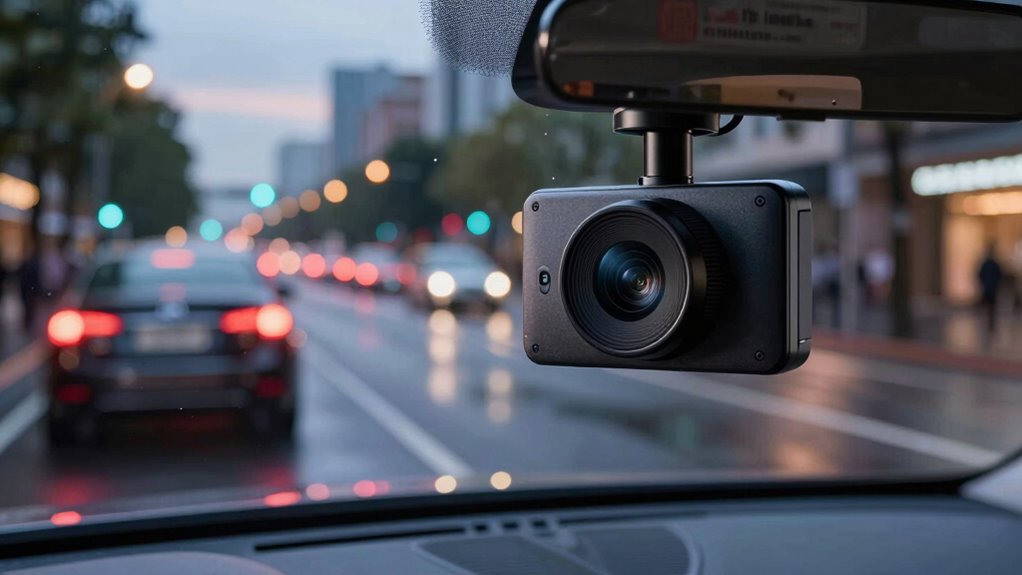
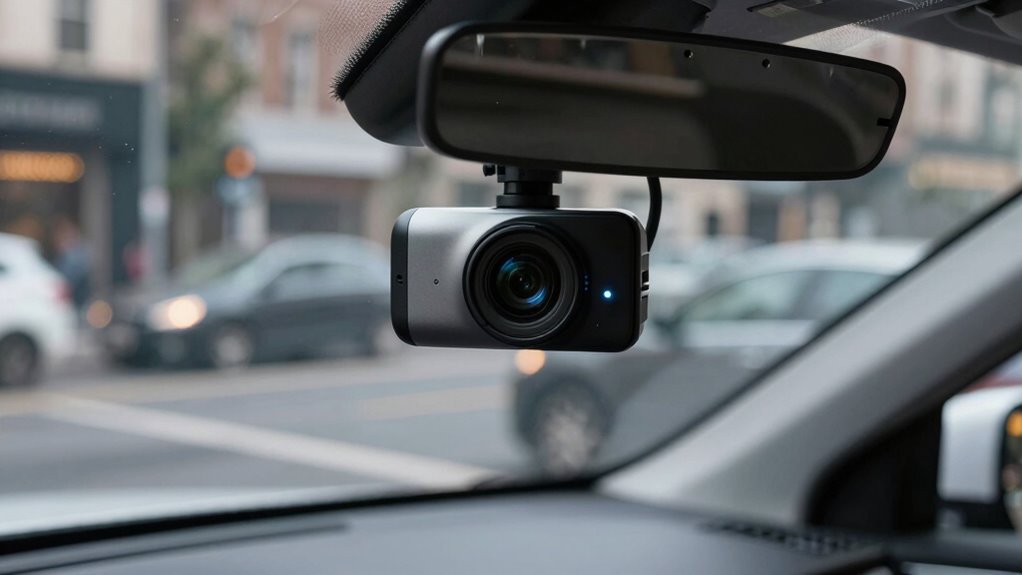
Parking mode on dash cams is a feature that allows your camera to monitor your vehicle even when you’re not nearby. This enhances vehicle security by recording any suspicious activity or potential accidents while you’re away. Typically, dash cam features like motion detection or impact sensors activate parking mode, prompting the camera to start recording when it detects movement or a collision. Some models rely on parking mode that is always on, while others use a built-in G-sensor to conserve power. When activated, parking mode keeps your vehicle protected by continuously monitoring the surroundings, providing vital evidence in case of vandalism or hit-and-run incidents. Understanding how parking mode works helps you choose the right dash cam for reliable vehicle security. Additionally, choosing the right power management system can prevent unnecessary battery drain and ensure your dash cam operates efficiently while in parking mode. Proper power management is essential to balance security features with your vehicle’s battery health, especially during extended parking periods. Battery drain prevention techniques are also important to keep your vehicle’s electrical system in good condition during prolonged use.
When Is the Best Time to Use Parking Mode for Your Vehicle?
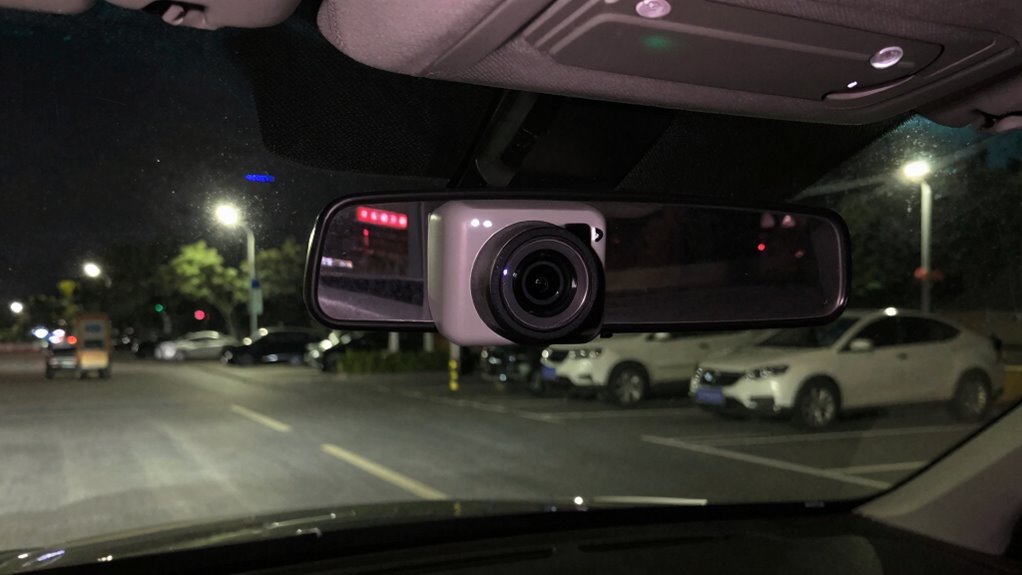
Knowing when to activate parking mode can make a significant difference in protecting your vehicle. Use parking mode when your car is parked for extended periods, especially in unfamiliar or high-crime areas. It’s ideal during long trips or overnight stays, as it helps improve parking safety by recording any suspicious activity or accidents. Enable parking mode if you’re leaving your vehicle unattended for hours, such as at work or during errands. Proper power management ensures your device functions reliably without unnecessary battery drain. Additionally, understanding the cam’s battery life can help you avoid unexpected shutdowns during critical moments. Considering power consumption patterns can assist in optimizing your device’s performance and longevity. Regularly monitoring battery health can prevent sudden failures and ensure your camera remains operational when needed. By choosing the right times to activate parking mode, you enhance your vehicle’s security, deterring vandals and providing valuable evidence if an incident occurs. Proper timing ensures maximum protection without unnecessary battery drain, especially when you are aware of your device’s power consumption rates.
How Does Parking Mode Use Power and Drain Your Car’s Battery?
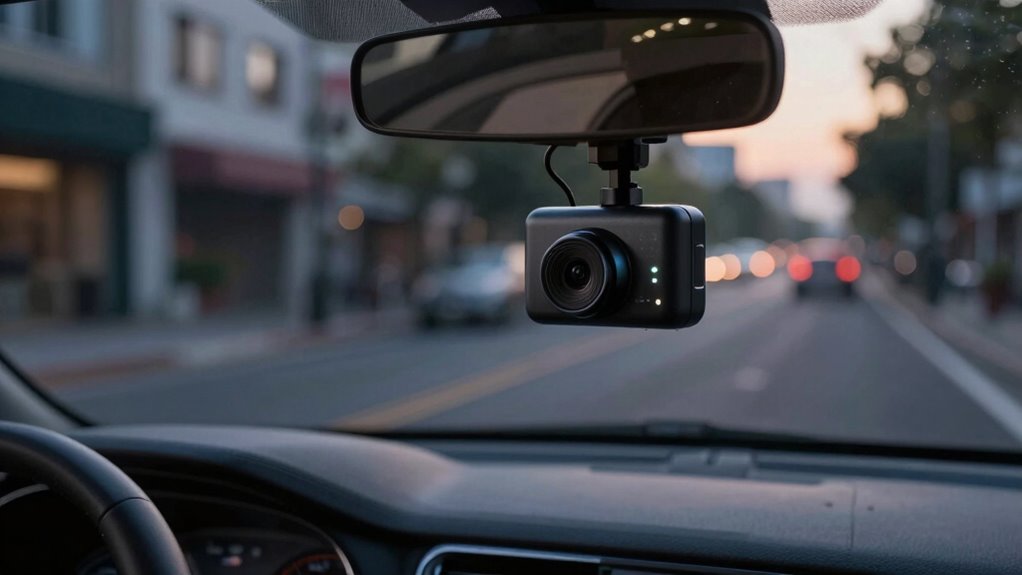
Parking mode uses power from your car’s battery to stay active, and several factors influence how much energy it consumes. If your dash cam draws too much power, it can weaken your battery over time. Understanding these power consumption factors helps you avoid unexpected battery drain risks. Additionally, paying attention to early warning signs of battery issues can help you detect potential problems before they lead to failure. Being aware of battery health indicators can help you maintain optimal performance and prevent unexpected outages. Regularly monitoring your battery voltage can provide early clues about declining energy reserves, especially since battery capacity diminishes with age and use. Moreover, understanding how power management settings impact energy drain can assist in optimizing your dash cam’s operation.
Power Consumption Factors
When your dash cam enters parking mode, it continues to draw power from your car’s battery to monitor the surroundings and record any incidents. The amount of power it consumes depends on factors like the camera’s hardware and recording settings. A dash cam with higher resolution or continuous recording features demands more energy, increasing battery drain. Battery capacity plays a vital role; larger batteries can handle longer parking mode sessions without draining completely. Effective power management helps minimize drain by using low-power modes or motion detection, so the camera only records when something triggers it. These factors combine to influence how much power your dash cam uses while in parking mode, highlighting the importance of choosing a model with efficient power consumption suited for your vehicle’s battery capacity. Additionally, free floating technology can be employed to optimize power use by reducing unnecessary recordings when no motion is detected, which can further reduce overall power consumption. Implementing energy-efficient components can also help extend the battery life during extended parking periods, especially when combined with power management settings that adjust recording based on activity levels. Employing power-saving modes can also contribute to reducing drain by limiting background processes and ensuring the dash cam only consumes energy when necessary.
Battery Drain Risks
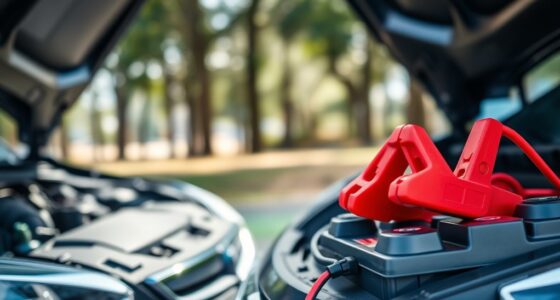
Since your dash cam continuously draws power during parking mode, it can gradually deplete your car’s battery if left unattended for extended periods. This risk increases if your battery isn’t well-maintained or is already weak. To mitigate drain, consider using solar power options that help recharge the battery while parked. Regular battery maintenance, like checking voltage levels and cleaning terminals, can also prevent unexpected failures. Some dash cams have low-power modes to reduce energy consumption, but they still pose a drain risk over time. If you plan long parking periods, installing a smart power management system or a hardwiring kit with a built-in circuit breaker can protect your battery. Being proactive with solar power and maintenance helps ensure your battery stays healthy and ready to start your car. Additionally, understanding the importance of work-life harmony can help vehicle owners manage maintenance routines without stress. Properly managing your dash cam’s parking mode setup can significantly extend your vehicle’s battery life and save you future repair costs. Recognizing the battery drain risks associated with parking mode allows you to take preventative steps and avoid unexpected breakdowns. Regularly monitoring your vehicle’s battery health is also recommended to catch potential issues early.
What Are the Types of Parking Mode? Motion Detection, Impact Detection, and Continuous Recording?
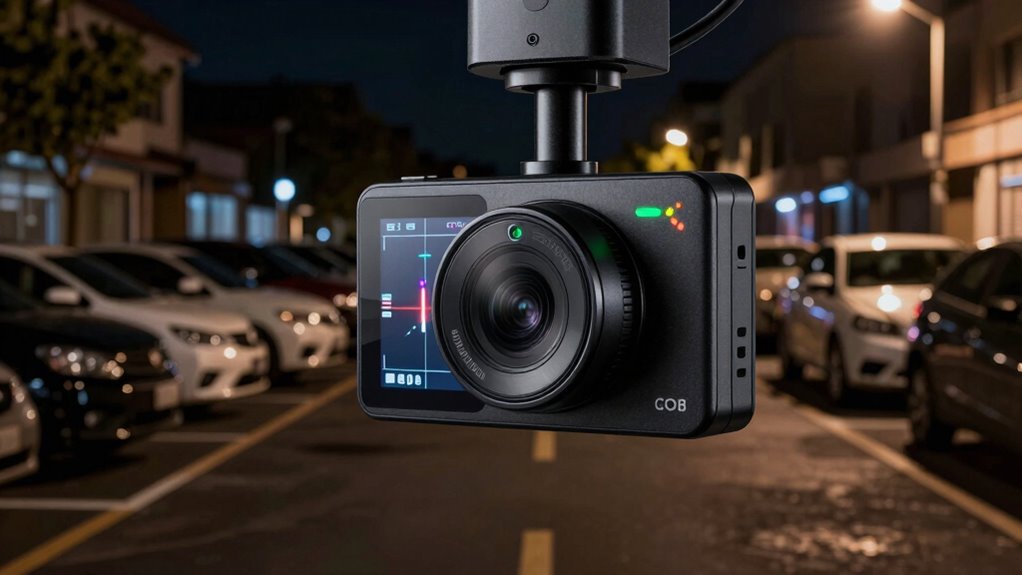
Parking modes vary depending on how your dash cam detects events. Motion detection uses sensors to spot movement around your vehicle, while impact detection responds to collisions or bumps. Continuous recording keeps your camera active at all times, capturing everything even when parked.
Motion Detection Mechanics
Motion detection mechanics are essential to how parking mode functions on dash cams, allowing the device to monitor its surroundings and activate recording only when needed. This feature enhances automotive security by ensuring your dash cam records incidents without draining your battery excessively. Motion detection works by sensing movement within the camera’s field of view, triggering recording when it detects activity. There are different types, such as passive infrared sensors or pixel-based detection, each with varying sensitivity levels. Regular dash cam maintenance of this feature guarantees it remains responsive and accurate. By understanding how motion detection operates, you can optimize your parking mode settings, balancing effective security with minimal power drain. This way, your dash cam stays ready to record emergencies without unnecessarily depleting your vehicle’s battery.
Impact Detection Sensors
Impact detection sensors are essential for guaranteeing your dash cam can automatically respond to sudden collisions or impacts. These sensors detect abrupt shocks, triggering the camera to lock the footage, preserving vital evidence. Impact detection sensors are a key feature of parking mode benefits, providing peace of mind when you’re away from your vehicle. They work by sensing vibrations or G-forces, so even minor bumps can activate recording. This automatic response prevents you from missing important details during incidents. Different dash cams may use accelerometers or gyroscopic sensors to identify impacts accurately. By integrating impact detection sensors, your dash cam offers reliable protection and ensures critical moments are captured without manual intervention, enhancing your overall parking security and peace of mind.
Continuous Recording Features
Continuous recording features guarantee your dash cam keeps capturing footage even when you’re away from your vehicle. This is essential for vehicle security, providing constant evidence of any incidents or vandalism. There are different types of parking mode, including motion detection, impact detection, and continuous recording. Continuous recording assures no moment is missed, but it requires proper dash cam maintenance to avoid battery drain and storage issues. Understanding these features helps you choose the right setup for your needs.
- Guarantees constant monitoring, deterring potential thieves
- Provides reliable evidence after incidents
- Requires careful power management to prevent battery drain
- Demands regular dash cam maintenance for ideal performance
How to Set Up Parking Mode Safely Without Draining Your Car Battery?
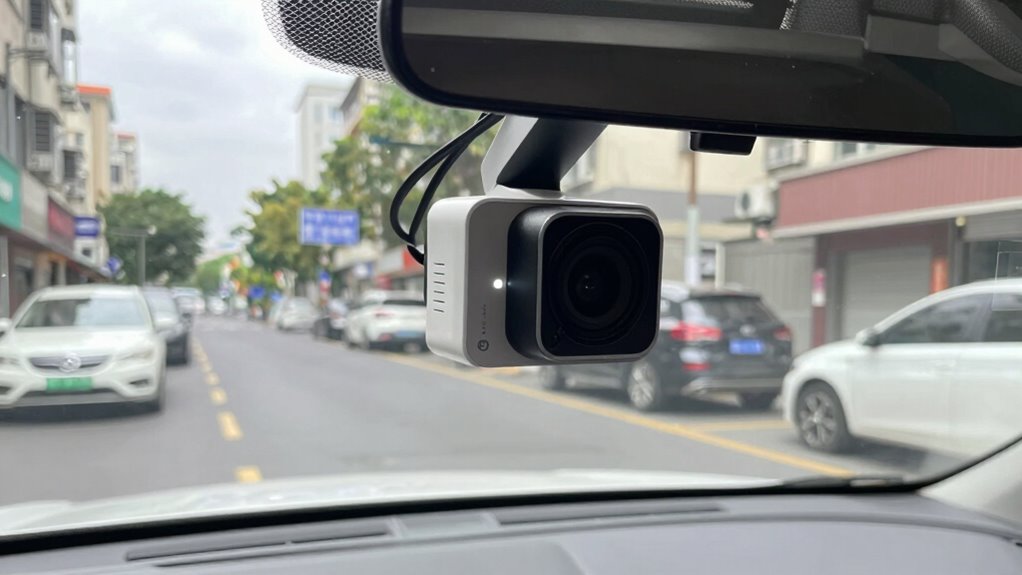
To set up parking mode on your dash cam without draining your car battery, you need to choose the right power source and monitor your system carefully. Using a hardwire kit connected to your vehicle’s fuse box can provide reliable power without overloading your battery. Make sure your parking sensors are functioning correctly, as they can help detect nearby obstacles and prevent accidents while your dash cam is active. Regular windshield maintenance ensures clear footage and easy camera positioning, reducing the need for adjustments that could disrupt power connections. Keep an eye on your dash cam’s power consumption, and consider setting it to activate only during motion detection or when sensors are triggered. This approach helps protect your battery while keeping your vehicle secure.
How to Extend Your Dash Cam’s Battery Life During Parking Mode?
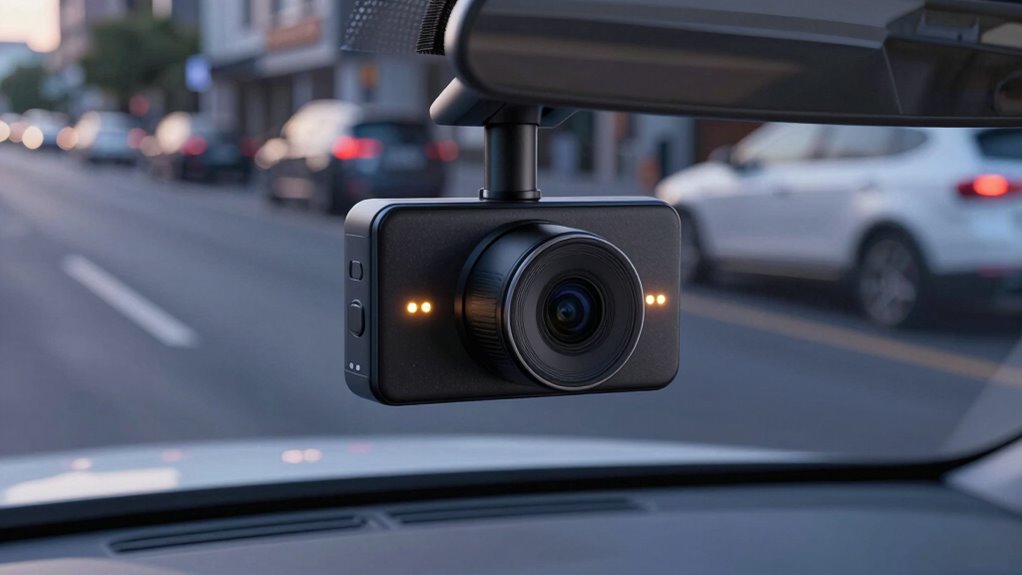
Keeping your dash cam’s battery healthy during parking mode requires intentional management; since extended operation can drain the battery quickly, you should optimize how and when the device consumes power. To extend battery life, focus on effective power management and regular battery maintenance. You can:
Optimize parking mode settings and perform regular battery checks to keep your dash cam powered without draining your car’s battery.
- Use a low-power parking mode setting to minimize energy use
- Connect your dash cam to a hardwired power supply with a built-in voltage regulator
- Schedule parking mode activation only when necessary
- Periodically check the battery’s health to prevent overuse
Implementing these strategies ensures your dash cam remains functional without compromising your car’s battery. Proper power management and battery maintenance allow for longer parking mode use while safeguarding your vehicle’s electrical system.
Signs Your Car’s Battery Is Being Overworked by Parking Mode?
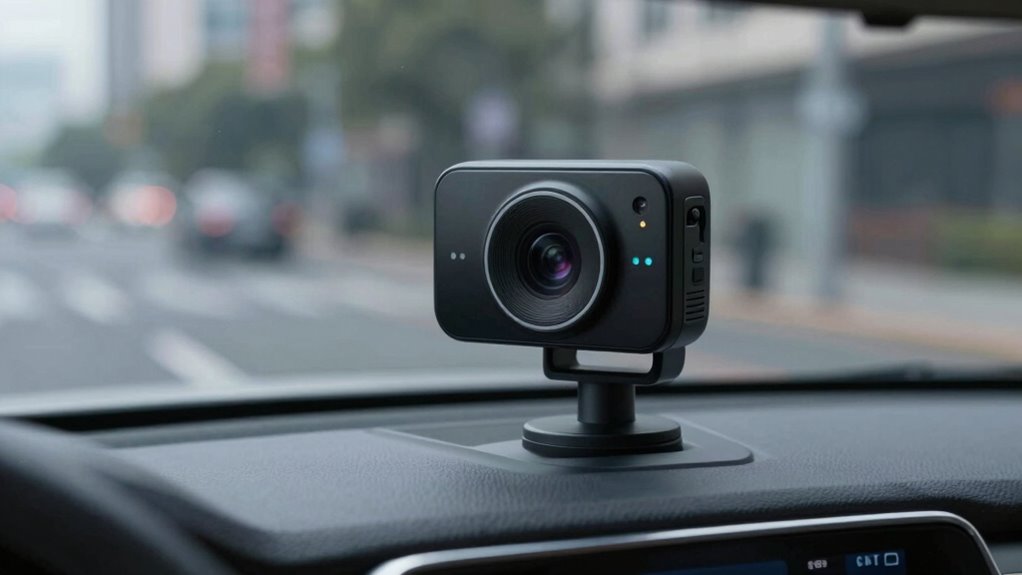
If your car’s battery shows signs of strain after using parking mode on your dash cam, it’s a clear indication that the battery might be overworked. You might notice difficulty starting your vehicle, dimming headlights, or a sluggish engine response. These symptoms suggest your battery is under stress, potentially due to inadequate battery maintenance or compromised alternator health. Regularly inspecting these components can prevent unexpected failures. To help identify issues, consider this overview:
| Symptom | Possible Cause | Recommended Action |
|---|---|---|
| Slow engine start | Battery overuse or aging | Test battery and alternator |
| Dimming lights | Insufficient power supply | Check electrical system |
| Frequent jump-starts | Battery not holding charge | Perform maintenance check |
What External Power Options Can Help Preserve Your Battery During Parking?
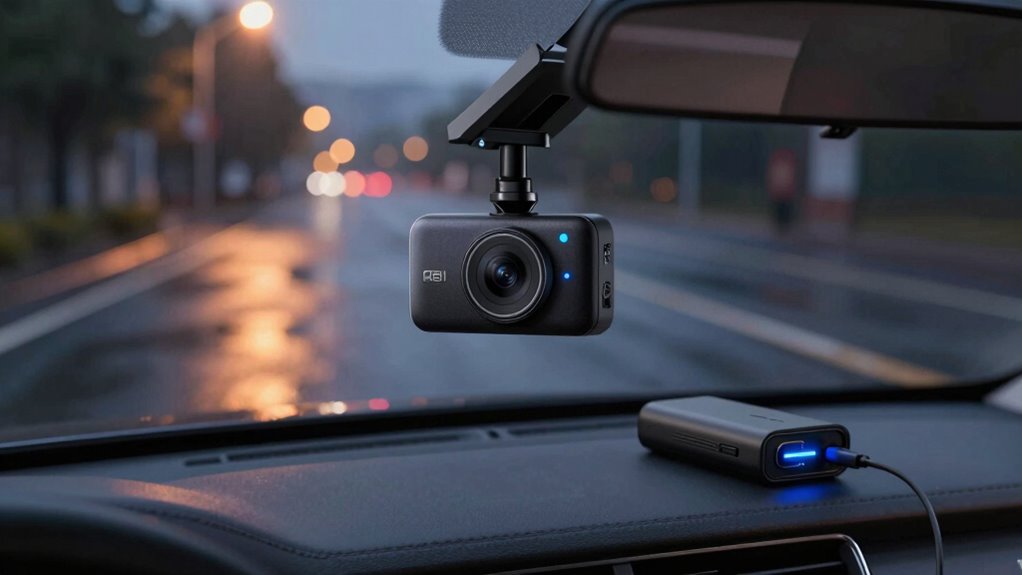
Using external power sources can substantially reduce the strain on your car’s battery while parking. One effective option is installing solar power systems that harness sunlight to keep your dash cam charged without draining your car’s battery. Wired connections, such as hardwired setups, provide a reliable power supply directly from your vehicle’s electrical system, preventing unnecessary battery use. These options help guarantee your dash cam remains active during parking without risking a dead battery. Consider these points:
External power sources like solar panels or hardwired systems help keep your dash cam powered without draining your car’s battery during parking.
- Solar power panels that charge during daylight
- Hardwired systems connected directly to the car’s fuse box
- Portable power banks as backup sources
- Low-voltage power supplies designed for parking mode
Choosing the right external power option depends on your parking habits and setup, but all can help preserve your battery life effectively.
Troubleshooting Common Battery Drain Issues in Parking Mode?
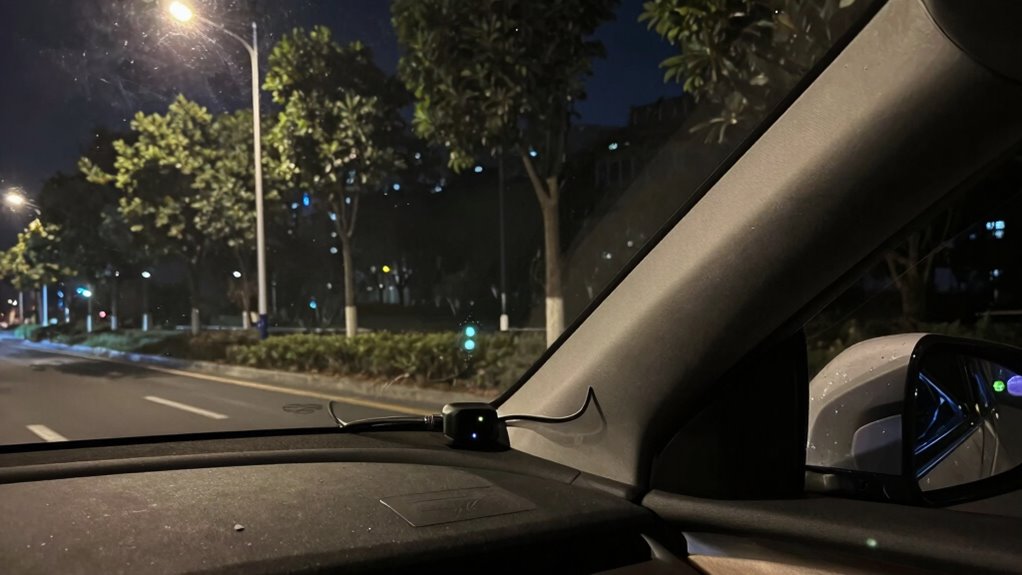
Are you noticing your car’s battery draining faster than usual when parking? This often indicates an issue with power management or insufficient battery maintenance. First, check if your dash cam’s parking mode settings are optimized; excessive recording or high sensitivity can drain power quickly. Ensure your power supply is stable and compatible with your camera. To troubleshoot, disconnect unnecessary accessories that may draw extra current. Consider installing a low-voltage cutoff feature to prevent battery depletion. Regularly inspecting and maintaining your battery helps identify early signs of wear, reducing drain during parking. Upgrading to a hardwiring kit with built-in power management can also improve efficiency. By staying vigilant and managing your system’s power demands, you can prevent unnecessary battery drain and ensure your dash cam functions reliably in parking mode.
Frequently Asked Questions
Can Parking Mode Be Used With All Types of Dash Cams?
Parking mode isn’t compatible with all dash cams due to compatibility limitations. Some models require specific features or hardware, so check your device’s specifications. Also, firmware updates can improve parking mode functionality or fix bugs, so make certain your camera’s firmware is up-to-date. If your dash cam isn’t compatible or lacks necessary updates, you might need to upgrade to a model designed for parking mode to avoid issues.
Does Parking Mode Record Audio While the Vehicle Is Parked?
Think of parking mode as a vigilant guardian, but it often doesn’t record audio during parking. Many dash cams disable audio recording to respect privacy concerns or save storage space. So, if you’re hoping for audio capture while parked, check your device’s settings—some models might offer this feature, but most keep quiet to avoid privacy issues. Always verify your dash cam’s capabilities before relying on it to record sound.
How Does Temperature Affect Parking Mode’s Battery Drain?
Temperature fluctuations substantially affect your parking mode’s battery efficiency. When it gets too cold, the battery’s capacity drops, causing it to drain faster and possibly malfunction. Conversely, high temperatures can accelerate battery wear, leading to quicker depletion. To maintain ideal performance, avoid extreme temperatures, and consider installing a temperature-controlled environment or a battery heater. This helps guarantee your dash cam’s parking mode runs smoothly without unnecessary battery drain.
Can Parking Mode Be Activated Automatically When Parked?
Yes, parking mode can activate automatically when you park. Your dash cam uses sensor detection to monitor motion or impacts, triggering automatic activation when it senses activity. This feature guarantees your camera records incidents without manual intervention, providing peace of mind. Just make sure your dash cam supports automatic activation and has proper power management to avoid unnecessary battery drain while parked.
Are There Safety Risks Associated With Leaving Parking Mode On?
Leaving parking mode on can pose some safety risks, especially regarding security concerns like false alarms or battery drain. However, it also helps with vandalism prevention by recording any suspicious activity around your vehicle. You should weigh these factors and consider disabling parking mode when not needed to avoid draining your battery unnecessarily. Always verify your dash cam is set up properly to balance security and safety.
Conclusion
To protect your battery, you need to understand when to use parking mode, how it consumes power, and how to extend its life. You should monitor your battery’s condition, consider external power options, and set up your dash cam wisely. By doing so, you prevent unnecessary drainage, prolong your battery’s health, and keep your vehicle secure. Stay informed, stay cautious, and enjoy peace of mind while your dash cam watches over your parked car.