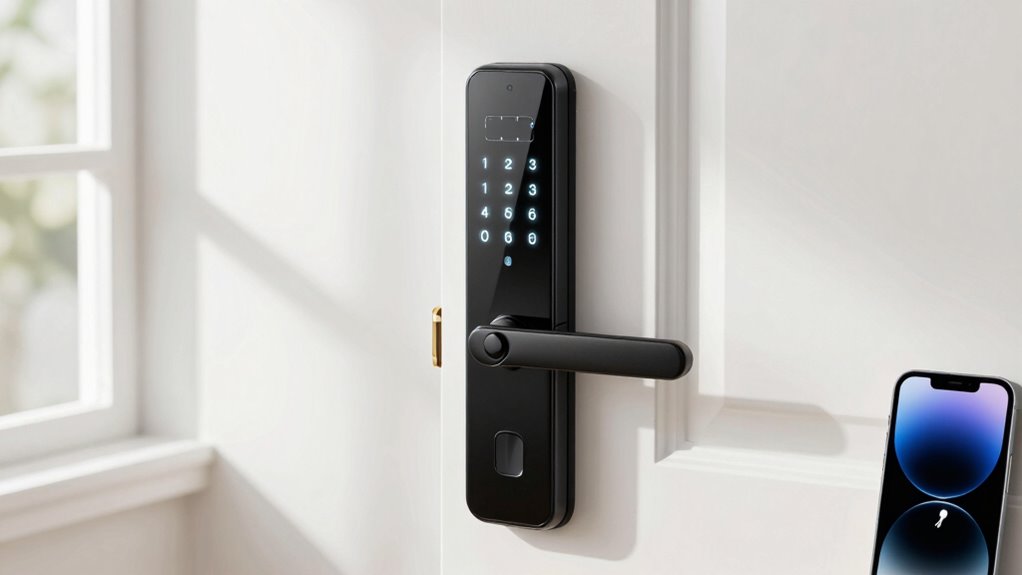

To secure a keyless door effectively, choose a smart lock with strong encryption, tamper alerts, and multiple authentication options like biometrics or PINs. Proper installation is essential—follow instructions carefully, use fresh batteries, and verify all components are safe. Manage access digitally by updating permissions regularly and avoiding sharing codes. By understanding these key steps, you’ll ensure your smart lock offers both convenience and robust security—learn more to master securing your home or business.

Get business pricing on monitors, keyboards and dev gear
- Business-only prices and quantity discounts
- Tax-exempt purchasing
- Multiple users, one account, clear invoices
Key Takeaways
- Choose a smart lock with strong encryption, tamper alerts, and multi-factor authentication for optimal security.
- Properly install the lock following manufacturer instructions, ensuring secure component placement and battery health.
- Use secure wireless protocols like Z-Wave or Zigbee, and regularly update firmware to prevent cyber vulnerabilities.
- Manage access with temporary codes, digital keys, and audit trails to control and monitor entry.
- Combine smart lock security with additional measures like alarms and surveillance for comprehensive property protection.
smart lock with biometric fingerprint
As an affiliate, we earn on qualifying purchases.
As an affiliate, we earn on qualifying purchases.
How Do Smart Locks Work and Why Are They Better?
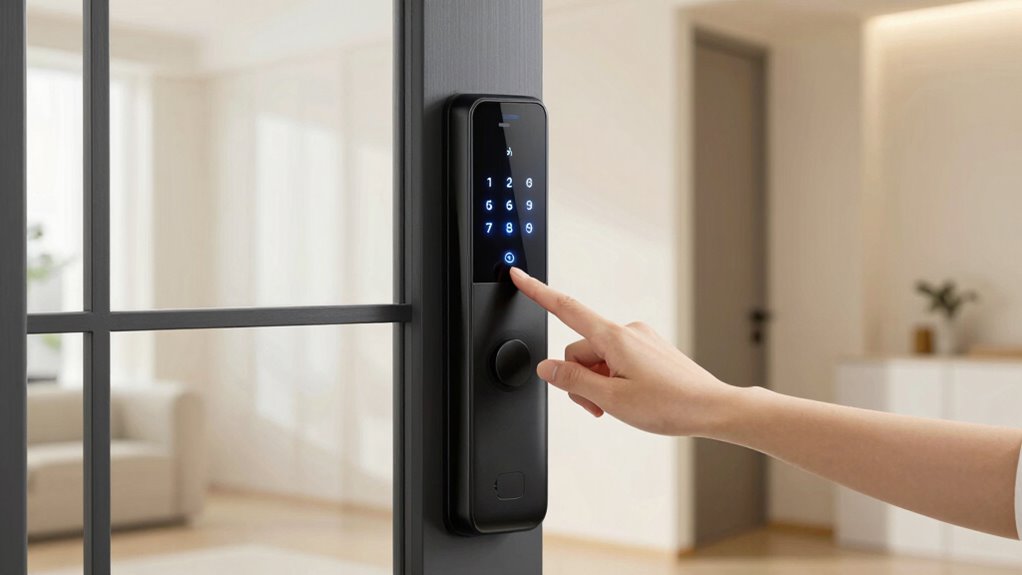
Smart locks work by replacing traditional keys with digital access methods, such as smartphone apps, keypads, or biometric scanners. Biometric authentication, like fingerprint or facial recognition, offers a secure and quick way to open doors. These systems build on historical lock developments, evolving from simple mechanical devices to advanced electronic security. Unlike traditional locks that depend on physical keys, smart locks use encryption and wireless technology to control access remotely. This technology allows for remote access management, enabling users to monitor and control their locks from anywhere. This means you can grant or revoke access instantly without changing locks or issuing new keys. The integration of biometric authentication enhances security by verifying unique personal identifiers, making it harder for intruders to bypass. Additionally, these systems often incorporate encryption protocols that protect communication between your device and the lock from potential hacking attempts. Incorporating security standards ensures that these systems remain resilient against emerging cyber threats. Furthermore, ongoing advancements in cybersecurity measures contribute to maintaining the integrity of smart lock systems over time. Overall, smart locks combine modern technology with the legacy of lock development for a smarter, more flexible security solution.
As an affiliate, we earn on qualifying purchases.
Which Smart Lock Is Best for Your Home or Business?
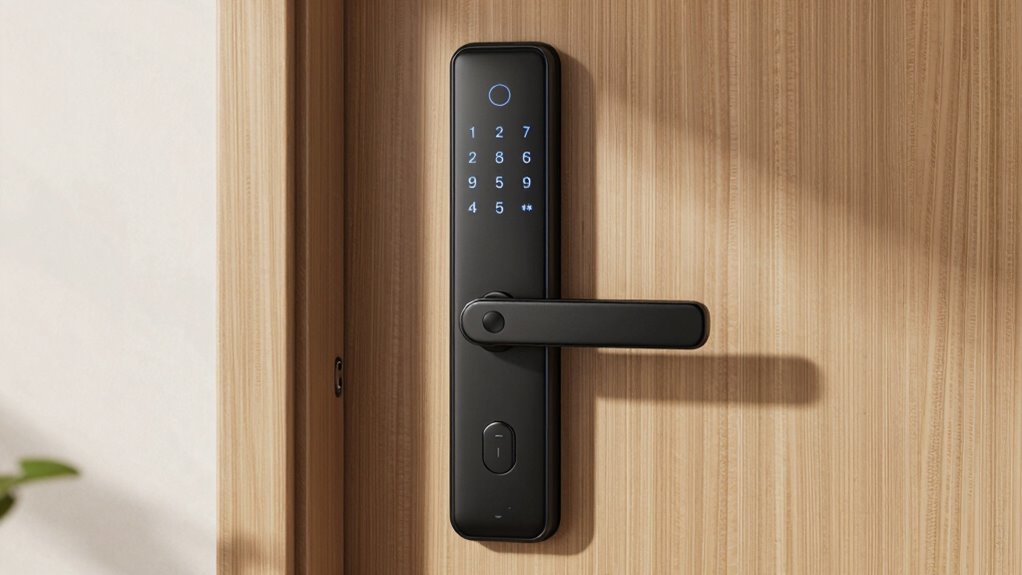
When choosing the right smart lock, consider the wireless connectivity options that fit your setup, like Wi-Fi, Bluetooth, or Z-Wave. You’ll also want to evaluate access control features, such as temporary codes, remote management, or biometric options. Picking the best lock depends on balancing these features with your specific security needs and convenience preferences. Additionally, understanding E-bike charging with portable power stations can inform your choices about reliable power sources for smart locks that require external power or backup options. For example, some smart locks may benefit from backup power solutions to ensure continuous operation during outages or when external power is needed. Incorporating essential DIY safety tips can help you install or troubleshoot your smart lock securely and effectively, including selecting the appropriate body jewelry measurements and materials to prevent damage or malfunction. Being aware of cookie management and privacy options can also help you understand how digital security measures complement your physical lock system.
Wireless Connectivity Options
Choosing the right wireless connectivity option is essential to guarantee your smart lock works seamlessly with your home or business. Your choice of wireless protocols and connectivity methods impacts reliability, security, and ease of use. For instance, Bluetooth offers quick setup and local control, while Wi-Fi enables remote access. Z-Wave and Zigbee are ideal for smart home integrations, providing low power consumption and strong security. Consider your existing network and the number of connected devices to select the most suitable option. Additionally, understanding wireless security protocols can help protect your smart lock from potential cyber threats. Being aware of interoperability standards can further ensure your smart lock integrates smoothly with other devices in your ecosystem. Evaluating network compatibility ensures your chosen connection method functions reliably within your specific environment. Moreover, assessing signal range and strength can help prevent connectivity issues in larger or complex spaces. Staying informed about network security best practices can also safeguard your smart lock from unauthorized access.
Access Control Features
Are you wondering which access control features best suit your home or business? Your choice depends on the level of security you need. Smart locks offer various access control options, each with unique security protocols. Consider these features:
- Keyless entry via PIN codes or smartphone apps for quick access
- Temporary access for guests or service providers, with time limits
- Multi-factor authentication combining codes, biometrics, or app approvals
- Audit trails that log who entered and when, enhancing accountability
- Implementing support networks can be crucial for new homeowners to ensure proper setup and ongoing assistance. Additionally, understanding access management can help you tailor security protocols to your specific environment. Familiarity with privacy policies also ensures you’re aware of how your data is handled when using smart lock systems. Being informed about cookie management options can further enhance your online security and privacy while configuring your smart lock system. Moreover, choosing the right security features can significantly impact the effectiveness of your access control strategy.
keyless digital door lock with app control
As an affiliate, we earn on qualifying purchases.
As an affiliate, we earn on qualifying purchases.
Key Security Features to Look for in a Smart Lock
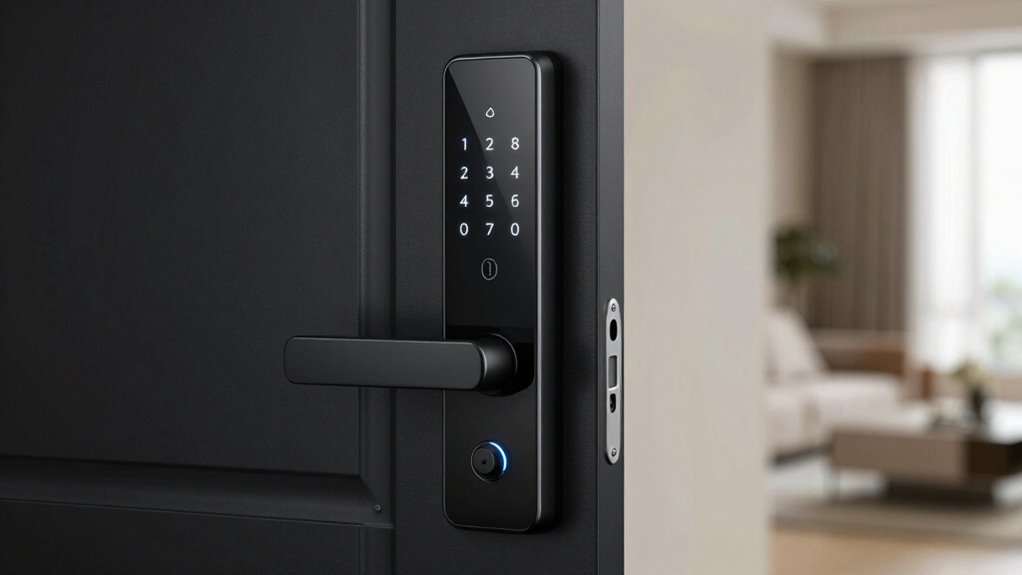
Security is the top priority when selecting a smart lock, and understanding its key features can make all the difference. Look for smart locks that utilize strong encryption protocols to protect your data and prevent unauthorized access. These protocols ensure that digital keys and user information stay secure during transmission. Additionally, choose a lock with tamper alerts that notify you immediately if someone tries to force or break the lock. These alerts serve as an early warning system, helping you respond quickly to potential threats. Reliable smart locks also incorporate multiple layers of security, such as two-factor authentication or biometric options, to further safeguard your home. Encryption protocols are especially important in maintaining the integrity of your security system. Prioritizing these key security features helps you maintain peace of mind knowing your property is well-protected.
As an affiliate, we earn on qualifying purchases.
How to Choose the Right Smart Lock for Your Needs
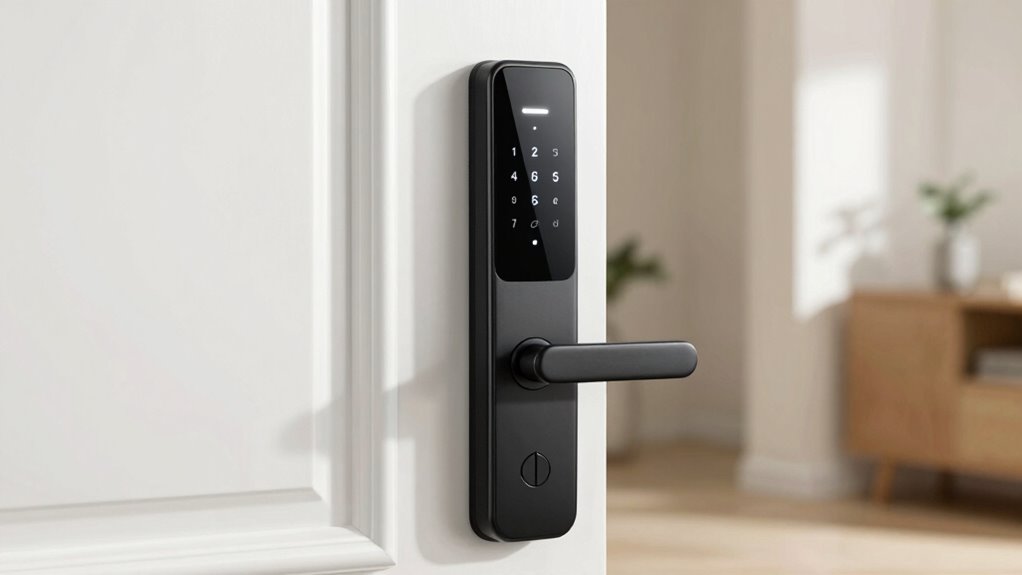
Choosing the right smart lock depends on understanding your needs for lock types and features, as well as ensuring compatibility with your devices. You should also consider your budget and security priorities to find a solution that fits both your lifestyle and safety concerns. Additionally, reviewing privacy and security practices can help you select a smart lock that safeguards your personal data and enhances your overall home security. Evaluating local automation options can also improve the integration of your smart lock within your existing smart home ecosystem. To maximize your security, understanding the role of robust hardware like quality flywheels and engine upgrades in automotive performance can offer insights into reliable and durable technology choices. By weighing these points carefully, you’ll be able to select a smart lock that offers convenience and peace of mind.
Lock Types and Features
Selecting the right smart lock depends on understanding the various types and features available. Different lock mechanisms offer unique benefits, such as mechanical, electronic, or hybrid designs. When choosing, consider lock materials like brass, zinc alloy, or stainless steel, which affect durability and security.
Key features to evaluate include:
- Lock mechanisms: deadbolt, latch, or lever systems.
- Access methods: keypad, fingerprint, app control, or key fob.
- Build quality: sturdy lock materials for long-lasting security.
- Additional features: auto-lock, temporary codes, or tamper alerts.
Matching these options to your needs ensures you select a smart lock that provides the right balance of convenience and security for your home.
Compatibility and Connectivity
To find the right smart lock for your home, you need to regard how well it will connect with your existing devices and systems. Check its digital compatibility to guarantee it works seamlessly with your smartphone, smart home hub, or voice assistants. This often involves understanding the wireless protocols it supports, such as Wi-Fi, Bluetooth, or Z-Wave. Each protocol offers different ranges and levels of security, so choose one that aligns with your setup. For example, if you already use a Z-Wave system, selecting a lock with Z-Wave compatibility simplifies integration. Ensuring compatibility and reliable connectivity prevents frustrations down the line and guarantees your smart lock functions smoothly within your smart home ecosystem.
Budget and Security Needs
Your budget and security priorities should guide your smart lock decision to make sure you get the best value and protection. Understanding your security priorities helps determine the features you need, whether it’s advanced encryption or remote access. When considering smart lock costs, keep in mind that higher-priced models often offer enhanced security features and durability. To find the right fit, consider:
- Your overall security needs, like alarm integration or biometric access
- The level of convenience you want, such as keyless entry or remote control
- Your budget constraints, balancing cost with essential features
- The importance of future-proofing, like compatibility with smart home systems
Focusing on these aspects guarantees you select a smart lock that aligns with both your financial limits and security goals.
How to Install Your Smart Lock Properly
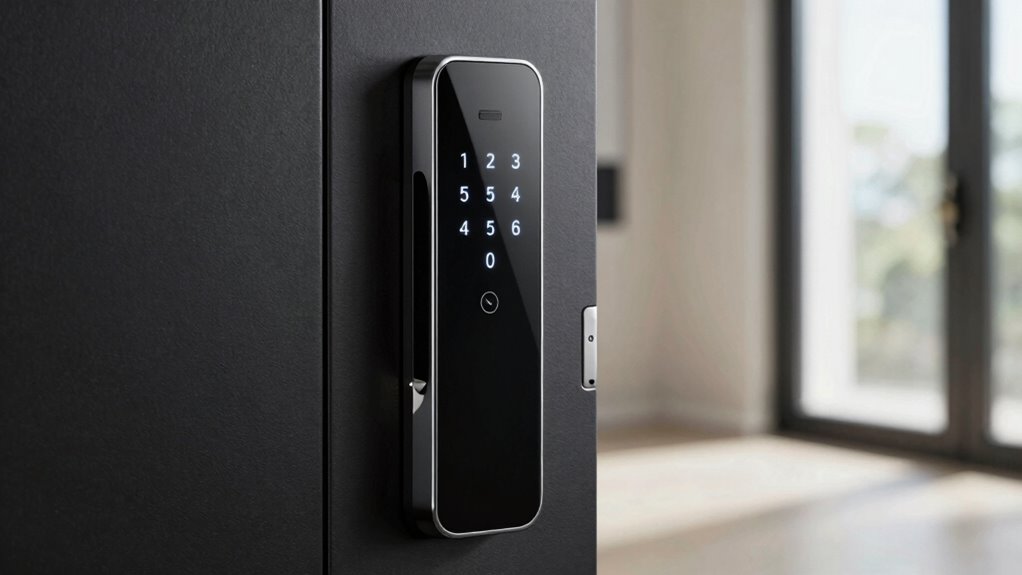
Installing a smart lock correctly guarantees it functions reliably and keeps your home secure. Begin by carefully following the manufacturer’s instructions, ensuring the lock is aligned properly with your door. During installation, pay attention to battery maintenance; use fresh batteries and check them regularly to prevent unexpected power loss. Proper battery placement is essential for smooth operation and alertness of low power. Also, familiarize yourself with the manual override feature, which allows you to unlock your door physically if needed. Double-check all components are securely fastened and the lock moves freely without obstruction. Taking these steps guarantees your smart lock operates as intended, providing peace of mind and consistent security for your home. Proper installation is key to maximizing your smart lock’s performance and longevity.
Managing Digital Keys and Access Control
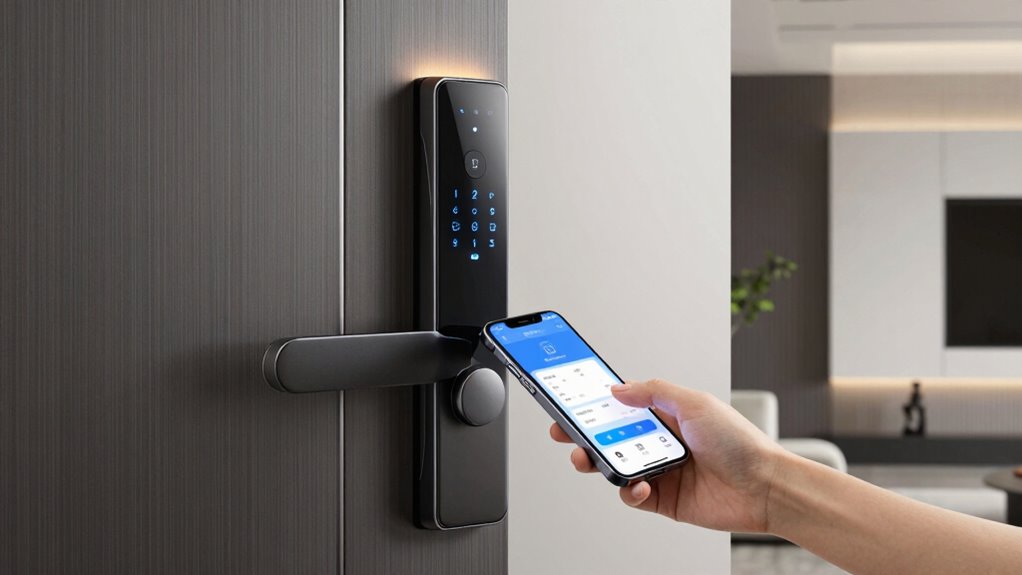
Managing digital keys and access control effectively guarantees only authorized individuals can enter your home. You should regularly update permissions and revoke access for those who no longer need it. Use secure apps to monitor who enters and exits, making certain you’re always aware of activity. Avoid relying solely on physical keys; digital keys provide better control and flexibility. Keep your smart lock’s software up to date to prevent security vulnerabilities. Remember, maintaining your lock is essential, so perform periodic lock maintenance to ensure smooth operation. Be cautious when sharing access codes or links, and disable or change them once they’re no longer needed. This proactive approach helps prevent unauthorized access and keeps your home secure. Proper management of digital keys and access control keeps your smart lock effective and your family safe.
Troubleshooting Common Smart Lock Issues
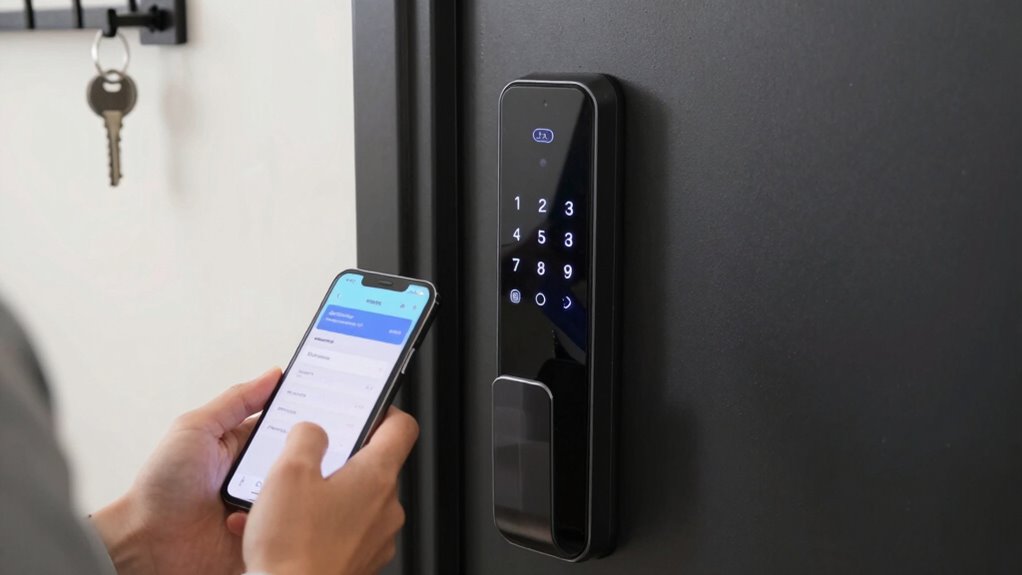
Are you experiencing issues with your smart lock not responding or unfastening incorrectly? First, check the battery life; low batteries can cause connectivity problems or unresponsiveness. Replacing batteries regularly guarantees your lock functions smoothly. Next, review your user management settings—verify that your access codes or authorized devices are correctly configured. Sometimes, user permissions may have been accidentally altered, preventing proper entry. If the lock still doesn’t respond, try resetting it or reconnecting it to your Wi-Fi network. Keep in mind that interference or weak signals can also impact performance. Regular maintenance, like updating firmware and managing user access, helps prevent these issues. Staying proactive with battery replacements and user management guarantees your smart lock remains reliable and secure.
Integrating Your Smart Lock With Your Smart Home System
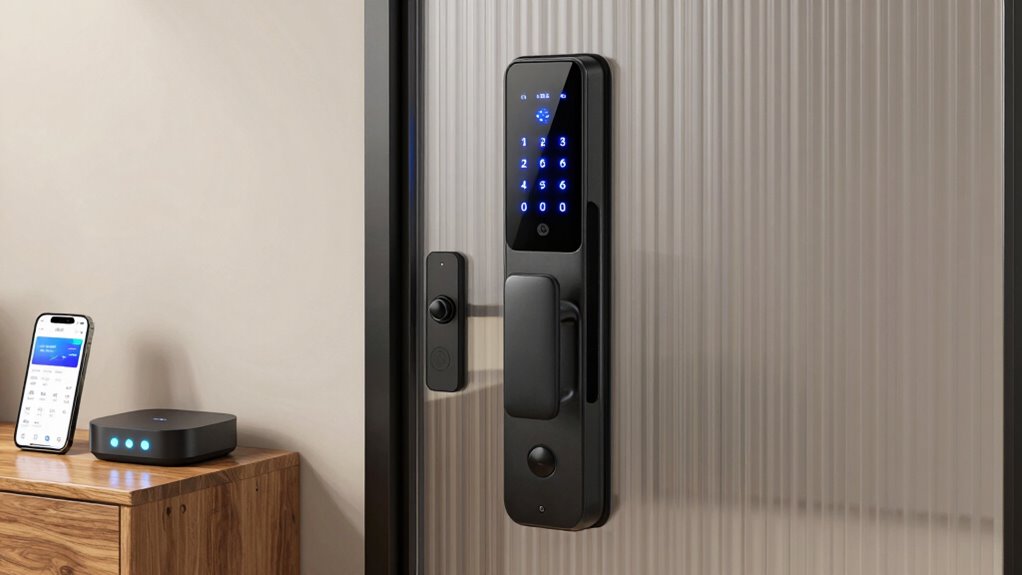
Integrating your smart lock with your smart home system enhances convenience and security by allowing seamless control through a centralized platform. You can lock or open doors using voice commands, making access effortless. When connecting your devices, consider how privacy settings protect your user data and prevent unauthorized access. To guarantee smooth integration, keep these points in mind:
- Use compatible devices to avoid connectivity issues
- Enable encryption to safeguard user privacy
- Set up voice command controls carefully to prevent accidental unlocks
- Regularly update firmware for security patches
Top Security Mistakes to Avoid With Smart Locks
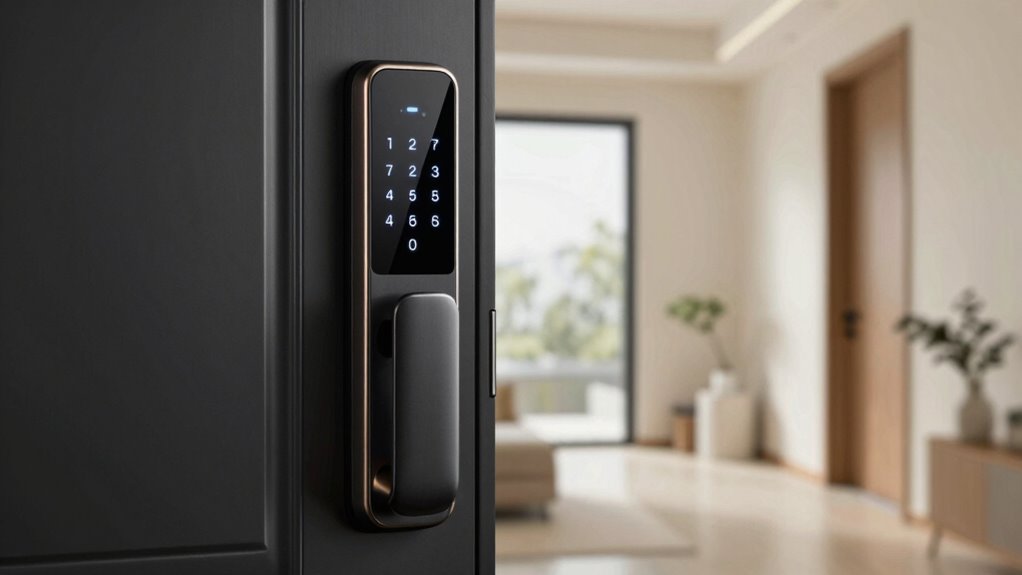
Smart locks can substantially boost your home security, but only if you avoid common mistakes that compromise their effectiveness. One major mistake is ignoring password vulnerability; using simple or repeated passwords makes it easier for hackers to gain access. Always choose strong, unique combinations and enable two-factor authentication if available. Another critical error is neglecting physical bypass methods. Smart locks can be vulnerable to physical bypass attacks like lock picking or tampering, so ensure your lock is sturdy and tamper-resistant. Also, avoid sharing access codes unnecessarily or leaving them written in obvious places. Regularly update your firmware and monitor access logs to catch suspicious activity. By steering clear of these mistakes, you ensure your smart lock provides the security and peace of mind you expect.
Frequently Asked Questions
Can Smart Locks Be Hacked or Hacked Easily?
Smart locks can be vulnerable to hacking due to cybersecurity vulnerabilities, but it’s not easy if you take proper hacking prevention steps. You should keep your firmware updated, use strong, unique passwords, and enable two-factor authentication when available. Regularly monitor your lock’s activity logs and avoid sharing access codes. By staying vigilant and practicing good cybersecurity habits, you markedly reduce the risk of your smart lock being hacked.
What Happens if My Wi-Fi or Internet Connection Fails?
Think of your smart lock’s Wi-Fi as its lifeline—if Wi-Fi outages happen, your lock might temporarily lose smart lock connectivity. But don’t worry; most smart locks have backup options like keypad codes or Bluetooth, so you can still access your door. During Wi-Fi outages, you’ll just need to use these offline methods until your internet connection is restored. Stay prepared to keep your home secure at all times.
Are Smart Locks Suitable for Rental Properties?
Yes, smart locks are suitable for rental property management because they simplify tenant access control. You can easily grant or revoke access remotely, reducing the need for physical keys. This makes managing multiple tenants efficient and secure. Plus, smart locks often include features like temporary codes, ensuring tenants get secure, personalized entry, which enhances overall property security and tenant satisfaction.
How Do I Reset or Change My Smart Lock’s Access Codes?
To reset or change your smart lock’s access codes, start by accessing the smart lock programming mode, usually through the app or keypad. Follow the manufacturer’s instructions to delete old codes and set new ones. Use the access code management feature to add or remove user codes securely. Make sure to test each new code to confirm it works properly and keep your access codes private for enhanced security.
What Is the Average Lifespan of a Smart Lock Battery?
You can expect your smart lock’s battery to last about one to two years, depending on your power management habits. While battery longevity varies with usage and model, practicing efficient power management helps prolong its life. Keep an eye on notifications; they gently hint when power is waning. By staying proactive, you ensure your lock stays secure, and the silent strength of your home remains uninterrupted, even as the years quietly pass.
Conclusion
Choosing and installing the right smart lock can feel like a small step, but it’s a big leap toward smarter security. When you understand how they work and what features matter, you’ll find it’s almost like having a secret weapon for your home. Sometimes, the simplest decisions—like managing digital keys or avoiding common mistakes—bring the biggest peace of mind. After all, in today’s connected world, securing your door is really about securing your peace of mind.
Fall Picks
fall essentials
As an affiliate, we earn on qualifying purchases.