
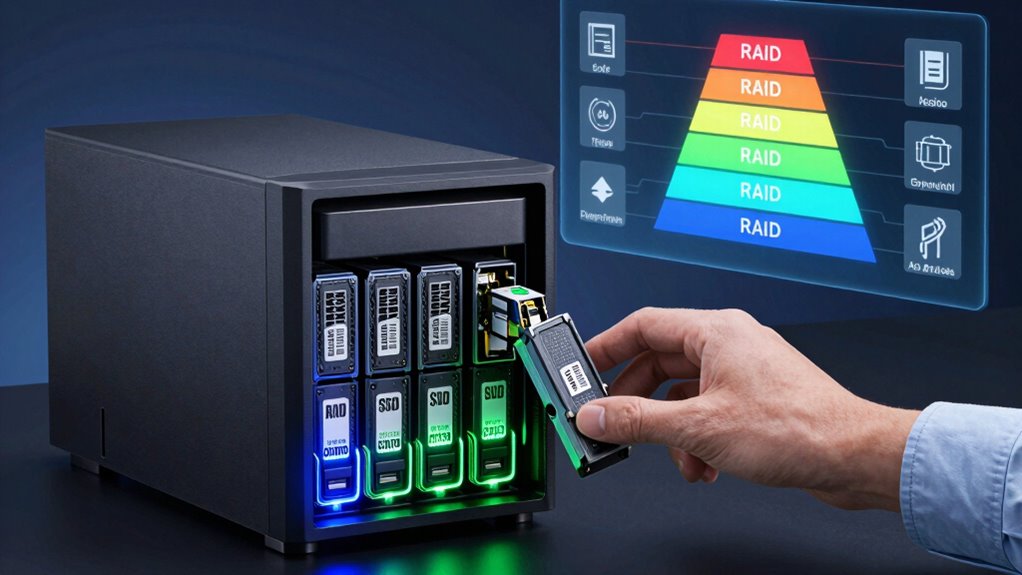
If you’re new to NAS, understanding RAID levels helps you choose the best way to protect and speed up your data. RAID 0 offers faster performance but no safety net, while RAID 1 mirrors your files for safety. RAID 5 adds redundancy with better capacity, and RAID 10 combines speed with protection. Choosing the right level depends on your needs. Keep exploring to discover more about making your NAS work best for you.
Key Takeaways
- RAID 0 stripes data for speed but offers no redundancy, risking data loss if a disk fails.
- RAID 1 mirrors data across two drives, providing high protection but halving usable storage capacity.
- RAID 5 combines data striping with parity for balanced performance and fault tolerance, suitable for most beginners.
- RAID 10 merges mirroring and striping, delivering high speed and redundancy with at least four drives.
- Hardware RAID is easier for beginners, offering better performance with dedicated controllers, while software RAID is more flexible and budget-friendly.
What Is NAS and Why Is It Important for Beginners?
A Network Attached Storage (NAS) device is a dedicated server that provides centralized storage accessible over a network. It’s essential for beginners because it simplifies data management and sharing across devices. With NAS, you can easily set up cloud backup options, ensuring your files are protected off-site and accessible from anywhere. Security is a priority, so many NAS units offer encryption security features that safeguard your data from unauthorized access. This makes NAS a crucial component in home data security, helping to prevent data breaches and unauthorized use. NAS devices are versatile, scalable, and user-friendly, making them an ideal entry point into network storage. Additionally, understanding RAID levels can optimize your data protection and storage efficiency. Knowing about tax law changes can also help small businesses optimize their data storage and backup strategies for tax benefits or compliance considerations. Recognizing the importance of digital security practices can further enhance your data protection strategies when using NAS devices.
What Is RAID and How Does It Protect Your Data?
RAID is a data redundancy strategy that helps protect your files by storing them across multiple drives. It offers fault tolerance, so your data remains safe even if one drive fails. Understanding how RAID manages data recovery can give you peace of mind and keep your information secure. Additionally, choosing the right data storage/backup gear can optimize your system’s reliability and performance. Knowing about fault tolerance can help you better appreciate how RAID safeguards your data during unexpected issues. Implementing proper requirements traceability can further enhance your system’s resilience by ensuring all configurations meet your safety standards. Recognizing the importance of system monitoring can also help detect potential failures early and maintain data integrity over time. Regular maintenance and monitoring tools are essential for staying ahead of potential issues and ensuring continuous data protection.
Data Redundancy Strategies
Data redundancy strategies like RAID are essential for safeguarding your information against hardware failures. They ensure your data stays safe even if a drive crashes. Besides RAID, you might consider cloud backups for off-site protection and encryption methods to secure sensitive files. These strategies work together to reduce data loss risks.
| Strategy | Benefit | Best For |
|---|---|---|
| RAID | Real-time redundancy, fast recovery | Continuous access, local storage |
| Cloud backups | Off-site safety, easy recovery | Disaster recovery, remote access |
| Encryption methods | Protects data from unauthorized access | Sensitive or personal data |
| Mirroring | Copies data instantly to another drive | Critical data, high availability |
| Backup software | Automated, scheduled backups | Regular data preservation |
Fault Tolerance Mechanisms
Fault tolerance mechanisms are essential for maintaining access to your information even when hardware issues occur. RAID levels, such as RAID 5 or RAID 6, provide redundancy that allows your NAS to continue functioning despite disk failures, protecting your data from loss. These mechanisms work alongside your backup strategies to guarantee data durability. Additionally, encryption methods secure your data from unauthorized access, adding a layer of protection even if hardware is compromised. By combining hardware redundancy with robust encryption and strategic backups, you create a resilient system that minimizes downtime and safeguards your information. The fault tolerance mechanisms work in tandem with other protective measures to ensure continuous access and data integrity. This multi-layered approach helps you stay confident that your data remains available and secure, regardless of hardware failures or security threats.
Data Recovery Processes
Ever wondered how your NAS keeps your files safe even when a disk fails? RAID enhances data recovery by distributing data across multiple disks, allowing you to rebuild lost information quickly. When a drive crashes, the system uses parity or mirroring to restore data, minimizing downtime. To boost security, you can back up your data to the cloud and apply encryption methods, ensuring protection against theft or corruption. Regularly updating your backups means you’ll have a safety net if RAID can’t recover everything. Remember, RAID isn’t foolproof, so combining it with cloud backups and encryption methods adds extra layers of security. Understanding RAID levels helps in choosing the right configuration for your needs. Knowing about disk redundancy can help you select the most suitable RAID setup for your storage requirements. Additionally, monitoring your disks’ health with SMART technology can help prevent unexpected failures before they happen. Here’s how RAID makes you feel safer:
| Confidence | Security | Peace of Mind |
|---|---|---|
| Data is protected | Files are encrypted | Rest easy knowing your data is safe |
Which RAID Level Is Right for Your Home or Small Office?
Choosing the right RAID level depends on your data redundancy needs and performance goals. If protecting your files is a priority, certain RAID options offer more redundancy, while others boost speed. Consider what matters most to you to find the best fit for your home or small office. Additionally, understanding essential safety tips for portable oil radiators can help ensure your equipment is used safely and effectively.
Data Redundancy Needs
Determining your data redundancy needs is vital when selecting a RAID level for your home or small office. If your priority is safeguarding against data loss, consider RAID configurations that offer redundancy, like RAID 1 or RAID 5. Think about your backup strategies—regular backups are essential even with RAID, since it doesn’t replace backups entirely. Also, evaluate your encryption methods to protect sensitive data, especially if your NAS stores confidential information. If you need continuous access without downtime, higher redundancy levels are advisable. Conversely, if data loss isn’t critical, lower RAID levels might suffice, but always guarantee you have solid backup plans in place. Additionally, understanding the Floating on Water concept can provide insights into how data mirrors and redundancies work in a resilient storage environment. Recognizing the importance of storage resilience can help you choose the appropriate RAID level to balance performance and data protection. Considering fault tolerance can further assist in selecting a configuration that minimizes data risk during hardware failures. Moreover, assessing your performance requirements can help determine whether higher redundancy levels might impact access speeds. It’s also beneficial to consider the cost implications of different RAID setups to ensure your storage solution remains economical while meeting your needs.
Performance Priorities
When performance is a top priority for your home or small office NAS, selecting the right RAID level can make a significant difference in speed and responsiveness. If minimizing network latency is vital, consider RAID configurations like RAID 0, which offers high read/write speeds by striping data across disks, reducing delays. However, RAID 0 provides no redundancy, so make sure your data is backed up elsewhere. For energy efficiency and lower power consumption, RAID levels like RAID 5 or RAID 6 balance performance with power use, though they may introduce slight latency due to parity calculations. Your choice depends on whether you prioritize raw speed, reduced network latency, or energy savings. Weigh these factors carefully to select the RAID level that best aligns with your performance needs.
Pros and Cons of RAID 0, 1, 5, and 10
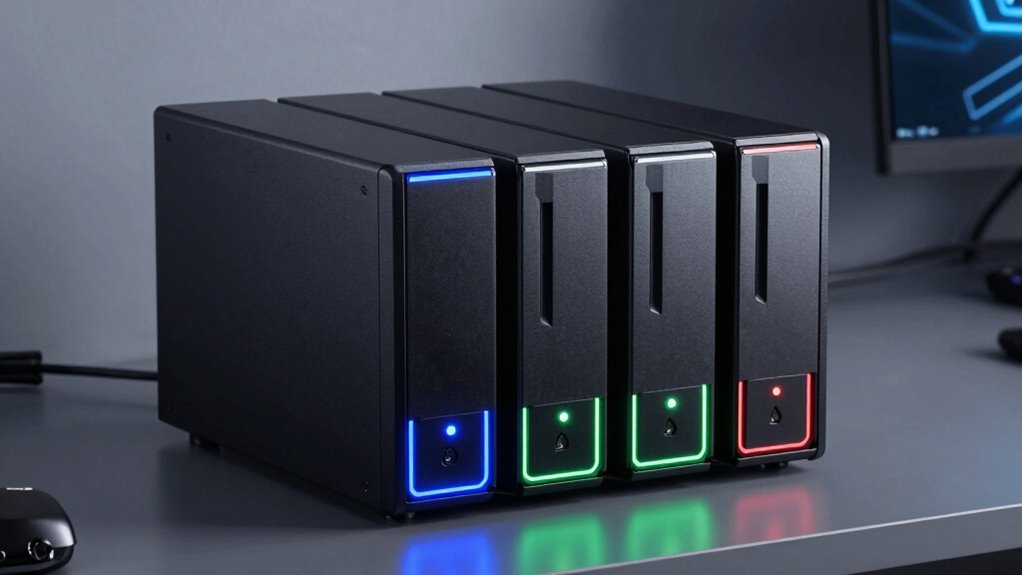
RAID levels like 0, 1, 5, and 10 each offer unique advantages and drawbacks, making them suitable for different storage needs. RAID 0 uses striped arrays to boost performance but offers no redundancy, risking data loss if one disk fails. RAID 1 relies on disk mirroring, providing excellent data protection but halving usable capacity. RAID 5 combines striping with parity, balancing speed and redundancy, yet can be slow during rebuilds. RAID 10 merges striping and mirroring for high performance and fault tolerance but requires at least four disks.
- *RAID 0 enhances speed but has no fault tolerance.*
- *RAID 1 offers simple disk mirroring for safety.*
- *RAID 5 balances performance and data protection.*
- *RAID 10 provides high speed with redundancy but needs more disks.*
Hardware or Software RAID: Which Is Better for Beginners?
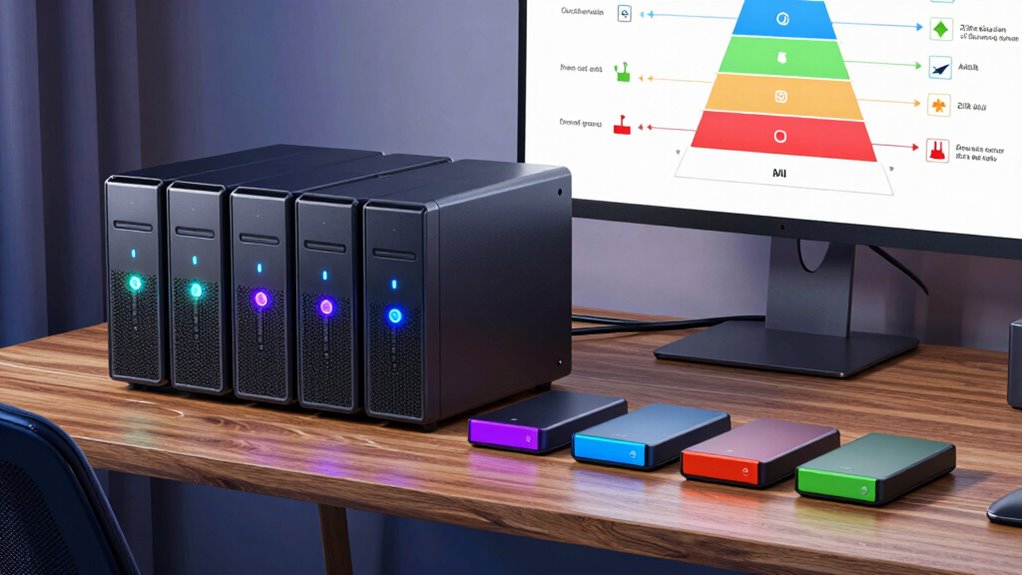
When choosing between hardware and software RAID, you’ll notice cost differences, with hardware options often costing more upfront. Setup can be simpler with hardware RAID, but software RAID offers more flexibility without extra hardware. Performance varies too, so consider your needs and budget to decide which option suits you best. Additionally, understanding smart thermostat setup can help optimize your system for better energy efficiency and air quality. Selecting the right RAID type can also impact your data protection strategies, especially for beginners unfamiliar with complex configurations.
Cost Differences
Are hardware and software RAID options genuinely different when it comes to cost for beginners? Yes, they often vary considerably, especially when considering a cost comparison. Hardware RAID usually requires a dedicated controller card, which adds to the initial expense. Software RAID, on the other hand, is built into your operating system, making it more budget-friendly upfront.
Consider these points:
- Hardware RAID may offer better performance but at a higher price.
- Software RAID is more flexible and easier on your budget.
- Hardware solutions often involve additional costs for compatibility.
- Software options are ideal if you’re working within tight budget considerations.
Ultimately, your choice depends on your budget and performance needs, making software RAID a popular choice for beginners starting small.
Setup Complexity
Choosing between hardware and software RAID depends largely on your comfort level with technology and your willingness to handle setup processes. Hardware RAID offers a straightforward user setup, often with a dedicated controller that simplifies configuring RAID levels, reducing network complexity. It’s generally easier for beginners because it’s managed independently of your operating system. Software RAID, on the other hand, requires you to configure RAID within your system’s software, which can be more complex and demands a clearer understanding of your network setup. While software RAID can be more flexible and cost-effective, it may also introduce extra steps during installation and maintenance. If you prefer a simpler, more streamlined process, hardware RAID is usually the better choice for beginners.
Performance Variations
Hardware RAID often delivers better performance out of the box because it manages data processing with dedicated controllers, freeing up your system’s CPU. This reduces network latency and increases data throughput, making it ideal for demanding tasks. However, software RAID relies on your system’s CPU, which can introduce some performance overhead, especially under heavy loads. For beginners, this means software RAID might be easier to set up but could impact speed during intensive operations. Consider your needs carefully: if you prioritize speed and low latency, hardware RAID is the better choice. But if simplicity and cost matter more, software RAID can still deliver acceptable results. Keep in mind that performance differences become more noticeable with larger data transfers and multiple users accessing the NAS simultaneously.
- Dedicated controllers optimize data handling for speed.
- Software RAID uses system resources, affecting performance.
- Network latency impacts access times more in software RAID.
- Data throughput varies based on RAID type and hardware quality.
How to Set up Your NAS With the Right RAID Level
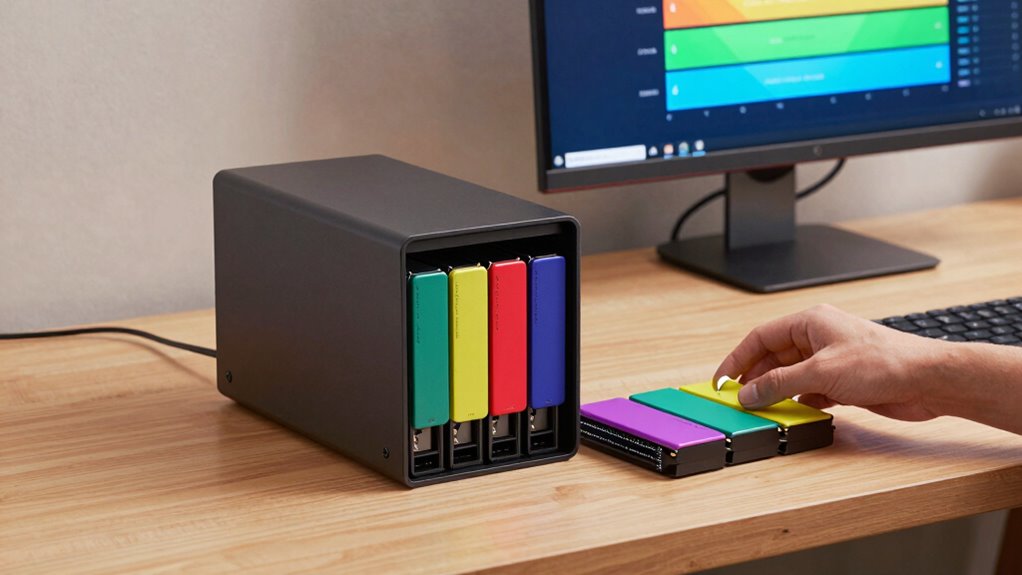
Selecting the right RAID level is essential for balancing data protection, performance, and storage capacity in your NAS setup. First, consider your priorities: if protecting data is top, RAID 5 or RAID 6 offers redundancy. For faster performance, RAID 0 or RAID 10 may be better, but with less protection. Keep in mind that your chosen RAID level impacts network security; a resilient configuration reduces risk of data loss. Additionally, think about cloud integration—some RAID setups make it easier to sync data with cloud services, enhancing security and accessibility. Before setting up, check your NAS device’s compatibility and plan for future expansion. Properly configuring your RAID level ensures your NAS works efficiently, securely, and smoothly integrates with your existing network environment.
Troubleshooting RAID Problems and Recovering Your Data

Even with careful setup, RAID arrays can encounter problems such as degraded performance, disk failures, or corruption. When these issues happen, quick troubleshooting is essential to prevent data loss. First, identify the faulty disk and replace it promptly. Use your NAS’s management tools to rebuild the array, but ensure your data is backed up with a cloud backup solution beforehand. Remember, encryption methods protect your data during recovery, so verify that your backups are secure. If recovery is complex, consider professional data recovery services. To avoid future issues, regularly monitor your RAID health and maintain multiple backups. Keep your data safe and accessible by understanding how to troubleshoot RAID problems efficiently and ensuring your data is recoverable through proper backups.
Beyond RAID: Other Ways to Keep Your Data Safe on Your NAS

While RAID provides a solid foundation for data protection, relying solely on it isn’t sufficient to guarantee your data’s safety. To add extra security, consider implementing cloud backups, which store copies of your files off-site, protecting against physical damage or theft. Regularly updating these backups ensures you can recover recent versions if needed. Additionally, encryption methods are essential for safeguarding sensitive data, both on your NAS and during transfer. Encrypting your files prevents unauthorized access, even if someone gains physical access to your drives. Combining cloud backups with robust encryption creates multiple layers of protection. While RAID handles hardware failures, these extra measures shield your data from accidental deletion, malware, or theft, giving you peace of mind that your information remains safe under various scenarios.
Key Factors to Consider When Choosing RAID for Your NAS
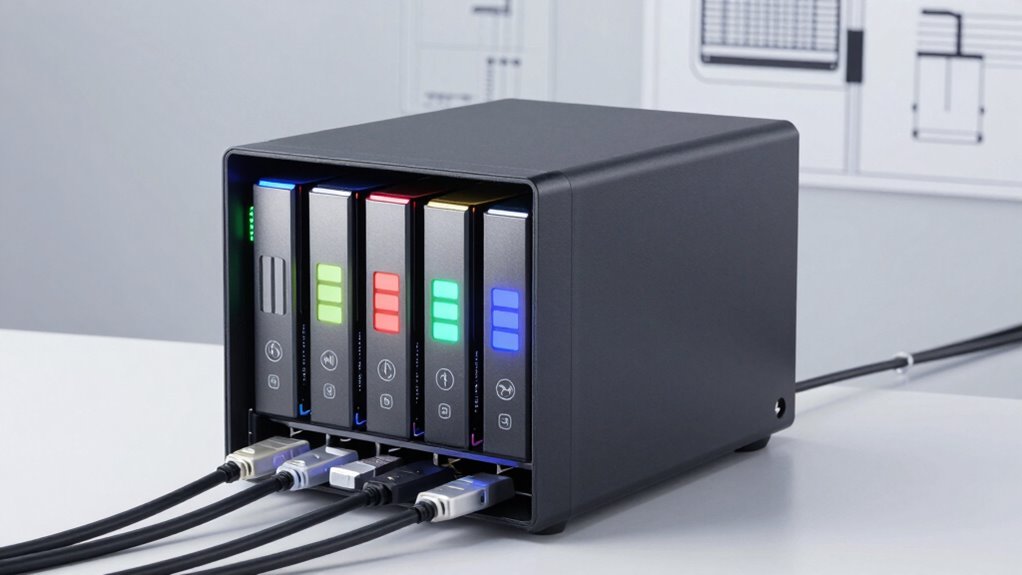
Choosing the right RAID level for your NAS depends on balancing your data protection needs with performance and capacity requirements. Consider how critical your data is and how quickly you need it accessible. Network security is also essential; ensure your RAID setup supports secure access and backups. Cloud integration options can enhance data redundancy and off-site protection. Think about your storage capacity goals and whether you need faster read/write speeds. Additionally, evaluate your budget and hardware capabilities to support advanced RAID configurations. These factors help tailor your NAS to your specific needs, minimizing risks and maximizing efficiency.
Balance data protection, performance, and capacity to choose the ideal RAID level for your NAS.
- Data protection and recovery options
- Compatibility with existing hardware
- Ease of management and scalability
- Security and cloud backup integration
Common Mistakes to Avoid When Setting Up RAID
Setting up RAID without careful planning can lead to serious issues down the line. One common mistake is neglecting network security; without proper safeguards, your data remains vulnerable to breaches. Always guarantee your NAS is protected with strong passwords and firewalls. Additionally, overlooking data encryption can expose sensitive information if someone gains unauthorized access. Remember, RAID improves redundancy but isn’t a substitute for security measures. Another mistake is choosing the wrong RAID level for your needs, which can cause performance or redundancy issues. Also, avoid skipping backups, since RAID isn’t foolproof against hardware failures or corruption. Finally, fail to monitor your setup regularly, which can let small problems escalate. Staying vigilant with security and encryption practices helps protect your data and ensures your RAID configuration functions smoothly.
Frequently Asked Questions
Can I Change RAID Levels After Initial Setup?
Yes, you can change RAID levels after initial setup through RAID migration or drive expansion. Most NAS devices support this feature, allowing you to upgrade or switch RAID configurations without losing data. However, make certain you have a current backup before starting, as some migrations may involve risks. Follow your NAS manufacturer’s instructions carefully, and plan for potential downtime during the process to ensure a smooth changeover.
How Does RAID Affect NAS Performance?
Think of your NAS like a busy highway. RAID acts as the traffic management system, affecting disk redundancy and read/write speeds. Higher RAID levels boost redundancy, like adding lanes for safety, but may slow down data flow. Conversely, lower levels prioritize speed, like quick passing lanes, but with less safety. So, your RAID choice directly impacts your NAS’s performance, balancing speed and data protection.
Is RAID Suitable for All Types of Data?
Raid isn’t suitable for all types of data, especially sensitive info, because it doesn’t replace data encryption or cloud synchronization. While Raid improves performance and redundancy, it doesn’t secure your data from theft or loss. For critical or confidential data, you should combine Raid with encryption and cloud backups. This way, you protect your data while still benefiting from the performance enhancements Raid offers.
How Many Drives Do I Need for RAID 10?
You need at least four drives for RAID 10, which combines drive redundancy and data striping. Notably, RAID 10 offers a perfect balance, providing both speed and safety. With four drives, you get mirrored pairs that protect your data from drive failure while still enjoying improved performance. Keep in mind, adding more drives increases redundancy and capacity, making RAID 10 a solid choice for critical data.
What Is the Best Way to Back up RAID Data?
To back up your RAID data effectively, you should implement solid backup strategies that include regular, automated backups to separate physical or cloud storage. Relying solely on data redundancy within RAID isn’t enough, as RAID protects against drive failure but doesn’t guard against user errors or malware. Keep multiple copies of critical data, test your backups periodically, and consider off-site storage to guarantee your data stays safe.
Conclusion
Remember, a chain is only as strong as its weakest link. By understanding your NAS options and choosing the right RAID level, you’re building a solid foundation for your data’s safety. Take your time, avoid common pitfalls, and keep backups in mind. With the right setup, you’ll be well-prepared to protect your important files and enjoy peace of mind—because in data storage, preparation is everything.