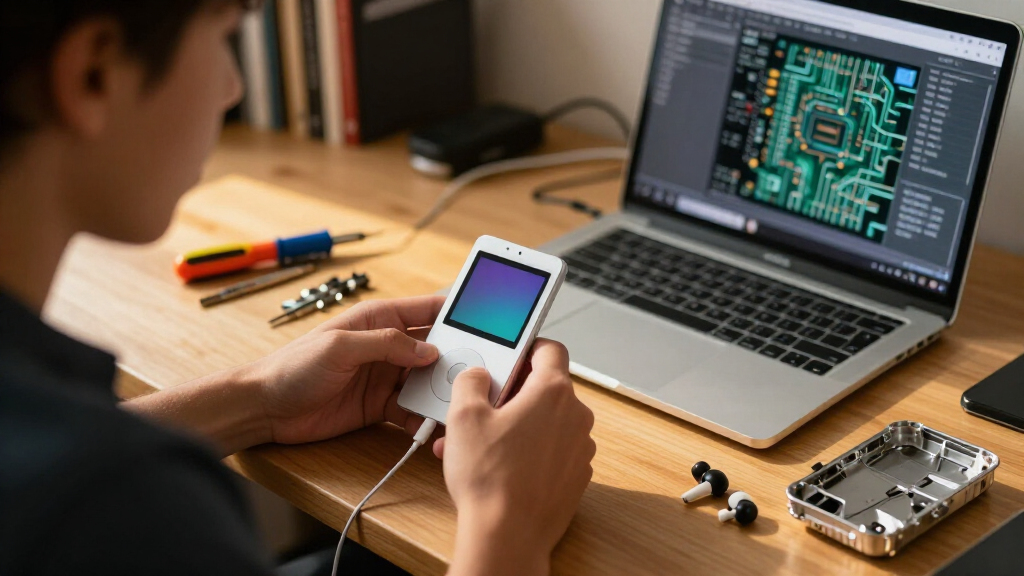

If your iPod Nano 3rd Generation still gets regular rotation but no longer holds a charge, shows a cracked display, or sports a dented back plate, the good news is that all three of these problems are fixable with inexpensive replacement parts. The tricky part is knowing which upgrade actually moves the needle for your device. After comparing the available options, my top pick is the Mountrest Li-ion Polymer Replacement Battery, because a dying battery is the single most common failure on an 18-year-old player and this swap delivers the biggest day-to-day improvement. For anyone whose screen is cracked or showing dead pixels, the LCD Display Screen Replacement is the upgrade that literally changes how the device looks and feels. And if your Nano is mechanically fine but cosmetically beaten, the Silver Stainless Steel Back Cover refreshes the housing — just note it only fits the 4GB model. The main tradeoff across all three: every one of these is an internal or semi-internal repair, so your decision hinges as much on your comfort opening the device as on the part itself.

Get business pricing on monitors, keyboards and dev gear
- Business-only prices and quantity discounts
- Tax-exempt purchasing
- Multiple users, one account, clear invoices
Key Takeaways
- The Mountrest battery is my best overall pick because battery degradation affects nearly every aging Nano 3G, while screen and housing damage only affects some units.
- The LCD replacement delivers the most visible transformation but demands the highest repair skill of the three parts.
- The stainless back cover is the easiest install since tools are included, but it only fits the 4GB model — 8GB owners must skip it.
- None of these parts include full instructions, so budget for a repair guide, tools, or a professional installation on top of the part.
- Choosing between them comes down to diagnosis first: measure battery runtime and inspect the screen and housing before ordering anything.
| Mountrest Li-ion Polymer Replacement Battery for iPod Nano 3rd Generation (4GB/8GB, A1236) |  | Best Overall | Brand: Mountrest | Model: Nano 3rd | Compatibility: iPod Nano 3rd generation, 4GB and 8GB (A1236) | VIEW LATEST PRICE | See Our Full Breakdown |
| LCD Display Screen Replacement for iPod Nano 3rd Gen 4GB/8GB |  | Best for Display Restoration | Compatibility: iPod Nano 3rd Gen 4GB/8GB | Manufacturer: hkoem | Part Type: Internal LCD display screen | VIEW LATEST PRICE | See Our Full Breakdown |
| Silver Stainless Steel Back Cover for iPod Nano 3rd Generation 4GB |  | Best Cosmetic Refresh | Compatible Device: iPod Nano 3rd Generation 4GB | Material: Stainless steel | Color: Silver | VIEW LATEST PRICE | See Our Full Breakdown |
| iPod Nano 3G upgrade | Compatibility | Item Weight |
|---|---|---|
| Mountrest Li-ion Polymer Repla | iPod Nano 3rd generation, 4GB and 8GB (A1236) | — |
| LCD Display Screen Replacement | iPod Nano 3rd Gen 4GB/8GB | 0.81 ounces |
| Silver Stainless Steel Back Co | — | 0.2 kg |
More Details on Our Top Picks
Mountrest Li-ion Polymer Replacement Battery for iPod Nano 3rd Generation (4GB/8GB, A1236)
Of the three upgrades in this lineup, the Mountrest replacement battery earns the top spot for one simple reason: nearly every iPod Nano 3G still in circulation needs one. Lithium-polymer cells from 2007 have chemically aged past the point of usefulness, so a Nano that dies after twenty minutes or only works while plugged in isn’t broken — it’s just out of battery. This part addresses that directly, with a 3.7V rechargeable lithium-polymer cell designed for both the 4GB and 8GB variants of the A1236, which makes it the most broadly compatible item in this comparison.
Compared with the LCD replacement, the battery swap is the higher-frequency repair — a cracked screen is a matter of luck, while a degraded battery is a matter of time. And compared with the stainless back cover, the battery is a functional upgrade rather than a cosmetic one, restoring the portability that made the Nano worth keeping in the first place. The tradeoff is real, though: the Nano 3G has no user-accessible battery door, so this repair involves opening the device and soldering or carefully disconnecting the old cell. This pick makes the most sense for someone comfortable with small-electronics repair or willing to hand the part to a local repair shop.
Pros:- Fits both the 4GB and 8GB iPod Nano 3rd Generation (A1236)
- Standard 3.7V lithium-polymer chemistry matching the original cell
- Fully rechargeable, restoring untethered use of the player
- Addresses the most common age-related failure on this device
Cons:- Installation requires opening the sealed case and battery-repair skills
- Compatibility is strictly limited to the Nano 3rd Generation — no other iPod models
Best for: Owners of either the 4GB or 8GB Nano 3G whose device no longer holds a charge or shuts off unexpectedly
Not ideal for: Anyone unwilling to open the device, or those whose battery still performs fine — a screen or housing part would serve them better
- Brand:Mountrest
- Model:Nano 3rd
- Compatibility:iPod Nano 3rd generation, 4GB and 8GB (A1236)
- Battery Type:Lithium Polymer
- Voltage:3.7 V DC
- Rechargeable:Yes
- Number of Batteries:1
- Unit Count:1
Our verdict“The highest-impact upgrade for the widest group of Nano 3G owners, provided you can handle or outsource the internal install.”
LCD Display Screen Replacement for iPod Nano 3rd Gen 4GB/8GB
When a Nano 3G screen is cracked or riddled with dead pixels, no other upgrade matters — you can’t navigate a music library you can’t see. This LCD replacement part covers both the 4GB and 8GB models and restores the 2-inch display that defines the whole user experience of the little square player. In terms of visible transformation, nothing else in this lineup comes close: the Mountrest battery makes the device last longer, but this screen makes it usable at all.
That visibility comes with the steepest tradeoff of the three parts. The listing is explicit that no instruction manual is included and professional installation is recommended, with no liability for improper installs. That’s honest framing — a screen replacement on the Nano 3G involves separating the front assembly from a fragile frame, and a rushed job can turn a repair into a total loss. It’s also a bare part: unlike the stainless back cover, which ships with installation tools, this LCD arrives on its own, so you’ll need your own opening tools, spudger, and patience. This option stands out for restorers who already own a tool kit and want a faithful display revival rather than a cosmetic touch-up.
Pros:- Compatible with both 4GB and 8GB iPod Nano 3rd Gen models
- Restores full display function on cracked, broken, or faulty screens
- Lightweight and compact part that matches the original form factor
- The most transformative upgrade for a device with a damaged display
Cons:- No instruction manual included
- Professional installation recommended; no liability for improper installation
- Tools are not included, unlike some other repair parts
Best for: Owners with cracked, dead, or badly scratched displays who have repair experience or a professional installer
Not ideal for: First-time repairers expecting a guided, all-inclusive kit, or owners whose screen is already in good shape
- Compatibility:iPod Nano 3rd Gen 4GB/8GB
- Manufacturer:hkoem
- Part Type:Internal LCD display screen
- Package Dimensions:5 x 2.09 x 1.22 inches
- Item Weight:0.81 ounces
- Instructions Included:No
- Installation:Professional installation recommended
Our verdict“The right upgrade when the screen is the problem — just go in knowing it’s the most demanding install of the three.”
Silver Stainless Steel Back Cover for iPod Nano 3rd Generation 4GB
Some Nanos work perfectly but look like they lost a fight with a set of keys. For those, this silver stainless steel back cover is the most approachable upgrade here. It replaces the original scratch-prone rear plate with a fresh brushed-metal finish, and — uniquely in this lineup — it ships with installation tools included, which immediately lowers the barrier compared with the bare LCD replacement. A back-cover swap is also fundamentally less risky than a battery or screen replacement: you’re working at the exterior of the device rather than around fragile internals.
The catch is narrow compatibility. This cover is marked and shaped for the 4GB Nano 3G only, so 8GB owners — who are covered by both the Mountrest battery and the LCD part — have to look elsewhere. The 4GB capacity marking on the rear also means an 8GB conversion isn’t possible, and the cover carries no Apple logo, so purists chasing a factory-faithful restoration will notice the difference at a glance. This model is better suited to someone who wants their Nano to look clean and presentable again, rather than a collector seeking period-perfect originality.
Pros:- Tailored fit for the iPod Nano 3rd Generation 4GB
- Durable stainless steel construction with a clean silver finish
- Installation tools included in the box
- The least invasive repair of the three upgrades
Cons:- Only fits the 4GB model — the narrowest compatibility in this lineup
- No brand logo, so it won’t pass as an original Apple part
Best for: 4GB Nano 3G owners with dented or scratched rear housing who want the easiest, lowest-risk upgrade in this lineup
Not ideal for: 8GB model owners, and collectors who want an original Apple-logo back plate
- Compatible Device:iPod Nano 3rd Generation 4GB
- Material:Stainless steel
- Color:Silver
- Cover Type:Back cover
- Capacity Marking:4GB
- Brand Logo:None
- Included:Installation tools
- Item Weight:0.2 kg
Our verdict“A straightforward cosmetic revival for the 4GB Nano, and the gentlest entry point into Nano repair — as long as your model matches.”
How We Picked
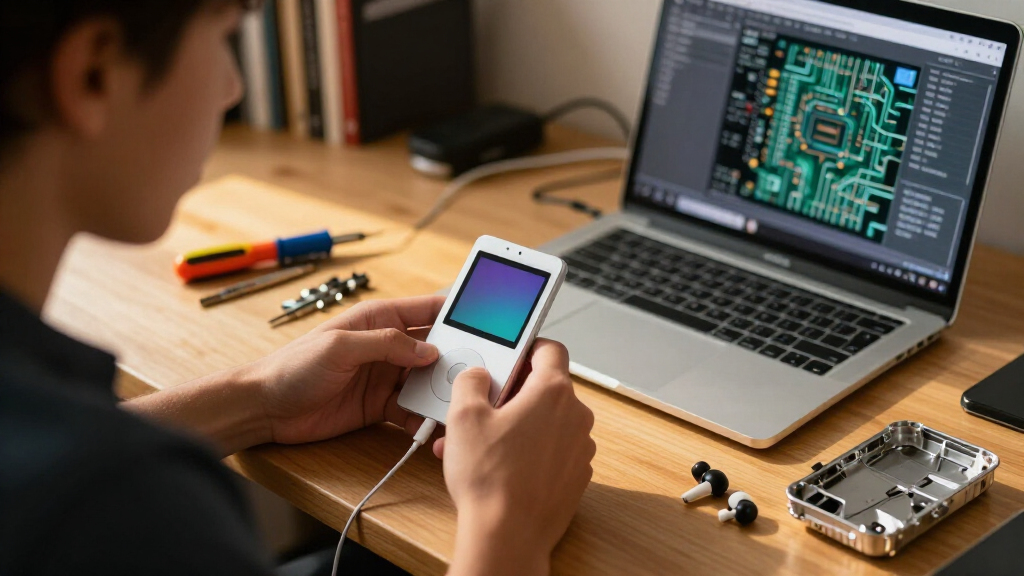
Since the iPod Nano 3rd Generation is a discontinued, sealed-form-factor device, my evaluation criteria for upgrade parts centered on a few practical questions a restorer would actually ask. First, I weighed compatibility precision: the 3G came in 4GB and 8GB capacities, and parts that fit only one variant were flagged clearly rather than presented as universal. Second, I judged each part by impact on usability — a battery swap changes how long the device works, a screen swap changes whether it works at all, and a back cover changes how it looks. Third, I considered installation difficulty and what’s included in the box, because on a device this small, the presence or absence of tools and instructions meaningfully changes the total effort and risk. Finally, I compared the parts against each other rather than in isolation, assigning each a distinct role so the ranking reflects which repair delivers the most value for the most owners, not which listing sounds best. I did not factor in price, ratings, or sales claims — only fit, build, and tradeoffs.
| iPod Nano 3G upgrade | Compatibility |
|---|---|
| Mountrest Li-ion Polymer Repla | iPod Nano 3rd generation, 4GB and 8GB (A1236) |
| LCD Display Screen Replacement | iPod Nano 3rd Gen 4GB/8GB |
| Silver Stainless Steel Back Co | — |
Factors to Consider When Choosing Best IPod Nano 3G Upgrades
Before ordering any part for a Nano 3G, it pays to diagnose the device properly and understand what each upgrade can and cannot fix. Here’s how I’d approach the decision.Diagnose Before You Buy
The three upgrades in this roundup solve three entirely different problems, and buying the wrong one wastes money on a device with almost no resale cushion. Run a quick check: charge the Nano fully and time how long it plays — under an hour points to the Mountrest battery. Inspect the display for cracks, lines, or dead zones that point to the LCD replacement. Look over the rear housing for dents and deep scratches that suggest the stainless back cover. If multiple issues exist, the battery and screen are functional priorities; the cover is always last on the list.
Match Your Model Exactly
The Nano 3G came in 4GB and 8GB capacities, and the parts market reflects that split unevenly. The battery and LCD fit both capacities, while the back cover is 4GB-only due to its capacity marking. Confirm which model you own before ordering — the capacity is printed on the original back plate and in the device’s settings menu. Guessing wrong on the cover means a part you can’t use.
Honest Repair Skill Required
The Nano 3G is a small, tightly packed device with no designed-in repair access. The battery and LCD replacements both involve opening the case and working around delicate connectors, and the LCD listing explicitly recommends professional installation with no manual in the box. Only the back cover approaches a beginner-friendly job, helped by its included tools. If you’ve never opened a small music player, factor in either a full tool kit and a detailed video guide, or a local repair shop’s labor.
Originality Versus Refresh
If you’re restoring a Nano as a keepsake, know that the replacement back cover lacks the Apple logo, so the finished device won’t look factory-original from behind. Functionally it makes no difference, but collectors often care. If period-correct appearance matters to you, a used original housing may serve better than a new unbranded cover — a tradeoff unique to this cosmetic upgrade.
Frequently Asked Questions
Which iPod Nano 3G upgrade should I buy first if my device has multiple problems?
I’d start with whatever stops the device from functioning normally, and that usually means the Mountrest replacement battery. A Nano that dies quickly or only runs while plugged in can’t be enjoyed regardless of how good the screen looks, and battery degradation is near-universal on players this old. If the battery still holds a reasonable charge but the display is cracked or unreadable, the LCD replacement jumps to first priority because navigation is impossible without a working screen. The stainless back cover should always be the final purchase, since it’s purely cosmetic and has zero effect on whether the device plays music. Ordering in that order means every dollar spent first restores function, and appearance comes last.
Can a beginner install these parts at home?
It depends entirely on which part you choose and how patient you are. The stainless back cover is the most beginner-friendly option in this lineup because it works at the exterior of the device and includes its own installation tools. The battery and LCD screen are a different story: both require opening the Nano’s case, which was never designed for user access, and the screen listing recommends professional installation outright. A careful first-timer following a detailed video guide can succeed, but the risk of cracking the front glass or tearing a ribbon cable is real. My suggestion is to attempt a cosmetic job first if you want practice, and leave internal repairs to a shop unless you already own precision tools.
Do these parts fit the 8GB iPod Nano 3rd Generation?
Two of the three do. The Mountrest battery and the LCD screen replacement are both listed as compatible with the 4GB and 8GB versions of the Nano 3rd Generation, so 8GB owners can restore either the runtime or the display without worrying about fit. The stainless steel back cover is the exception — it’s designed and marked specifically for the 4GB model, and the capacity engraving means it can’t double as an 8GB housing. Before ordering any part, I’d confirm your model’s capacity in the device’s settings menu, since buying the wrong variant means a return and a delay on a repair you were probably eager to finish.
Will the replacement back cover look exactly like the original?
Not quite, and that difference matters to some buyers. The replacement cover is made of silver stainless steel with a 4GB capacity marking, so the material and finish will look familiar, but it carries no Apple logo. From arm’s length the device will read as a clean, factory-fresh Nano, but anyone examining the back closely will notice the blank panel. For an everyday player or a gift refresh, this is usually a non-issue. For a collector chasing period-correct originality, the missing logo is a genuine drawback, and sourcing a used original housing might be the better path even with the dings that implies.
Is it worth upgrading an iPod Nano 3G at all in 2026?
That depends on what the device means to you rather than what it’s worth. Financially, a repaired Nano 3G has modest market value, so this isn’t a flip-for-profit project. But if it’s a keepsake, part of a collection, or you simply prefer a dedicated pocket music player free of notifications, replacing a tired battery or a cracked screen returns it to daily service for a fraction of what any new portable player costs. The parts are inexpensive and the repair community around vintage iPods remains active, with detailed teardown videos readily available. My view: if the device holds sentimental or practical value for you, these upgrades are absolutely worth it; if it doesn’t, pass it along to someone who’ll cherish it.
Conclusion
After comparing these three parts, the right choice maps cleanly onto buyer type. If you own a Nano 3G in any capacity and it struggles to hold a charge, the Mountrest Li-ion Polymer Replacement Battery is my overall recommendation — it fits both the 4GB and 8GB models and fixes the failure nearly every aging unit shares. If your device runs fine but the display is cracked or blank, go with the LCD Display Screen Replacement, keeping in mind it’s the most demanding install here and best paired with professional help. And if you own a 4GB model that works perfectly but looks beaten, the Silver Stainless Steel Back Cover is the gentlest upgrade in the lineup, tools included — just accept the missing Apple logo and skip it entirely if you have an 8GB unit. Whatever path you take, diagnose first, match your exact model, and be honest about your repair skills before the case comes open.
Fall Picks
fall essentials
As an affiliate, we earn on qualifying purchases.