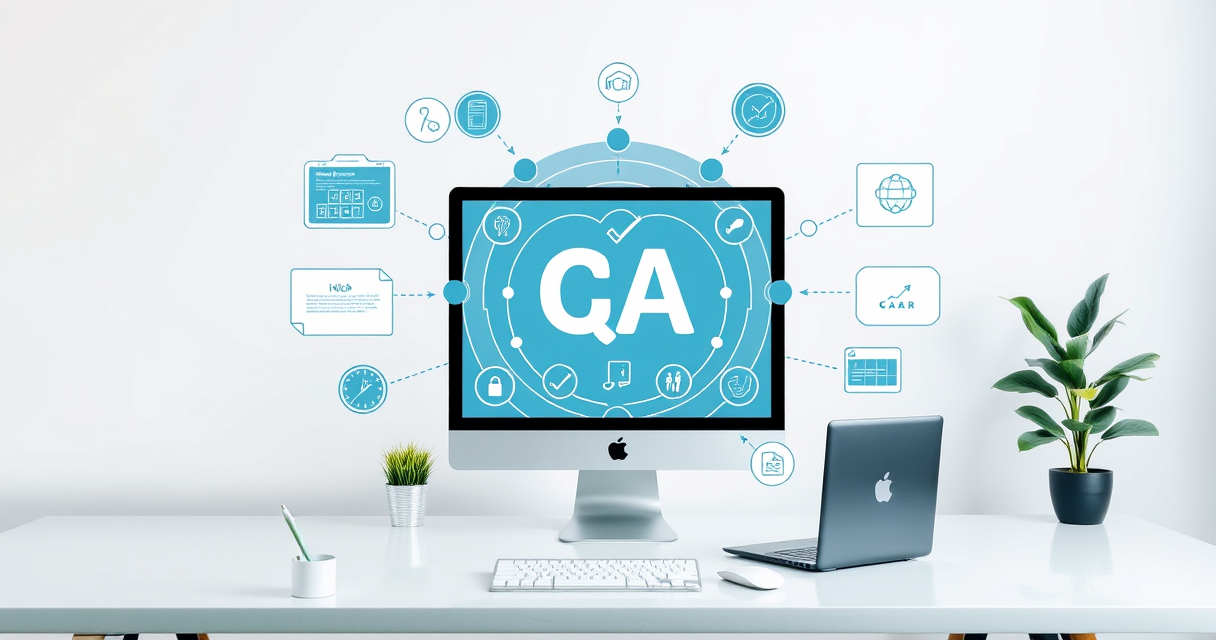

Software development turns ideas into useful digital products, while quality assurance helps ensure those products behave as intended. Together, these disciplines cover far more than writing code and finding bugs. They include understanding users, defining requirements, designing systems, managing data, testing risk, releasing changes, monitoring production, and improving the product over time.

Get business pricing on monitors, keyboards and dev gear
- Business-only prices and quantity discounts
- Tax-exempt purchasing
- Multiple users, one account, clear invoices
This hub is an orientation guide for developers, testers, product owners, and technically curious readers. It explains how the major parts of software delivery fit together, where common problems arise, and how to choose deeper topics based on your goals. The principles apply whether you are building a small website, an internal business tool, a mobile application, an automated service, or a comparison platform that organizes products as different as camera equipment, fitness accessories, and household tools.
Start With the Problem, Not the Technology
A successful project begins with a clear account of the problem it should solve. Technology choices matter, but they should follow an understanding of users, workflows, constraints, and desired outcomes. A team that selects a framework before defining the job may build an elegant system that addresses the wrong need.
Useful discovery questions include:
- Who will use the product, and what are they trying to accomplish?
- What information must users provide or receive?
- Which mistakes would be inconvenient, costly, or dangerous?
- What does success look like from the user’s perspective?
- Which requirements are essential for the first release?
- What privacy, security, accessibility, or performance constraints apply?
Requirements should describe observable behavior wherever possible. “The page should be fast” is vague; a measurable response-time goal under defined conditions is testable. “The comparison tool should be accurate” is also incomplete until the team defines required fields, acceptable sources, update rules, and handling for missing information.
Product guides illustrate why domain understanding matters. A page about yarn winders and swifts requires different attributes and terminology from a guide to fabric resistance bands. If a data model treats every item identically, it may omit the details readers actually need. Good software architecture looks for reusable structures without erasing meaningful differences.
Products Worth Considering

Anker SOLIX C200 DC Portable Power Station, 192Wh, 200W

Logitech MX Master 4 for Mac, Ergonomic Bluetooth Mouse with Haptic Feedback, Ultra-Fast Scrolling, USB-C Charging, for MacOS, iPadOS, Windo

Samsung 32-Inch Odyssey OLED G8 (G80SH) 4K Gaming Monitor
As an affiliate, we earn on qualifying purchases.
Understand the Software Development Lifecycle
The software development lifecycle is the path from an initial need to a maintained product. Teams may organize that path through iterative, sequential, or hybrid methods, but the underlying activities are similar: discovery, planning, design, implementation, verification, release, and maintenance.
Discovery and Planning
During discovery, teams investigate users, goals, risks, and dependencies. Planning turns those findings into a manageable scope. Features are often expressed as user stories, use cases, or requirement statements, then divided into increments that can be built and evaluated.
Prioritization should consider value, effort, uncertainty, and risk. A foundational data problem may deserve attention before a visible interface enhancement because every later feature depends on it. Likewise, an uncertain integration may warrant an early prototype so the team learns before committing to a larger design.
Design and Architecture
Design covers both the user experience and the system behind it. Interface design determines navigation, hierarchy, feedback, and accessibility. Technical architecture defines components, data movement, integrations, deployment boundaries, and failure handling.
The goal is not maximum complexity or maximum abstraction. It is a structure that supports current needs while leaving sensible room for change. Excessive coupling makes updates risky because one modification can affect unrelated behavior. Clear boundaries help developers reason about the system and allow testers to isolate defects more effectively.
Implementation and Review
Implementation translates requirements and designs into code, configuration, content, and infrastructure. Small, focused changes are generally easier to understand and review than broad changes mixing many concerns. Consistent conventions, meaningful names, version control, and concise documentation reduce the effort required to maintain the product.
Code review provides a second perspective before a change is merged. Reviewers can examine correctness, readability, security implications, test coverage, and consistency with the architecture. Review is most useful when it focuses on meaningful risks rather than personal stylistic preferences already handled by automated formatting tools.
Build Quality Into the Process
Quality assurance is a continuous discipline, not a final checkpoint. Testing near the end can reveal defects, but it cannot cheaply repair unclear requirements, inaccessible design decisions, or a fragile architecture. Quality improves when the team discusses acceptance criteria early, reviews designs, automates appropriate checks, and learns from production behavior.
Software quality has several dimensions:
- Functional correctness: the product performs the required actions.
- Reliability: behavior remains consistent under expected conditions.
- Usability: people can understand and complete their tasks.
- Accessibility: the experience works for people with varied abilities and tools.
- Performance: response times and resource use remain appropriate.
- Security: data and operations are protected against relevant threats.
- Maintainability: the system can be understood and changed safely.
- Compatibility: supported browsers, devices, operating systems, and integrations work as defined.
These dimensions can conflict. Stronger validation may protect data quality but frustrate users if error messages are unclear. Rich media may improve presentation but harm performance on slower connections. Quality work makes these tradeoffs visible so the team can decide deliberately.
Choose the Right Types of Testing
No single test method can provide complete confidence. Effective strategies combine checks at different levels, with each method aimed at a particular class of risk.
Unit and Component Testing
Unit tests examine small pieces of logic in isolation. Component tests verify a larger interface or service boundary while limiting external dependencies. These checks are usually fast and can identify regressions close to their source.
For a comparison site, unit tests might confirm filtering, sorting, formatting, or validation rules. If specifications vary by category, the tests should cover category-specific behavior. A schema suitable for fingertip pulse oximeter guides may contain fields that make no sense for family strategy board games. Tests should enforce the intended distinctions without hard-coding accidental assumptions.
Integration and API Testing
Integration tests check whether components communicate correctly. API tests focus on requests, responses, authentication, validation, errors, and contracts between systems. They are important when an application depends on databases, payment providers, content platforms, analytics services, or third-party data sources.
Good integration testing includes failure cases. Teams should ask what happens when a dependency is slow, unavailable, unauthorized, or returns incomplete data. A graceful error with preserved user work is usually better than an indefinite spinner or blank screen.
End-to-End Testing
End-to-end tests exercise complete user journeys through a realistic environment. They can confirm that routing, interfaces, services, storage, and permissions work together. Because these tests are typically slower and more sensitive to environmental changes, they are most valuable for a focused set of critical paths rather than every minor variation.
Exploratory and Usability Testing
Automated checks execute rules the team has anticipated. Exploratory testing uses human judgment to investigate behavior, challenge assumptions, and notice unexpected problems. Testers may vary inputs, interrupt workflows, change screen sizes, use keyboard navigation, or follow unusual sequences.
Usability testing examines whether real people can understand the product. A feature can be technically correct yet confusing. Observing where users hesitate or misinterpret labels often reveals problems that requirements and automated tests miss.
Design Test Cases Around Risk
Testing every possible combination is rarely feasible. Risk-based testing directs attention toward areas where failure is likely or consequential. Teams can consider user frequency, business impact, technical complexity, recent changes, historical defects, security exposure, and dependency reliability.
Boundary values and equivalence groups help reduce unnecessary repetition. Instead of trying every numerical input, testers select representative valid, invalid, minimum, maximum, and just-outside-the-boundary cases. State-transition testing is useful when results depend on what happened previously, such as account activation, subscription changes, approvals, or saved progress.
Content-rich systems need their own quality checks. Links should resolve, headings should follow a logical structure, structured fields should match the correct category, and editorial updates should not silently remove required information. A guide to foam cannons for pressure washers and one covering front-and-rear 4K dash cams may share a page template, but their terminology and comparison criteria require separate validation.
Use Automation Where It Creates Reliable Feedback
Automation is valuable when a check is repeated frequently, has a clear expected result, and can run consistently. Common candidates include formatting, static analysis, unit tests, API contracts, dependency checks, builds, and a selected group of browser journeys.
A continuous integration pipeline can run these checks whenever code changes. Fast feedback helps developers correct problems while the relevant context is fresh. The pipeline should communicate failures clearly: which check failed, what evidence was captured, and how the result can be reproduced.
Automation still requires maintenance. Tests that depend on unstable selectors, shared data, exact timing, or uncontrolled external services may fail intermittently. Treating every failure as meaningless “flakiness” hides risk; teams should identify whether the problem is in the test, environment, or product and address the underlying cause.
Release Software Safely
A release is a controlled change to a live system. Safe release practices include repeatable builds, reviewed configuration, database migration planning, observability, and a recovery strategy. Smaller releases reduce the number of possible causes when something goes wrong.
Teams may use staged deployments, feature flags, or limited rollouts to reduce exposure. Whatever method is chosen, responsibilities should be clear. Someone must know how to evaluate the release, interpret alerts, pause further rollout, and restore service if necessary.
Verification should continue after deployment. Production monitoring can reveal error rates, latency changes, failed jobs, unusual resource use, and broken user journeys. Business and product signals matter too: a technically healthy service may still prevent users from completing their intended task.
Maintain Trustworthy Data and Content
Many applications are only as dependable as their data. Validation should occur at appropriate boundaries, but rules must reflect the domain rather than convenience. Required fields, units, allowed values, source history, and update timestamps all influence trust.
Structured content also needs traceability. Editors and developers should be able to determine where a value came from, when it changed, and which pages depend on it. This becomes important when one platform spans unrelated categories such as portable bike repair stands and carbon fiber camera tripods. Shared publishing tools should support category-specific fields while preserving consistent editorial controls.
Backups are necessary but incomplete unless restoration is understood and tested. Access should follow the principle of least privilege, sensitive values should not be placed in source code, and logs should avoid exposing confidential information. Security belongs in architecture, development, testing, deployment, and incident response.
Improve Through Feedback and Learning
Software is rarely finished after launch. User feedback, support requests, analytics, defects, security findings, and operational incidents all provide evidence for improvement. Teams should distinguish symptoms from causes: repeated user mistakes may indicate unclear interface design rather than careless users, while recurring defects may point to weak component boundaries or missing automated checks.
Retrospectives and incident reviews work best when they examine system conditions instead of seeking an individual to blame. Useful outcomes include clearer requirements, safer defaults, better monitoring, simplified architecture, improved documentation, or a new regression test.
A healthy development culture makes quality visible and shared. Developers consider testability, testers contribute during discovery and design, product owners clarify priorities, designers account for accessibility and failure states, and operations specialists inform reliability decisions. The result is not software without defects, but a system that manages risk thoughtfully, detects problems quickly, and improves with evidence.
Choose Your Next Deep Dive
If you are new to software development, begin with requirements, version control, basic programming concepts, and unit testing. If you already build applications, focus on architecture, integration contracts, automated delivery, security, and observability. Testers can deepen their practice through risk analysis, exploratory methods, API testing, accessibility, and test automation.
For content and comparison platforms, study data modeling alongside editorial workflows. Review how requirements differ across guides, define reusable components carefully, and test both shared presentation rules and category-specific content. The central lesson is simple: effective software development connects user needs, deliberate engineering, and continuous quality work. When those elements reinforce one another, teams can deliver products that are useful, understandable, maintainable, and resilient.