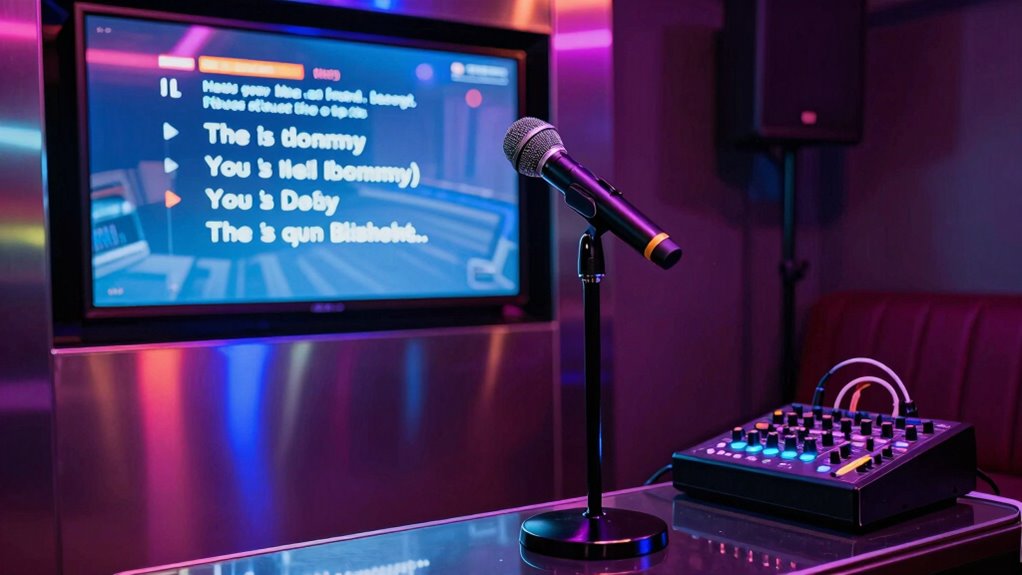

To prevent feedback during your karaoke night, position microphones away from speakers and keep them at a reasonable distance, while adjusting volume levels gradually. Use EQ to cut feedback-prone frequencies and enable feedback suppression if available. Arrange your setup in a triangular pattern with speakers behind microphones and at ear level. Also, improve room acoustics with sound-absorbing materials. Continue exploring tips that will help you create a clear, squeal-free karaoke experience.

Get business pricing on monitors, keyboards and dev gear
- Business-only prices and quantity discounts
- Tax-exempt purchasing
- Multiple users, one account, clear invoices
Key Takeaways
- Place microphones and speakers to form a sound triangle, avoiding direct paths that cause feedback.
- Adjust microphone gain and EQ settings to reduce mid/high frequencies prone to squealing.
- Keep microphones at a safe distance from speakers and point away from sound sources.
- Use acoustic treatments like panels and curtains to minimize room reflections and echoes.
- Regularly check and maintain equipment to prevent feedback issues during karaoke sessions.
How to Prevent Feedback in Karaoke Setups (and Recognize the Signs)
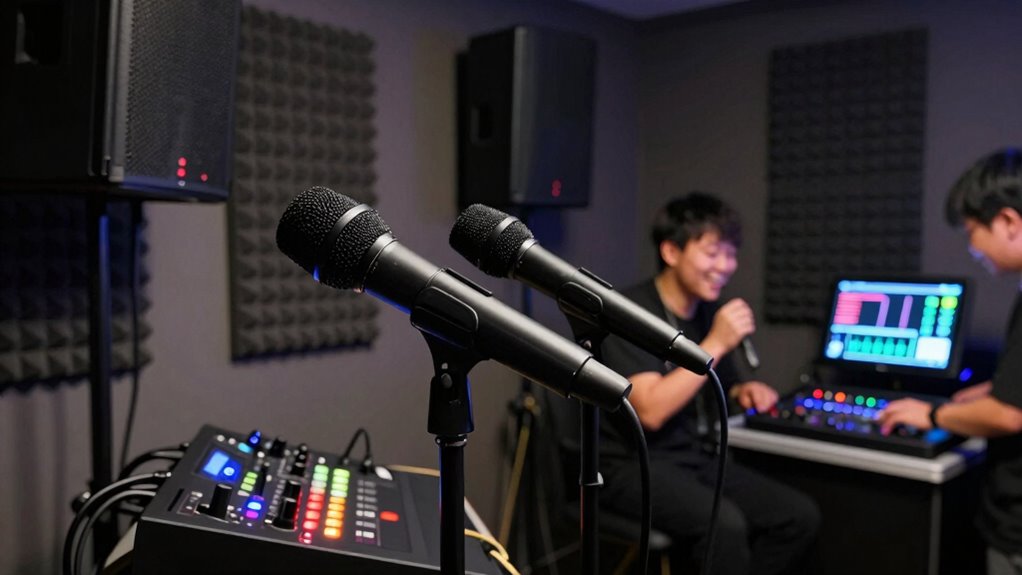
Feedback occurs when the microphone picks up sound from the speakers, creating a loud screeching noise. To prevent this, pay attention to microphone proximity—keep the mic a reasonable distance from the speakers. If it’s too close, sound loops can easily form, causing feedback. Adjust your volume control carefully; setting the microphone volume too high increases the risk of feedback, so start low and gradually increase until you find a comfortable level. Listen for signs of feedback, like high-pitched squealing, and act quickly by lowering the microphone or speaker volume. Position your microphone away from the speakers and avoid pointing it directly at them. Being mindful of these elements helps you maintain clear sound and avoid disruptive feedback during your karaoke night. Additionally, regularly checking and maintaining your audio equipment can help prevent issues like feedback and ensure a smooth experience, especially when considering the importance of sound quality in home entertainment setups. Proper equipment maintenance and regular testing can further reduce the chances of unexpected feedback or technical glitches. Incorporating sound optimization techniques can also improve overall audio clarity and reduce feedback risk, and utilizing proper calibration tools can help fine-tune your system for optimal performance.
Setting Up Your Space: Microphone and Speaker Placement Tips

To make certain your karaoke night runs smoothly, proper placement of microphones and speakers is essential. Keep your microphone cables untangled and routed away from speakers to prevent feedback. Position speakers at ear level and behind the microphones, creating a triangle with the singing area for ideal sound distribution. Avoid placing speakers directly facing microphones, which can cause feedback loops. Use this table as a guide:
| Microphone Placement | Speaker Placement | Key Tip |
|---|---|---|
| Center of singing area | Behind or beside microphones | Maintain distance from feedback sources |
| Slightly above mouth level | Elevated for even sound | Avoid pointing directly at microphones |
| Away from reflective surfaces | Away from corners or walls | Prevent sound reflections and echo |
Proper placement ensures clear sound without feedback, making your karaoke night more enjoyable. Incorporate knowledge of sound reflection principles to optimize your setup further. Additionally, understanding how acoustic properties influence sound can help you create a more balanced and feedback-free environment. Paying attention to room acoustics can further minimize unwanted sound distortions and echo. Considering sound absorption materials in your space can also significantly improve overall sound quality and reduce feedback issues.
Adjusting Sound Settings to Minimize Feedback (Gain, EQ, and Suppression)
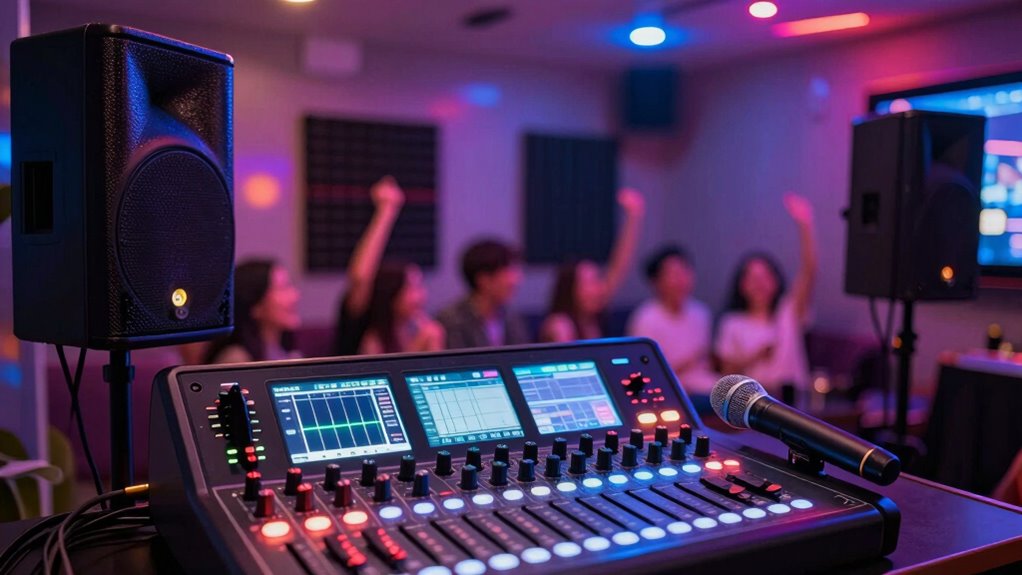
Adjusting your sound settings is essential for minimizing feedback during karaoke. Start by carefully managing gain control; keep it low enough to prevent signals from amplifying excessively. Too much gain can cause howling, so adjust it until the microphone sound is clear but not overwhelming. Next, focus on equalizer adjustments—reduce frequencies that tend to feed back, often the mid and high ranges. Use your equalizer to cut problematic tones without sacrificing overall sound quality. Additionally, consider using feedback suppression features if available, which automatically identify and reduce troublesome frequencies. Properly tuning these settings can significantly improve sound clarity and reduce feedback issues, especially in environments with poor acoustics. These settings work together to create a balanced sound environment, allowing your vocals to shine without annoying feedback interruptions. Properly fine-tuning gain, EQ, and suppression ensures a smooth karaoke experience. Incorporating sound system maintenance practices can also prevent feedback issues from occurring in the first place. Regular equipment checks and cleaning can help maintain optimal performance and prevent common feedback problems.
Common Room Acoustics and Layout Strategies for Feedback-Free Karaoke
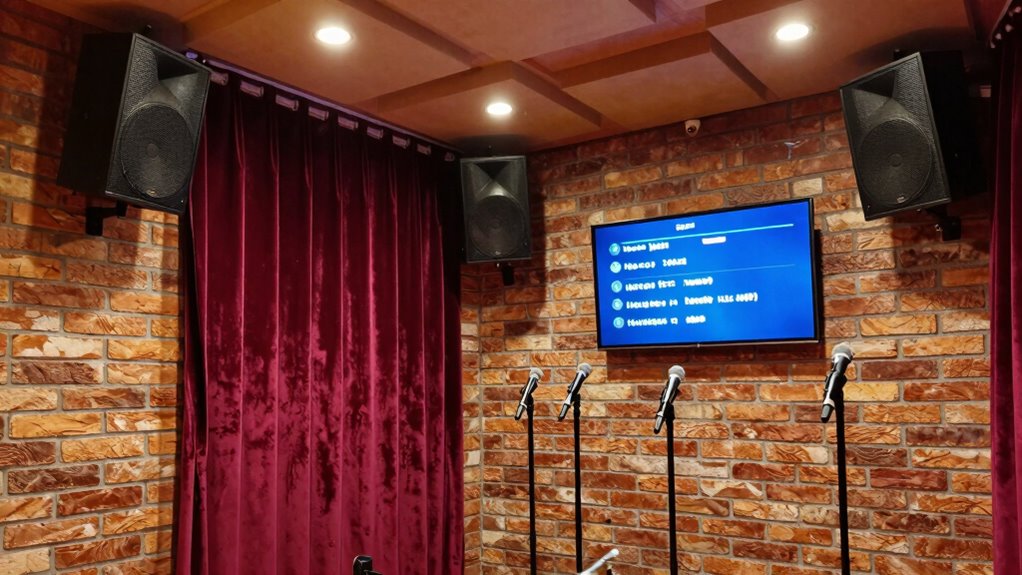
The way your room is arranged and its acoustic properties play a crucial role in preventing feedback during karaoke. Proper acoustic treatment reduces echo and minimizes sound waves bouncing around, helping to keep feedback at bay. Implementing soundproofing techniques like adding insulation or heavy curtains can also help limit sound leakage. Strategically position speakers and microphones to avoid direct sound paths that cause feedback loops. Consider the room’s shape—square or symmetrical spaces can amplify issues. Using room acoustics principles, you can optimize your setup for clearer sound and fewer feedback problems. Additionally, understanding the frequency response of your audio equipment can help you fine-tune your system for optimal performance. Employing sound absorption methods in specific areas can significantly diminish unwanted echoes. Use the table below to explore layout strategies and acoustic treatments:
| Strategy | Description |
|---|---|
| Acoustic Panel Placement | Install panels on reflective surfaces to absorb sound |
| Room Shape Optimization | Use irregular shapes to disperse sound waves |
| Soundproofing Measures | Seal gaps and add insulation to contain sound |
Troubleshooting Feedback: Quick Fixes and When to Seek Help
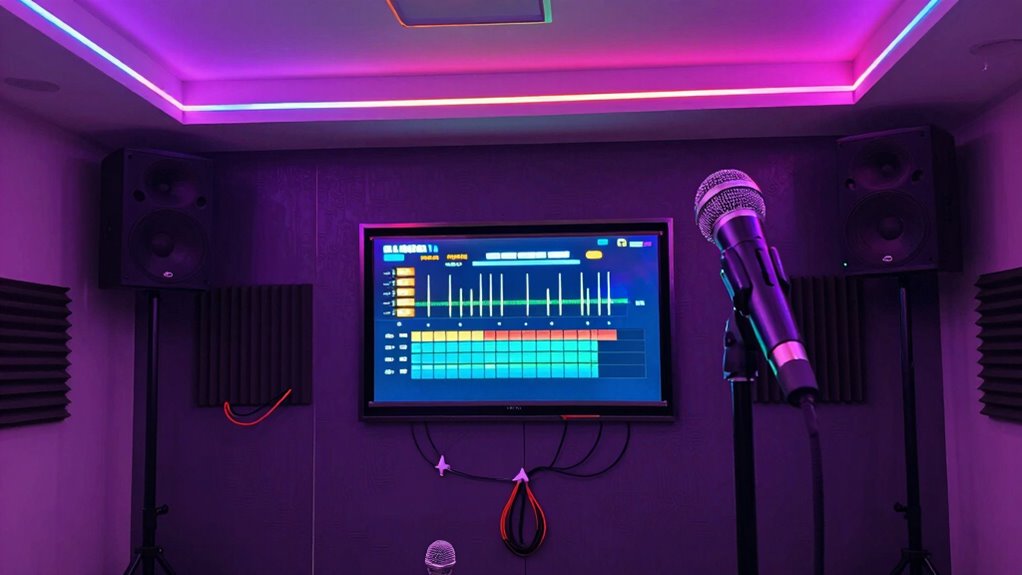
When feedback occurs during karaoke, quick fixes can often resolve the issue without much hassle. First, try reducing the microphone sensitivity; lowering it prevents your mic from picking up too much sound and creating feedback. Check the feedback frequency—if you notice a high-pitched squeal, adjusting the mic’s position away from speakers usually helps. Ensure your microphone isn’t too close to the speakers or other sound sources. If feedback persists, temporarily mute the microphone and slowly turn it back on, listening for feedback points. If these quick fixes don’t work or feedback keeps recurring, it’s time to seek help from a professional. They can diagnose more complex issues, such as faulty wiring or amplifier problems, ensuring your system stays feedback-free for the perfect karaoke night. Additionally, understanding the sound setup and how they interact with your sound system can help optimize your setup for specific environments. Proper sound system configuration and placement are crucial to prevent feedback issues in various spaces. Recognizing common feedback causes can also aid in proactive troubleshooting.
Frequently Asked Questions
What Are the Best Microphones to Avoid Feedback?
To avoid feedback, choose microphones with good rejection capabilities, like dynamic microphones, which handle proximity effect better. Proper microphone placement is vital; keep microphones away from speakers and avoid pointing them directly at monitors. Incorporate sound absorption materials, such as foam panels, to reduce echo. Regularly test and adjust your system to guarantee optimal sound quality, minimizing feedback risks during your karaoke night.
How Does Room Size Affect Feedback Risk?
Room size substantially impacts feedback risk because larger rooms often have more sound absorption, reducing echo and feedback, while smaller rooms can cause sound waves to bounce and amplify. You should consider room acoustics and add sound-absorbing materials like panels or curtains to control reflections. By optimizing sound absorption in your space, you minimize feedback, making your karaoke night smoother and more enjoyable for everyone.
Can Specific Music Genres Cause More Feedback Issues?
Yes, certain music genres can cause more feedback issues due to genre-specific feedback and music style challenges. For example, genres with high vocal intensity or frequent dynamic changes, like rock or electronic dance music, may trigger feedback more often. You should adjust your microphone levels and EQ settings accordingly. Using directional microphones and soundproofing can help mitigate genre-specific feedback, ensuring your karaoke night stays fun and free of technical interruptions.
What Are Affordable Tools for Feedback Suppression?
A stitch in time saves nine, so start with affordable tools like feedback filters and sound dampening foam to prevent issues. You can find budget-friendly feedback filters that clip onto microphones, reducing squeals. Additionally, using sound dampening panels around your room minimizes echoes and unwanted noise. These tools work together to create a smoother sound experience, keeping your karaoke night fun without annoying feedback interruptions.
How Often Should I Calibrate My Sound System?
You should calibrate your sound system at least once every few months, especially if you notice changes in sound quality or feedback issues. When calibrating, focus on ideal speaker placement to minimize feedback and enhance clarity. Use soundproofing techniques like acoustic panels to reduce echo and unwanted noise. Regular calibration ensures your system stays balanced, preventing feedback and maintaining the best karaoke experience for your audience.
Conclusion
By following these tips, you’ll keep your karaoke nights smooth and feedback-free. Pay close attention to microphone placement, sound settings, and room layout—small adjustments can make a big difference. If issues persist, don’t be afraid to seek expert help. Remember, it’s better to nip problems in the bud than let them grow into bigger headaches. With a little patience and care, you’ll be singing your heart out without a hitch.
Fall Picks
fall essentials
As an affiliate, we earn on qualifying purchases.