To improve your posture quickly, start by adjusting your chair height so your feet are flat on the floor and your knees are about 90°. Proper lumbar support should align with your lower back’s curve, and the seat depth should let you sit back comfortably without pressure on your legs. Position your monitor at eye level and keep your arms close to your sides. Spending five minutes on these tweaks can make a big difference; learn more to perfect your setup.

Get business pricing on monitors, keyboards and dev gear
- Business-only prices and quantity discounts
- Tax-exempt purchasing
- Multiple users, one account, clear invoices
Key Takeaways
- Adjust chair height to keep feet flat, hips level, and knees at a 90° angle for optimal support.
- Set monitor at eye level and arm’s length to minimize neck strain and eye fatigue.
- Ensure lumbar support aligns with the lower back’s natural curve, maintaining full back support.
- Position elbows close to your sides at 90°, with forearms parallel to the floor and wrists straight.
- Regularly review your setup, checking foot placement, back support, and monitor height to maintain ergonomic posture.
Why Proper Chair Setup Prevents Back Pain
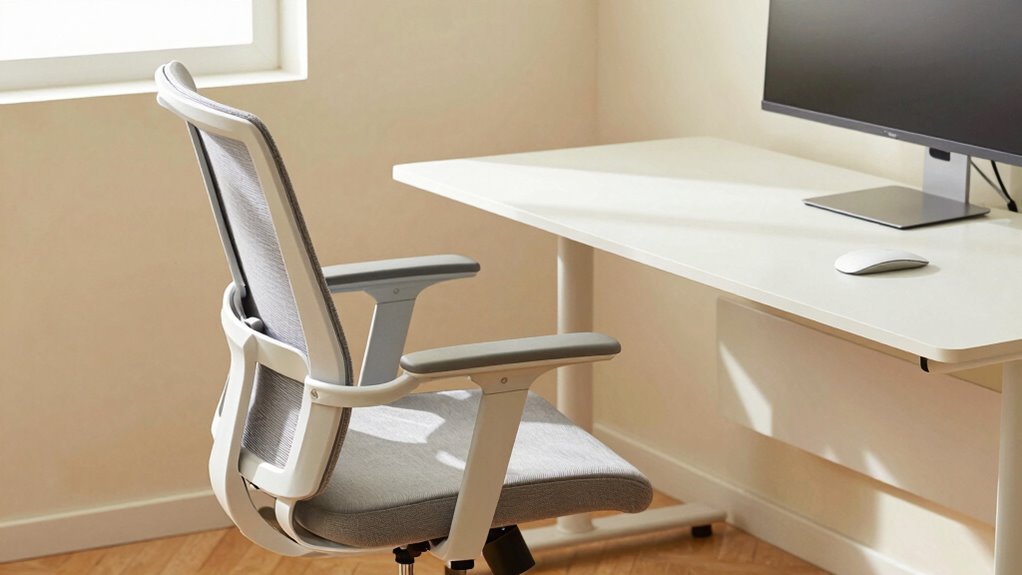
Proper chair setup is essential for preventing back pain, especially if you spend long hours sitting. When your chair is correctly adjusted, it supports your natural posture and reduces strain on your spine. Using ergonomic accessories, like lumbar cushions or adjustable armrests, can further enhance support. Choosing the right office chair brands known for durability and ergonomic design ensures lasting comfort and proper alignment. A well-set-up chair encourages you to sit with your feet flat on the ground, hips at a 90-degree angle, and your back fully supported. This setup minimizes unnecessary pressure on your lower back and neck, helping you avoid discomfort and long-term pain. Investing time in proper chair setup is a simple, effective step toward better posture and overall back health. Additionally, selecting appropriate styling tools like ergonomic chairs designed for comfort can make a significant difference in maintaining proper posture throughout the day. Being aware of natural spinal alignment techniques can further optimize your sitting position. Incorporating adjustable features into your chair can allow for quick modifications to suit your changing comfort needs. Paying attention to ergonomic principles can help you customize your workspace for optimal support and reduce fatigue. Furthermore, understanding proper ergonomic adjustments can help you make quick, effective changes to your chair setup for ongoing comfort.
Adjust Your Chair Height for Comfort and Support
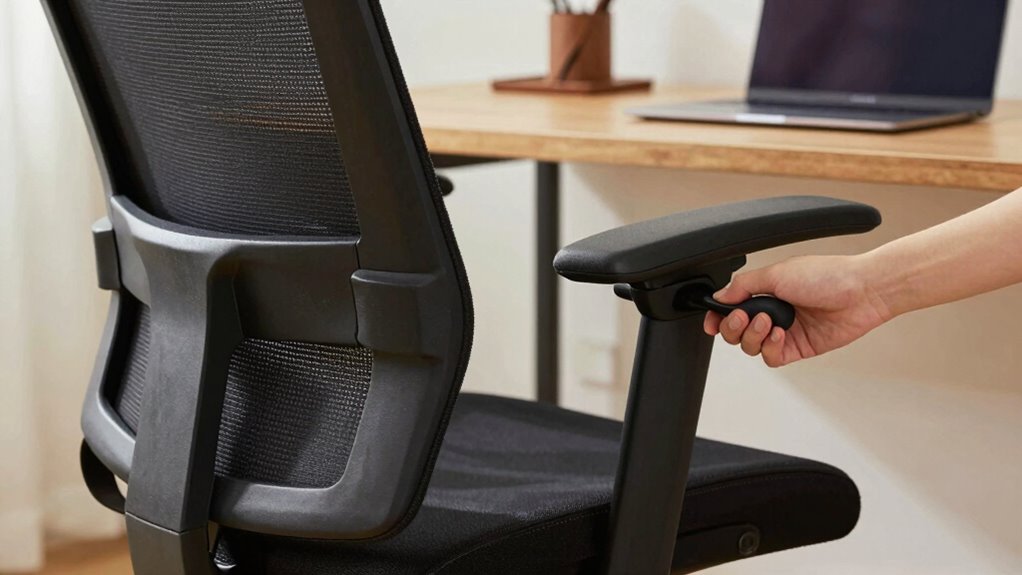
Adjusting your chair height properly guarantees your seat is aligned with your hips, providing better support. When your chair is at the right level, you won’t have to strain your neck to see your screen. This simple step can make a big difference in comfort and posture throughout the day. For added comfort, consider ergonomic accessories like water-cooled mattress pads to enhance your overall rest and relaxation. Ensuring your chair is set to an appropriate height also promotes postural alignment, reducing discomfort and fatigue during long periods of sitting. Properly configured office ergonomics can also help address common issues like leisure-related discomfort, improving overall home comfort and helping prevent musculoskeletal problems. Regularly adjusting your workspace to match ergonomic principles can further enhance workplace safety.
Proper Seat Height Alignment
Have you ever felt discomfort or strain after sitting for a while? Proper seat height alignment is key to avoiding that. Adjust your chair’s seat height so your feet rest flat on the floor, with your knees at a 90-degree angle. This promotes ergonomic alignment, reducing pressure on your lower back and legs. If your chair is too high, your hips might slide forward, causing strain. Too low, and you’ll compress your thighs, leading to circulation issues. Take a moment to sit upright and check your posture; your hips should be level or slightly higher than your knees. Making these small adjustments guarantees your chair supports proper ergonomic alignment, helping you stay comfortable and focused throughout your workday. A well-adjusted chair can also prevent common home office aches and pains. Ensuring your workspace includes ergonomic seating can further enhance comfort and support, especially when considering firearm payment processors that prioritize security and compliance in workplace setups. Proper workstation ergonomics can make a significant difference in maintaining long-term comfort and productivity.
Avoid Straining Neck
When your chair isn’t at the right height, it can lead to neck strain as you stretch or crane to see your screen comfortably. Adjusting your chair height guarantees your monitor is at eye level, providing cervical relief and preventing awkward neck positions. Your neck should stay in a neutral position, with your head aligned over your shoulders. If the chair is too low, you’ll tilt your head upward; too high, and you’ll strain downward. Take a moment to set the height so your eyes naturally gaze straight ahead without lifting or lowering your chin. Proper chair height is a quick fix that delivers significant comfort and reduces the risk of ongoing neck discomfort. Additionally, ensuring your electric dirt bike horsepower aligns with ergonomic needs can help prevent fatigue during long rides. Remember to periodically adjust your workspace to maintain ergonomic comfort and prevent strain over time. Incorporating regular breaks into your routine can further help reduce muscle tension and promote better posture throughout the day, especially when considering the importance of device limitations in creating an effective ergonomic setup.
Set the Lumbar Support to Protect Your Lower Back
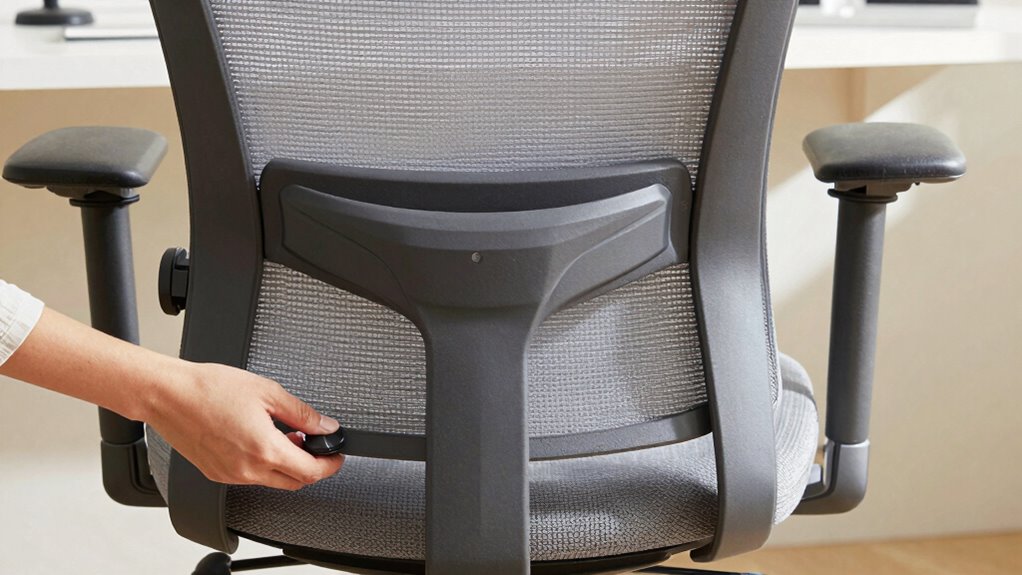
You should adjust the lumbar dial to fit the curve of your lower back, providing proper support. Make sure the lumbar support aligns with your spine to prevent strain. When set correctly, it helps maintain good posture and reduces discomfort throughout the day. Proper ergonomic support is essential for effective ergonomic support. Additionally, selecting eco-friendly materials for your chair padding can contribute to a more sustainable workspace. Incorporating mind-body healing practices like yoga can also improve posture awareness and overall comfort during long sitting periods. Ensuring the correct jewelry fit can prevent unnecessary discomfort and promote better posture awareness during extended sitting.
Adjust the Lumbar Dial
To guarantee your lower back is well-supported, start by adjusting the lumbar dial on your chair. Turn the lumbar dial clockwise to increase the lower back support, filling the curve of your spine. Turn it counterclockwise to loosen, reducing pressure. Proper adjustment ensures your lumbar support aligns with your lower back’s natural curve.
Consider these points:
- Increase support if you feel pressure on your lower back.
- Loosen support if you experience discomfort or pinching.
- Test support by sitting upright and feeling the fit.
- Fine-tune until your lower back feels comfortably supported without strain.
Using the lumbar dial correctly guarantees your lower back support is personalized, helping prevent pain and promoting better posture throughout the day.
Maintain Proper Alignment
Setting the lumbar support correctly guarantees your lower back stays properly aligned as you sit. Adjust your ergonomic accessories so the lumbar curve fits your natural spine shape, promoting better posture awareness. When the support is in the right position, it prevents slouching and reduces strain on your lower back. Keep checking and fine-tuning the lumbar dial or height to make certain consistent comfort. Maintaining proper alignment isn’t a one-time task; it requires regular attention to stay effective. This simple step helps you avoid discomfort and long-term issues. Remember, ergonomic accessories like lumbar supports are designed to enhance your posture, so use them actively. Staying mindful of your alignment throughout the day ensures your sitting habits support your overall well-being.
Adjust Seat Depth and Distance for Ideal Fit
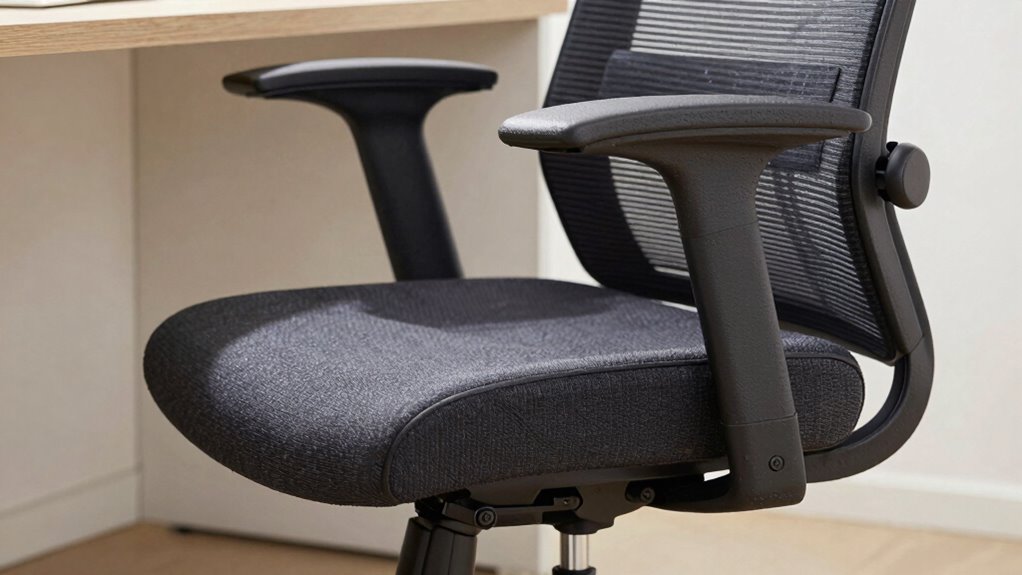
Have you ever noticed discomfort after sitting for a while? Adjusting your seat depth and distance is key to comfort. Proper seat depth ensures your thighs aren’t pressed against the edge of the chair, which can cause numbness. Use the following to optimize your fit:
- Slide the seat forward or back so you can sit with your back against the lumbar support.
- Leave about two to four inches between the seat edge and the back of your knees.
- Adjust the distance so your feet rest flat on the floor, with your hips slightly higher than your knees.
- Ensure your seat depth supports your lower back without forcing you forward or backward.
These seat depth and distance adjustments promote better posture and reduce strain during long sitting periods.
Align Your Monitor and Keyboard for Ergonomic Comfort
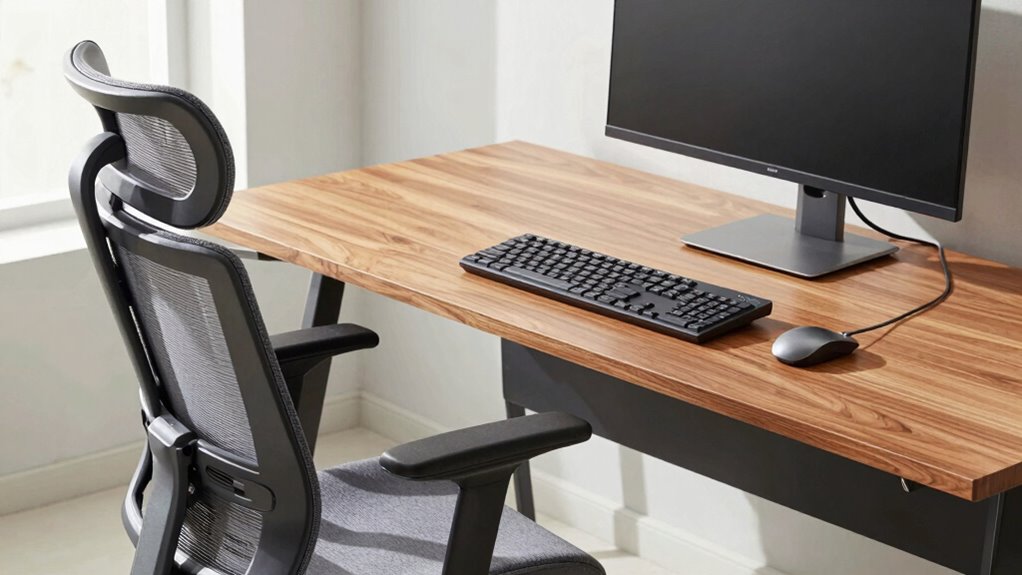
To reduce strain, you should keep your monitor at eye level so you don’t tilt your head up or down. Position your keyboard so your elbows stay close to your sides and your wrists stay straight. Proper alignment of your monitor and keyboard helps prevent discomfort and improves your overall posture.
Monitor Height Alignment
Are you making certain your monitor is at the right height? Proper monitor height keeps your eye level aligned, reducing neck strain and promoting better posture. To achieve this, focus on these key points:
- Position the top of your monitor roughly at eye level, so you look slightly downward without tilting your head.
- Keep the monitor about an arm’s length away to prevent eye strain.
- Adjust the monitor tilt to minimize glare and maintain clear visibility.
- Make sure your monitor height complements your keyboard placement, avoiding the need to crane your neck or hunch your shoulders.
Keyboard Positioning Tips
Proper keyboard positioning complements your monitor setup, ensuring your arms and wrists stay comfortable during work. Keep your keyboard flat or slightly tilted to promote proper wrist positioning, preventing strain. Your elbows should be close to your sides, forming about a 90-degree angle, which supports good typing posture. Avoid reaching forward or hunching over; instead, keep the keyboard directly in front of you. Your wrists should remain straight, not bent up or down, to reduce fatigue and discomfort. Use a wrist rest if needed, but don’t rely on it to support weight. Regularly check your typing posture, and make small adjustments to maintain ergonomic alignment. Proper positioning minimizes the risk of repetitive strain injuries and helps sustain comfort throughout your workday.
Fine-Tune Your Armrests for Better Posture
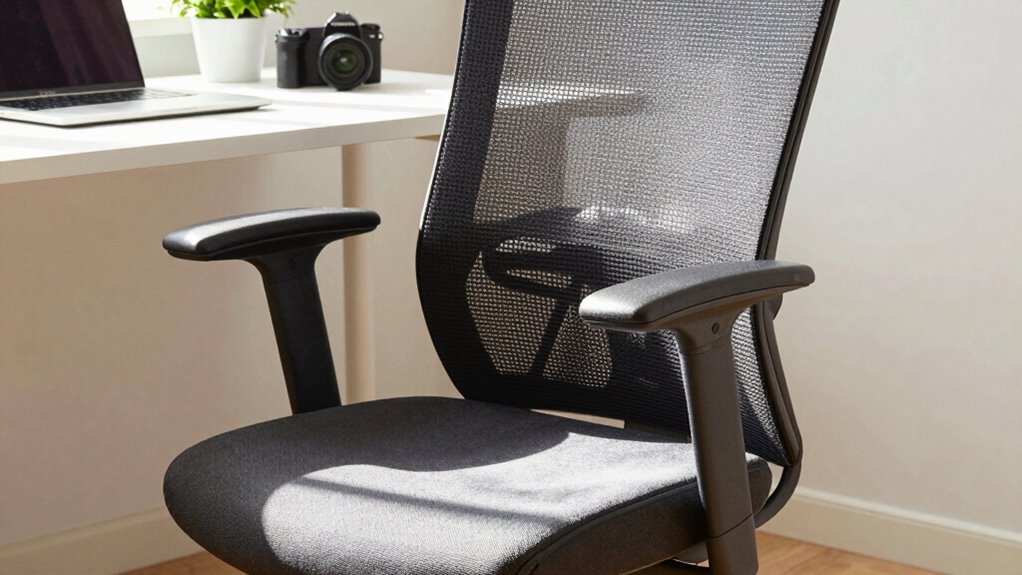
Adjusting your armrests properly can considerably improve your posture and reduce strain during long hours at your desk. Start by performing an armrest adjustment so your arms rest comfortably without hunching your shoulders. Focus on correct arm positioning: your elbows should be close to your body and bent at about 90 degrees. Make sure the armrests are set at a height where your forearms are parallel to the floor.
Here are four key tips:
- Set armrests so your shoulders stay relaxed.
- Keep your elbows close to your sides.
- Avoid armrest height that causes your wrists to bend.
- Adjust width to prevent shoulder tension.
Optimizing armrest height and arm positioning supports better posture and reduces fatigue.
Keep Your Feet Flat and Supported on the Floor
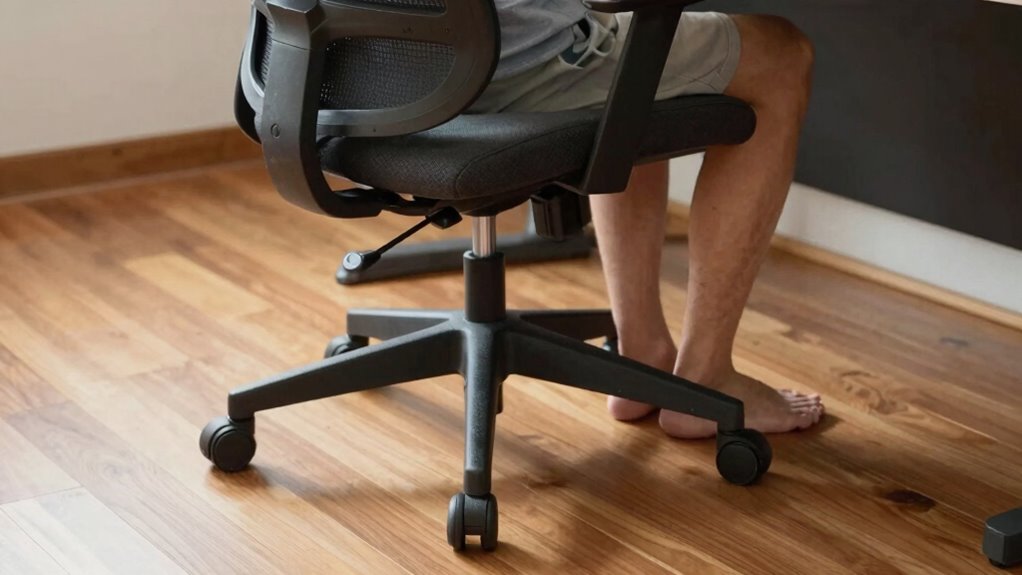
Keeping your feet flat and supported on the floor is essential for maintaining good posture and reducing lower back strain. Proper foot placement guarantees your weight is evenly distributed, preventing unnecessary pressure on your spine. Make sure your chair height allows your feet to rest comfortably on the ground, with your knees at a 90-degree angle. If your feet don’t reach, use a footrest to provide adequate foot support. This alignment helps stabilize your pelvis and improves overall posture. Avoid crossing your legs or letting your feet dangle, as these habits can cause imbalance and discomfort. Prioritizing proper foot placement and foot support is a simple yet effective way to set up your workspace for comfort and better ergonomics.
Check Your Posture in 5 Minutes to Ensure Proper Setup
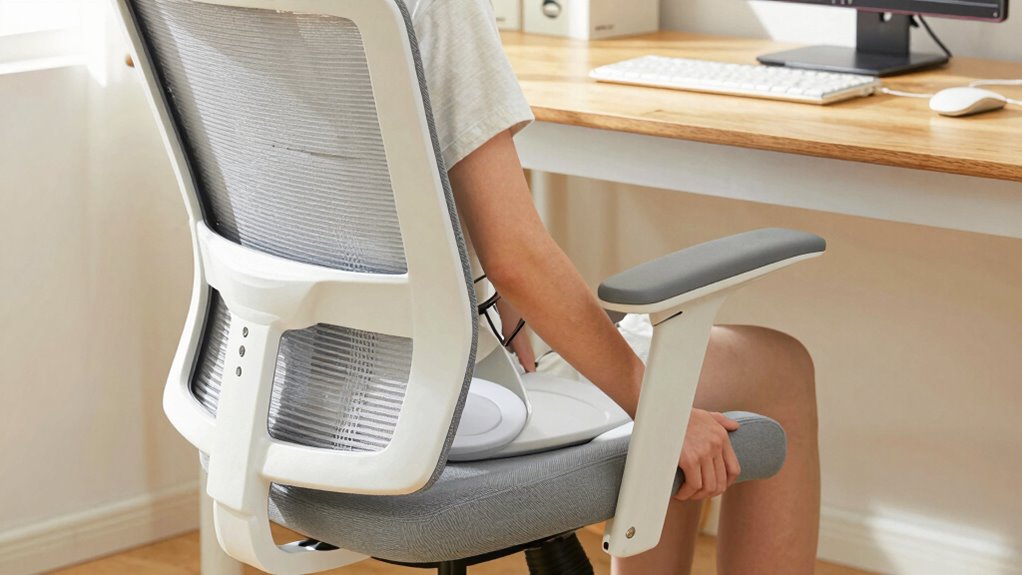
Taking a few minutes to check your posture regularly can prevent discomfort and long-term strain. Use this quick 5-minute assessment to guarantee your office space and ergonomic accessories support proper alignment.
Here’s what to do:
- Sit with your back fully supported, ensuring your chair’s lumbar support aligns with your lower back.
- Adjust your monitor height so your eyes look straight ahead, avoiding neck strain.
- Keep your elbows close to your body at a 90-degree angle, supported by armrests.
- Check that your feet are flat on the floor or on a footrest, maintaining proper hip posture.
Regularly reviewing these points helps maintain an ergonomic setup, preventing issues before they develop. Simple, quick checks make a significant difference.
Common Mistakes to Avoid When Adjusting Your Chair
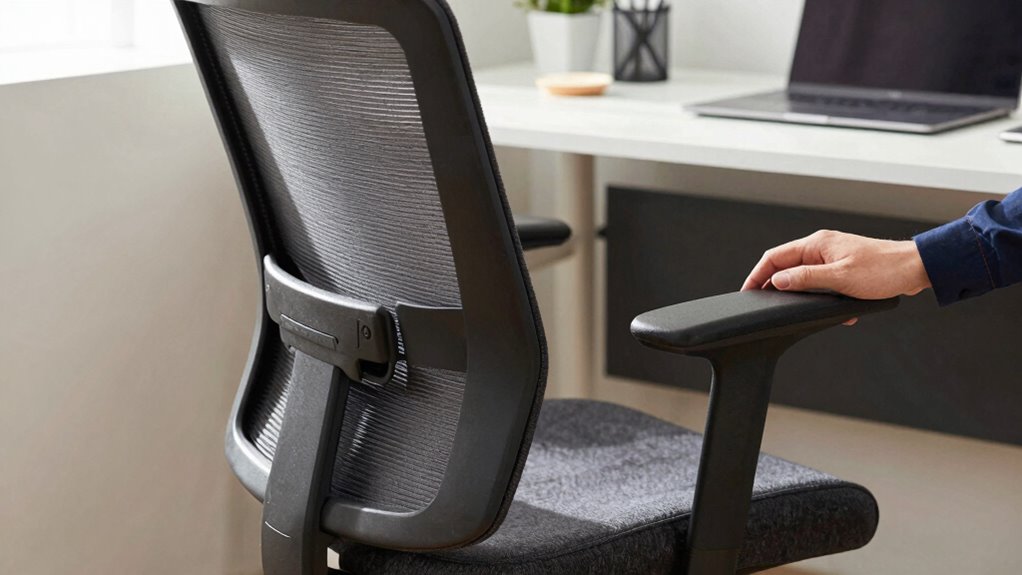
Many people overlook common mistakes when modifying their chair, which can undermine their ergonomic setup and lead to discomfort. These adjustment pitfalls often include setting the chair too high or low, neglecting lumbar support, or misaligning armrests. Such ergonomic oversights strain your neck, back, and shoulders over time. To avoid this, guarantee your feet are flat on the ground, your knees are at a 90-degree angle, and your lower back is supported. Use the table below to understand the impact of common mistakes:
| Mistake | Consequence |
|---|---|
| Incorrect seat height | Strains legs or hips |
| No lumbar support | Causes lower back pain |
| Armrests too high/low | Shoulder tension |
| Ignoring posture cues | Leads to long-term discomfort |
Maintain Your Ergonomic Setup Throughout the Day

Once you’ve adjusted your chair correctly, maintaining that ergonomic setup throughout the day is key to preventing discomfort. To do this, stay mindful of your posture and incorporate small habits. Use ergonomic accessories like footrests or lumbar supports to support your alignment. Take short breaks to perform postural exercises that counteract stiffness and promote circulation. Remember these tips:
- Regularly check your sitting position and re-adjust if needed.
- Incorporate brief stretching or postural exercises every hour.
- Use ergonomic accessories to support your natural posture.
- Stay hydrated to keep muscles flexible and reduce fatigue.
Consistently applying these practices helps you sustain comfort and good posture, reducing strain and boosting productivity. Small adjustments throughout the day make a significant difference in maintaining your ergonomic setup.
Frequently Asked Questions
How Often Should I Recheck My Ergonomic Chair Adjustments?
You should recheck your ergonomic chair adjustments at least once a month to guarantee proper chair maintenance. Regular adjustment checks help you maintain ideal comfort and posture, preventing strain or injury. If you notice discomfort or changes in your workspace, it’s a good idea to reassess your chair’s settings sooner. Staying proactive with your adjustment frequency keeps your workspace ergonomically sound and supports your overall well-being.
What Signs Indicate My Chair Setup Is Causing Discomfort?
If your posture cues feel off or you experience discomfort symptoms like aching neck, back pain, or numbness, your chair setup might be causing issues. Pay attention to signs like slouching, uneven weight distribution, or pressure points. These indicators suggest you need to adjust your chair for better support. Regularly check your setup to make sure it promotes good posture and minimizes discomfort during your workday.
Can Ergonomic Chairs Help Prevent Long-Term Musculoskeletal Issues?
Yes, ergonomic chairs can help prevent long-term musculoskeletal issues by promoting proper posture correction. When you use an ergonomic chair designed for support, you reduce strain on your neck, back, and shoulders. This improved posture helps maintain musculoskeletal health over time, decreasing the risk of chronic pain and injuries. Investing in a well-designed ergonomic chair guarantees you stay comfortable and aligned during long hours at your desk.
Are There Specific Chair Features That Enhance Ergonomic Benefits?
Yes, specific chair features can boost ergonomic benefits. Look for lumbar support to maintain proper lower back alignment and reduce strain. Adjustable armrests help you find a comfortable position, preventing shoulder and neck tension. By customizing these features, you can promote better posture and reduce fatigue during long hours at your desk. Investing in a chair with these options makes it easier to stay comfortable and healthy throughout your workday.
How Do I Personalize My Chair Setup for Different Tasks or Activities?
They say, “One size doesn’t fit all,” so you should personalize your chair setup for each task. Use personalized adjustments like lumbar support, armrest height, and seat depth to create activity-specific setups. For focused work, lean back slightly and adjust the backrest. For tasks requiring precision, sit upright and fine-tune your seat height. This way, your chair adapts to your needs, promoting comfort and better posture during every activity.
Conclusion
Think of your chair as the foundation of your well-being—steady and supportive. When you take just five minutes to fine-tune your setup, you’re building a strong base that prevents pain and boosts comfort. Like planting seeds for health, this simple adjustment nurtures your posture daily. Keep your chair aligned and your habits mindful, and you’ll create a workspace that supports you—standing tall and resilient, no matter how long your day lasts.
Halloween Picks
halloween
As an affiliate, we earn on qualifying purchases.